Security & Privacy
How Corinthian scopes access, protects credentials, and supports privacy-sensitive billing operations.
Corinthian handles financial data, customer records, invoices, and billing communication. This page describes the controls that are visible in the current product and API surface.
Access Controls
Authentication
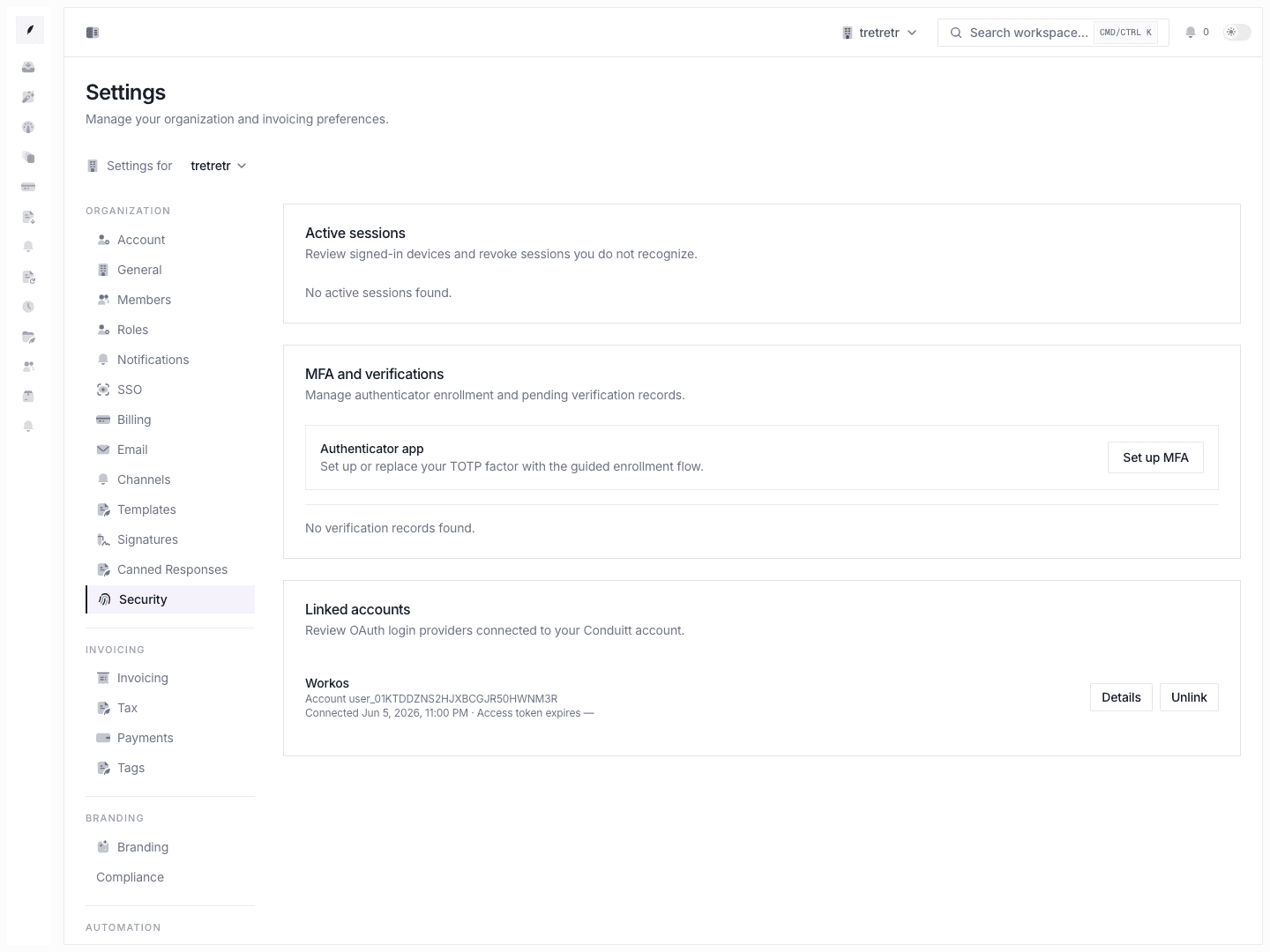
Corinthian uses authenticated web sessions for the dashboard and scoped bearer credentials for public API access. Session cookies are protected by the application runtime, and public API requests must include a bearer credential.
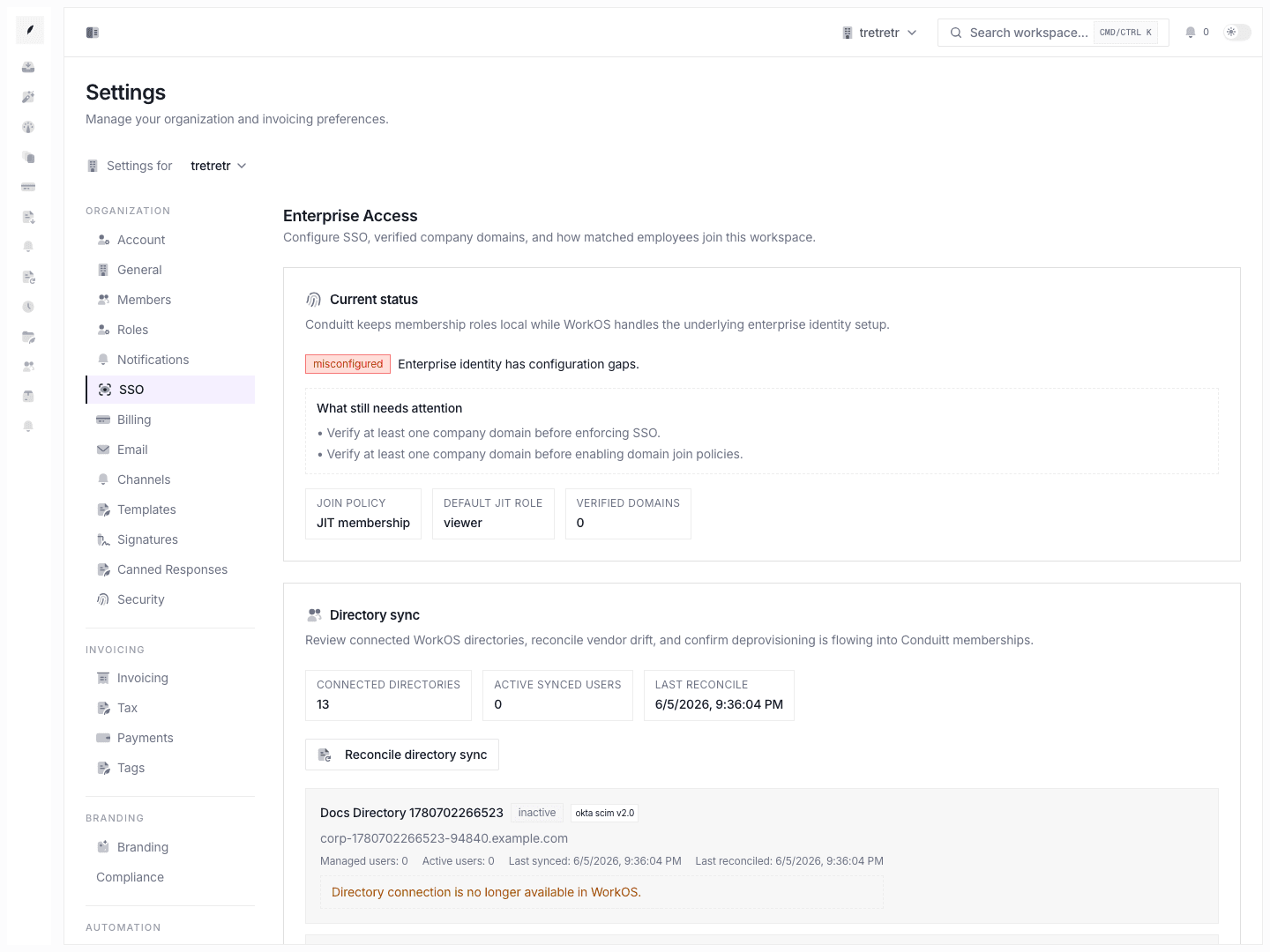
For enterprise workspaces, SSO settings support SAML/OIDC configuration through WorkOS, verified domains, SSO enforcement, domain join policy, JIT role assignment, and directory sync status. See Settings SSO.
Role-Based Access
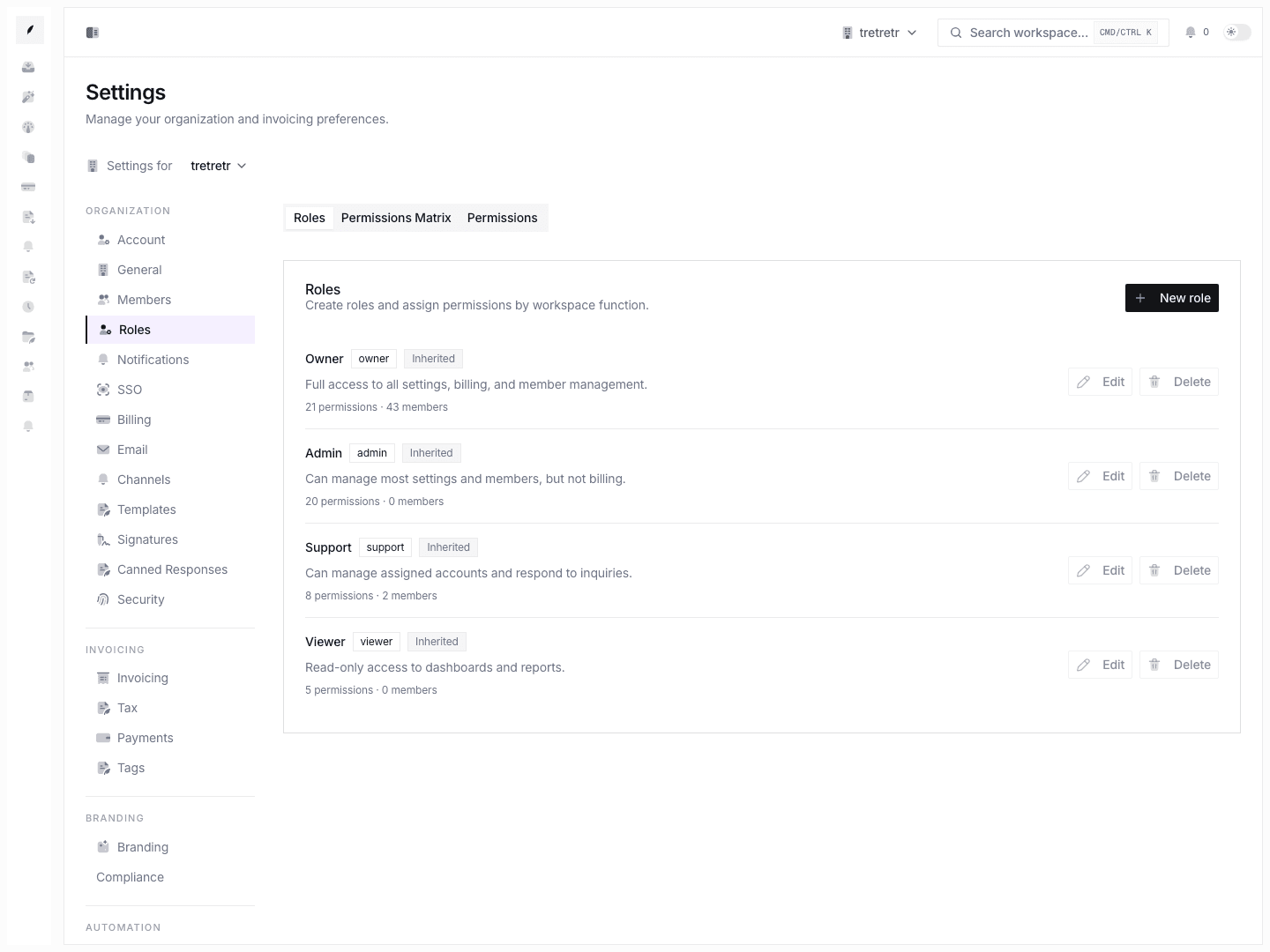
Workspace members have roles that determine what they can see and do. Built-in roles cover common access patterns, and eligible workspaces can define custom roles with granular permissions. See Settings Roles.
Workspace Scoping
Corinthian scopes application queries and mutations to the active workspace. Treat this as application-enforced workspace isolation. The current docs do not claim database row-level security policies as a customer-facing guarantee.
API Key Scoping
API keys are scoped to a single workspace and store only a hashed secret after creation. API keys support read, write, and resource-specific scopes. The full key is shown only when it is created, so store it securely before leaving the page. See API Authentication.
Audit Logging
Corinthian stores audit-log records for security-relevant application activity, including actor identity, source, organization/workspace scope, action, resource details, request metadata, and timestamps.
Audit logs are used by the application and operations workflows. A dedicated customer-facing audit-log settings page is not currently documented as available in the dashboard.
Credential Handling
API keys are validated by hashing the presented key and comparing it with the stored hash. Public API requests can send the key through Authorization: Bearer ... or X-API-Key.
OAuth access tokens issued by Corinthian are also checked against the scopes selected during authorization.
Data Export and Deletion
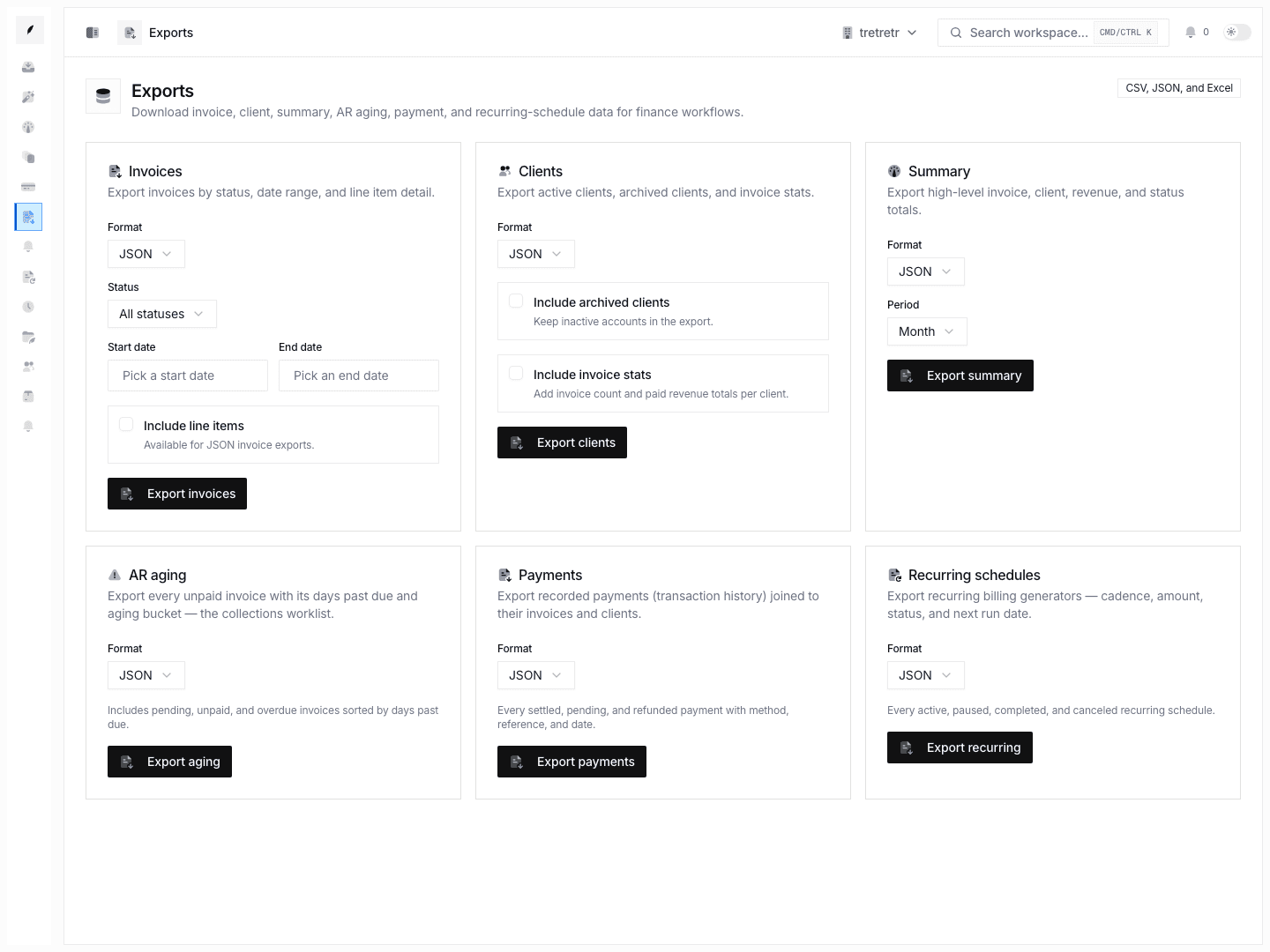
Use the export workflows available in Corinthian for invoices, clients, summaries, and other supported resources. Do not treat the current product docs as promising a full workspace ZIP export from Settings → General.
Workspace deletion is handled from the organization danger-zone controls in settings. Deletion and retention policy should be confirmed with your account or legal contact before relying on a fixed retention window.
Privacy and Consent Controls
Corinthian supports privacy-sensitive communication controls:
- unsubscribe landing pages for recipient opt-out
- suppression lists for addresses that should not receive future communication
- opt-out records tied to communication preferences
- compliance settings for mailing address, quiet hours, rate limits, and legal identifiers
See Settings Compliance and Compliance.
What Requires Separate Confirmation
The current product code does not provide enough evidence in the docs repository to publish detailed claims about:
- SOC 2 report availability or bridge letters
- cloud-provider KMS rotation policy
- backup retention and point-in-time recovery windows
- multi-region hosting
- third-party penetration-test cadence
- legal DPA availability
- vulnerability response SLAs
Confirm those items through official security, legal, or infrastructure material before including them in customer-facing documents.
Vulnerability Reporting
If you discover a security issue, contact your Corinthian account team or the security contact provided in your agreement. Include the affected workspace, reproduction steps, and whether customer data could be exposed.
Related Pages
Accept Payments
Align Stripe connection, invoice payment instructions, and payment recording with the payment setup documented for Corinthian.
Start and Work Invoice Threads
Learn how invoice threads begin in Corinthian, how inbound email joins them, and how to reply, note, and resolve work from the thread view.