Importing Work Entries
Import work entries from CSV files under Work → Import.
Use Work → Import to bring work entries into Corinthian from CSV exports produced by time-tracking tools.
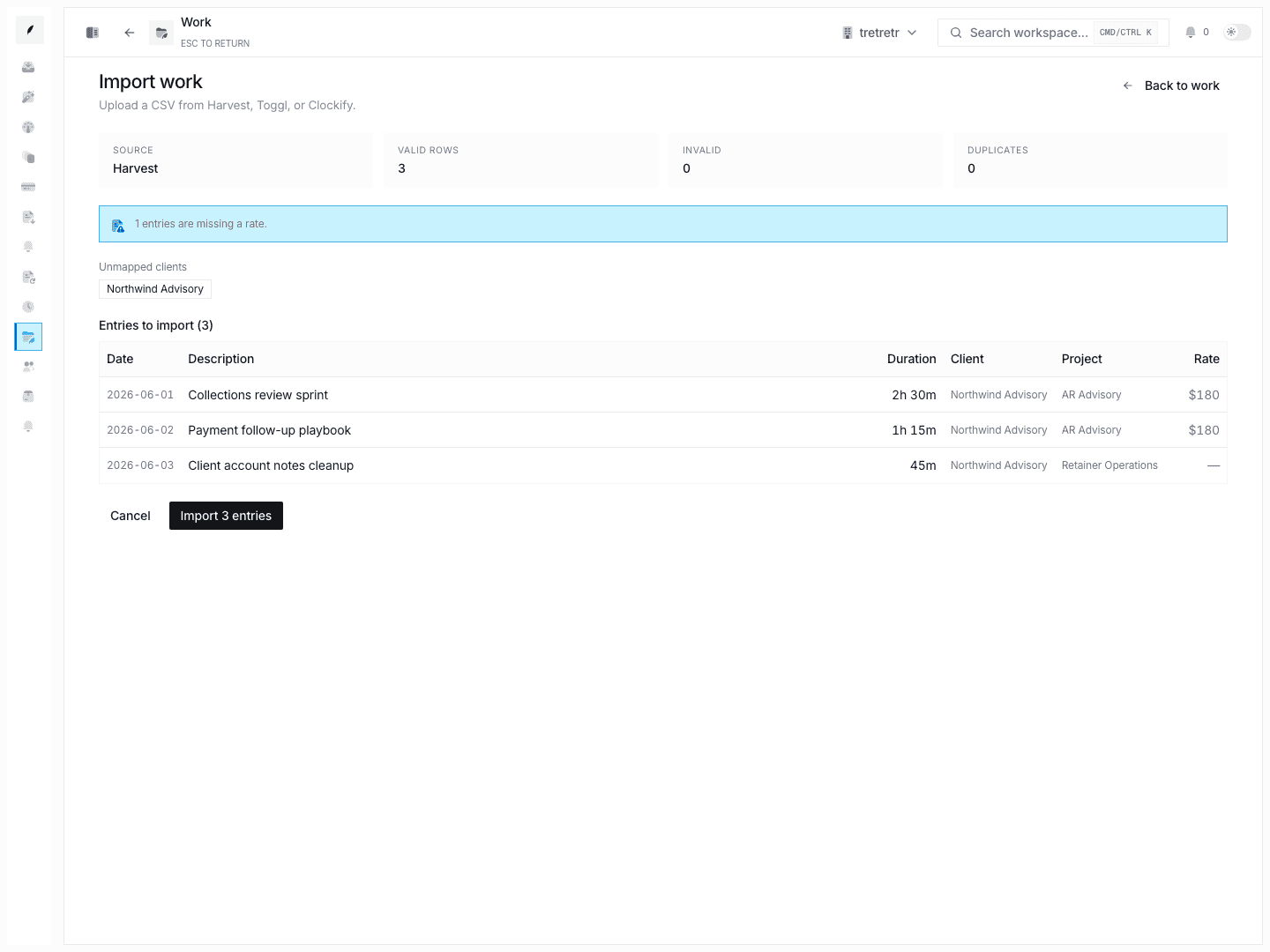
Supported Import Shape
You can import work-entry exports from tools such as:
- Harvest
- Toggl
- Clockify
Typical Workflow
- Open Work → Import.
- Upload the CSV export from your source system.
- Review the parser results, including:
- valid rows
- invalid rows
- duplicates
- unmapped clients or projects
- rows missing rates
- Fix the file or mapping issues as needed.
- Complete the import.