Communication Channels
Monitor email, portal, and push channel health and configure the controls available for each delivery channel.
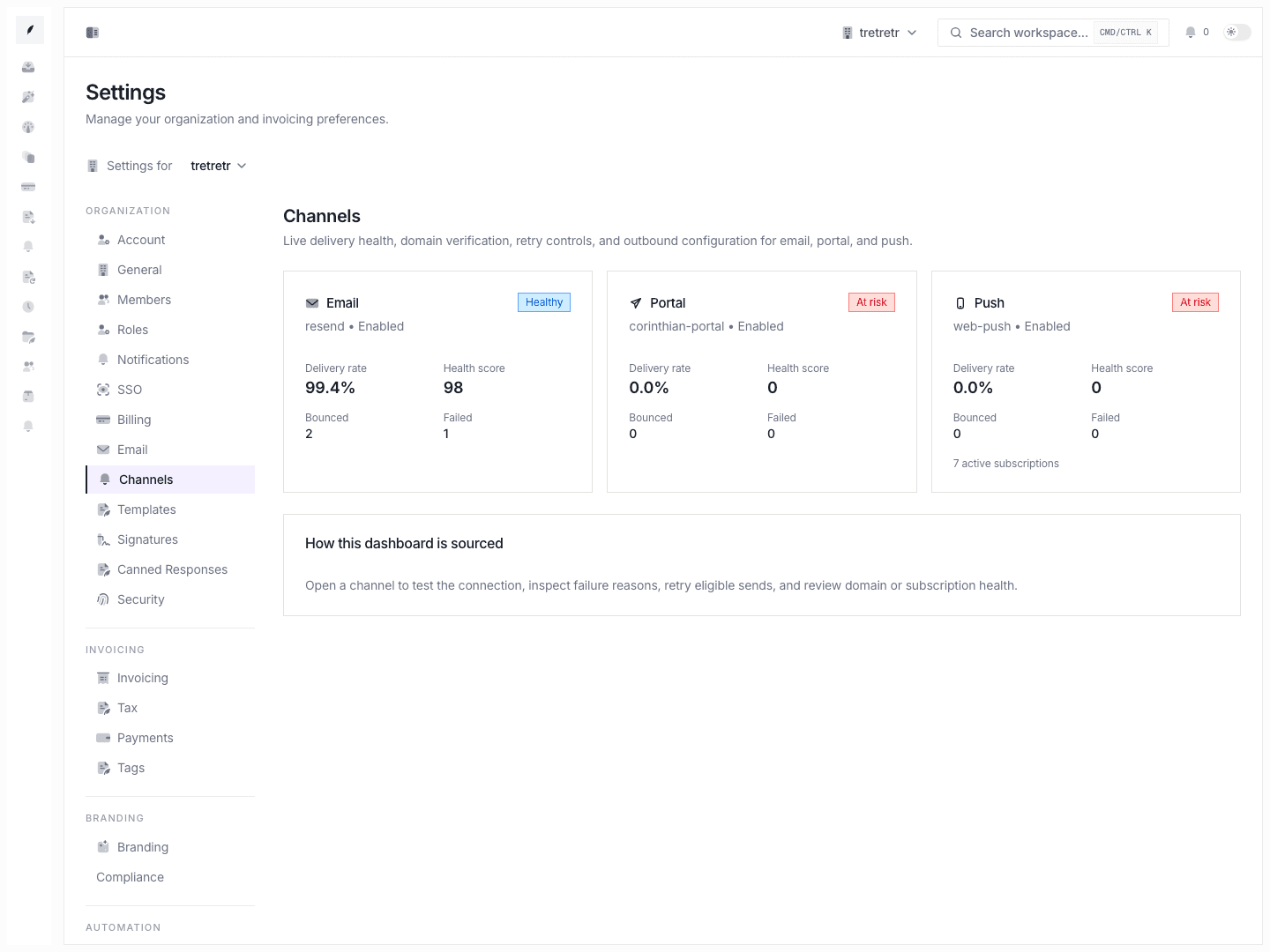
Settings → Channels is the channel health dashboard for the workspace. It shows how Corinthian’s delivery channels are performing and lets you drill into the email, portal, and push detail pages where channel-specific controls live.
Channel Types
| Channel | What it covers | Detail page |
|---|---|---|
email | outbound email delivery, sender health, and domain verification work | email detail page |
portal | invoice-portal message delivery and native portal behavior | portal detail page |
push | internal push subscription and test notification behavior | push detail page |
What You See on the Dashboard
- per-channel health cards
- delivery, bounce, complaint, or reliability summaries
- charts for recent volume or delivery behavior
- links into the channel detail pages
Email Detail Page
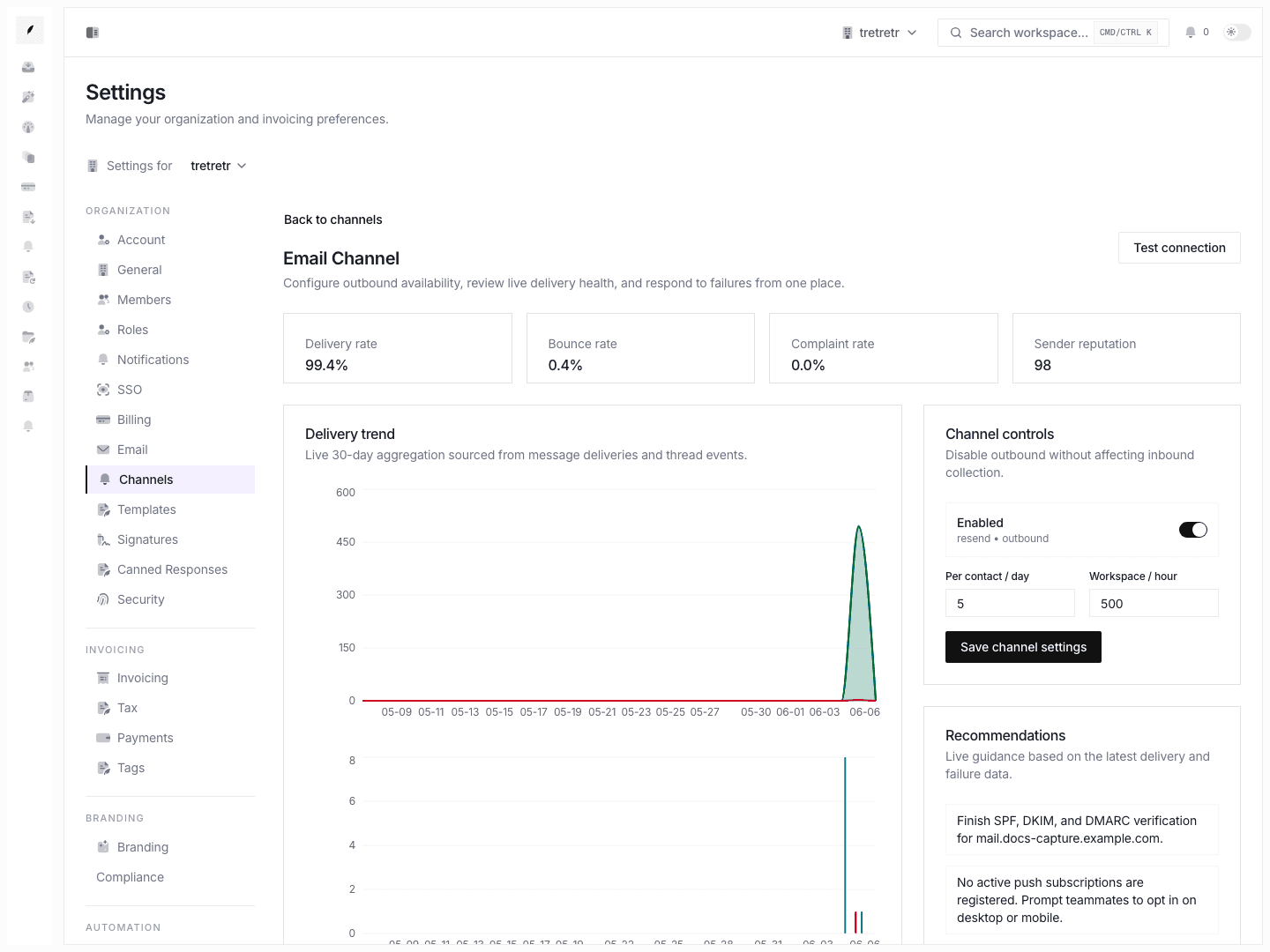
The email channel detail page is the most detailed view. It includes:
- delivery health cards
- recent failures and retry actions
- failure reason clustering
- outbound enable or disable controls
- rate-limit style controls such as per-contact and per-workspace send caps
- test connection actions
- domain verification and sender configuration work
Use this page when deliverability needs active maintenance.
Portal Detail Page
The portal channel documents native delivery inside the invoice portal. It is not a separate email provider configuration screen. Use it to understand portal delivery behavior and any portal-specific settings exposed by the workspace.
Push Detail Page
The push channel is for internal workspace notifications. The detail page supports test sends and subscription-state management instead of client-facing delivery setup.
How Teams Use Channels
- Open Settings → Channels when delivery performance looks off.
- Check the health card for the affected channel.
- Open the detail page for that channel.
- Run the available test action or retry flow.
- Confirm the related template, sender, or domain settings in the appropriate settings page.
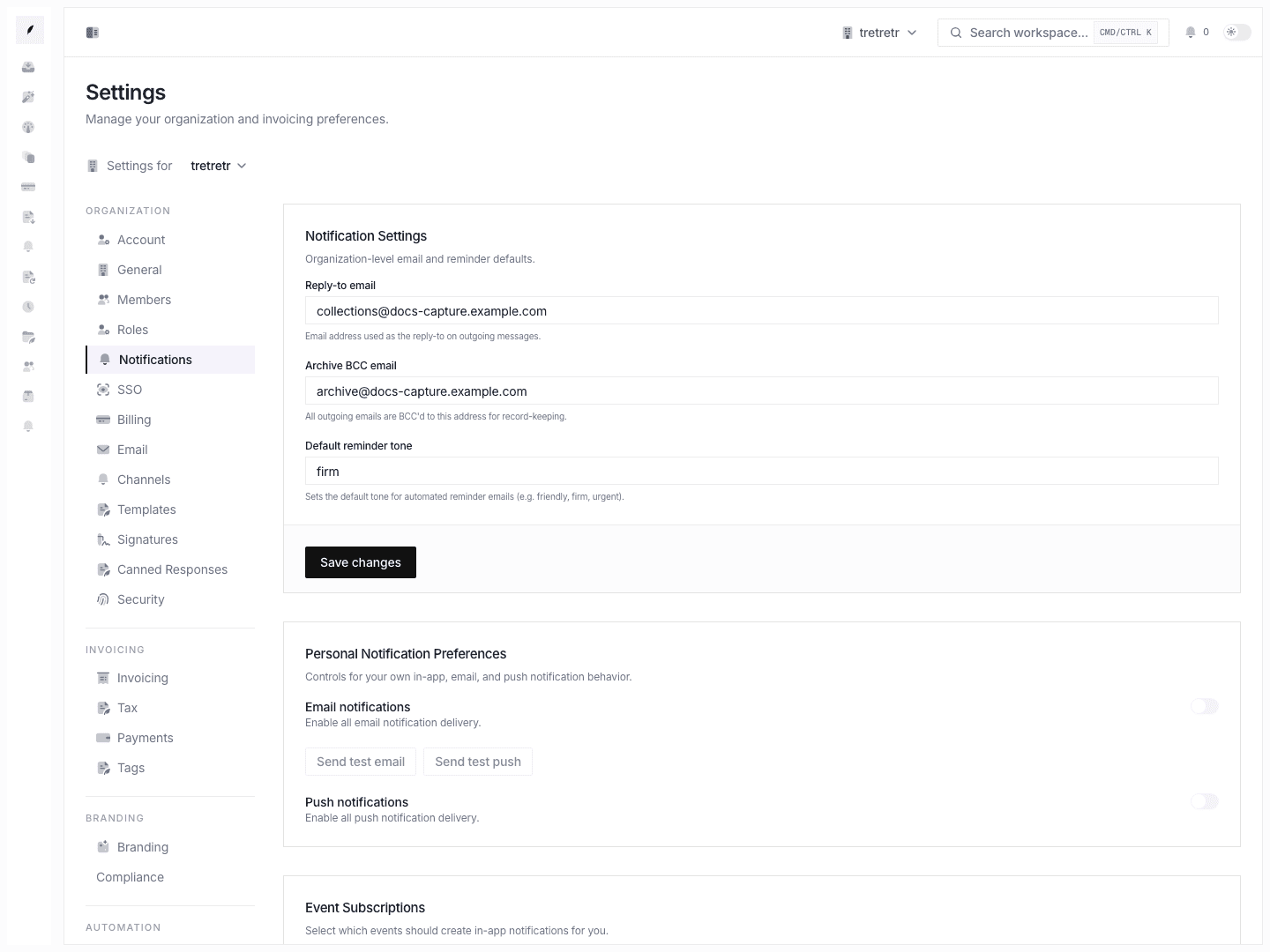
Email provider and domain work overlap with Settings Email. Push notifications are for workspace users, and portal delivery follows Corinthian’s native portal behavior.