Inbox Tasks
Track explicit internal work items tied back to inbox threads.
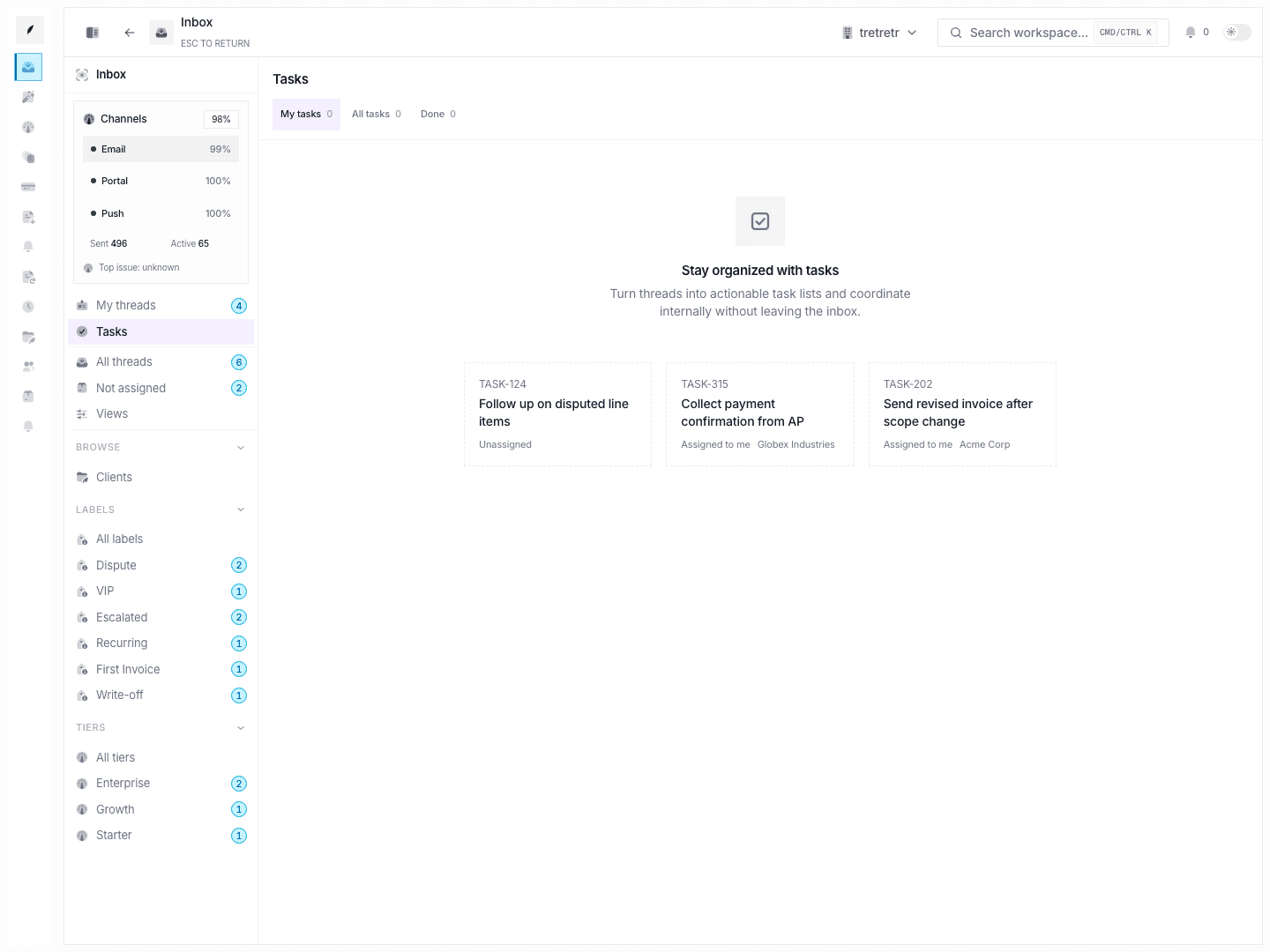
Use Inbox → Tasks when work should be tracked as a discrete task instead of only living in a thread note or reply.
Typical Workflow
- Open Inbox → Tasks.
- Switch between
My tasks,All tasks, andDone. - Open the task item that needs action.
- Complete the work and confirm the task state reflects the result.
This board makes internal follow-through visible and auditable separately from message traffic.
What This Board Is For
- explicit internal action tracking
- separating open work from completed work
- reviewing task ownership without scanning every thread
State and permission behavior
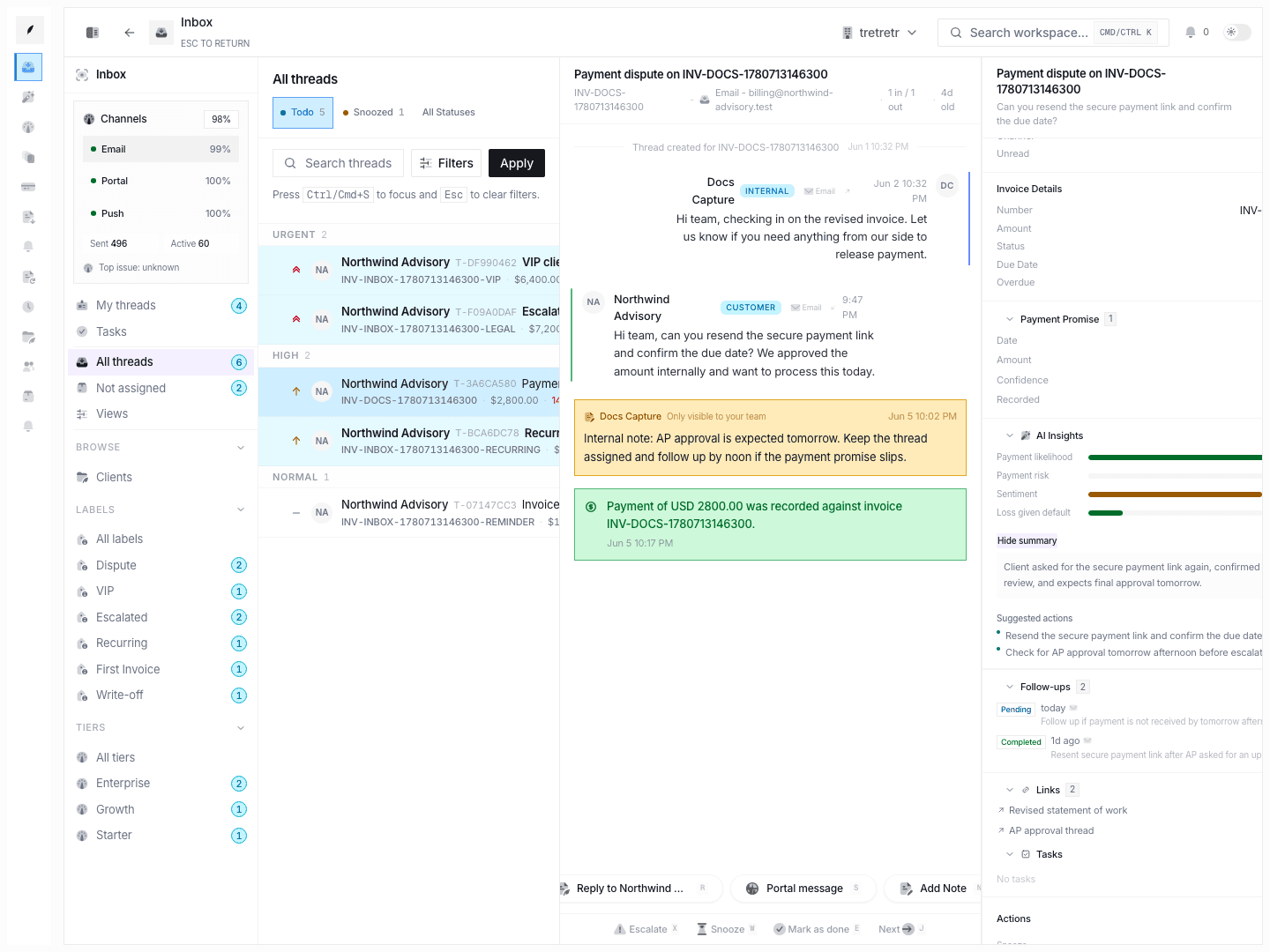
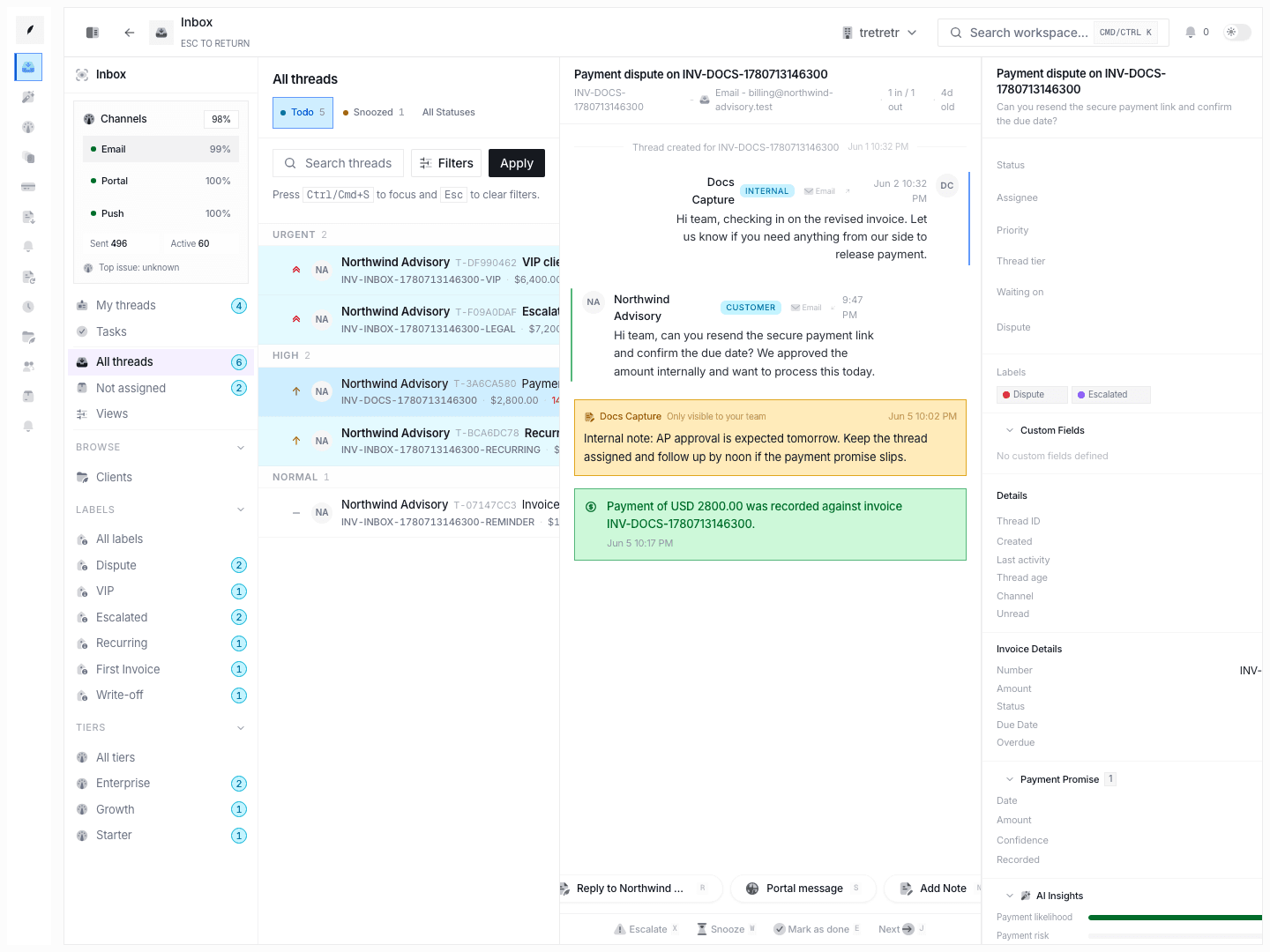
- tasks remain tied to inbox context even though they are viewed on their own board
Doneis a separate view inside the task board, not just a hidden filter
Troubleshooting
I added a note, but it did not appear as a task
Notes and tasks are different records. A note preserves context, while a task creates explicit work state.
I can see the task, but not the surrounding billing context
Open the linked thread when the task alone is not enough to make the decision.