Analytics & Reporting
Use invoice, client, and inbox reporting views to review aging, balances, risk, and workload.
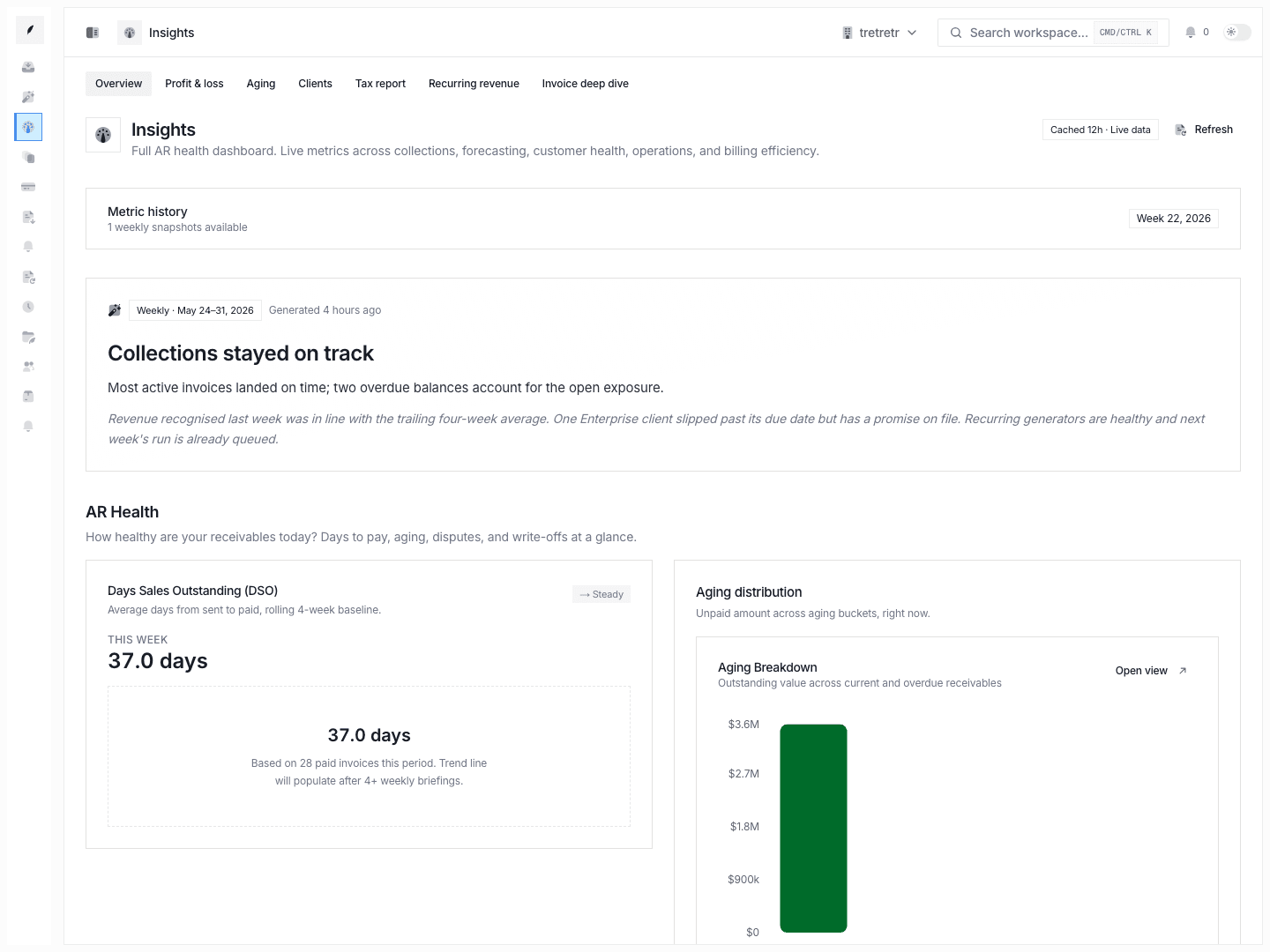
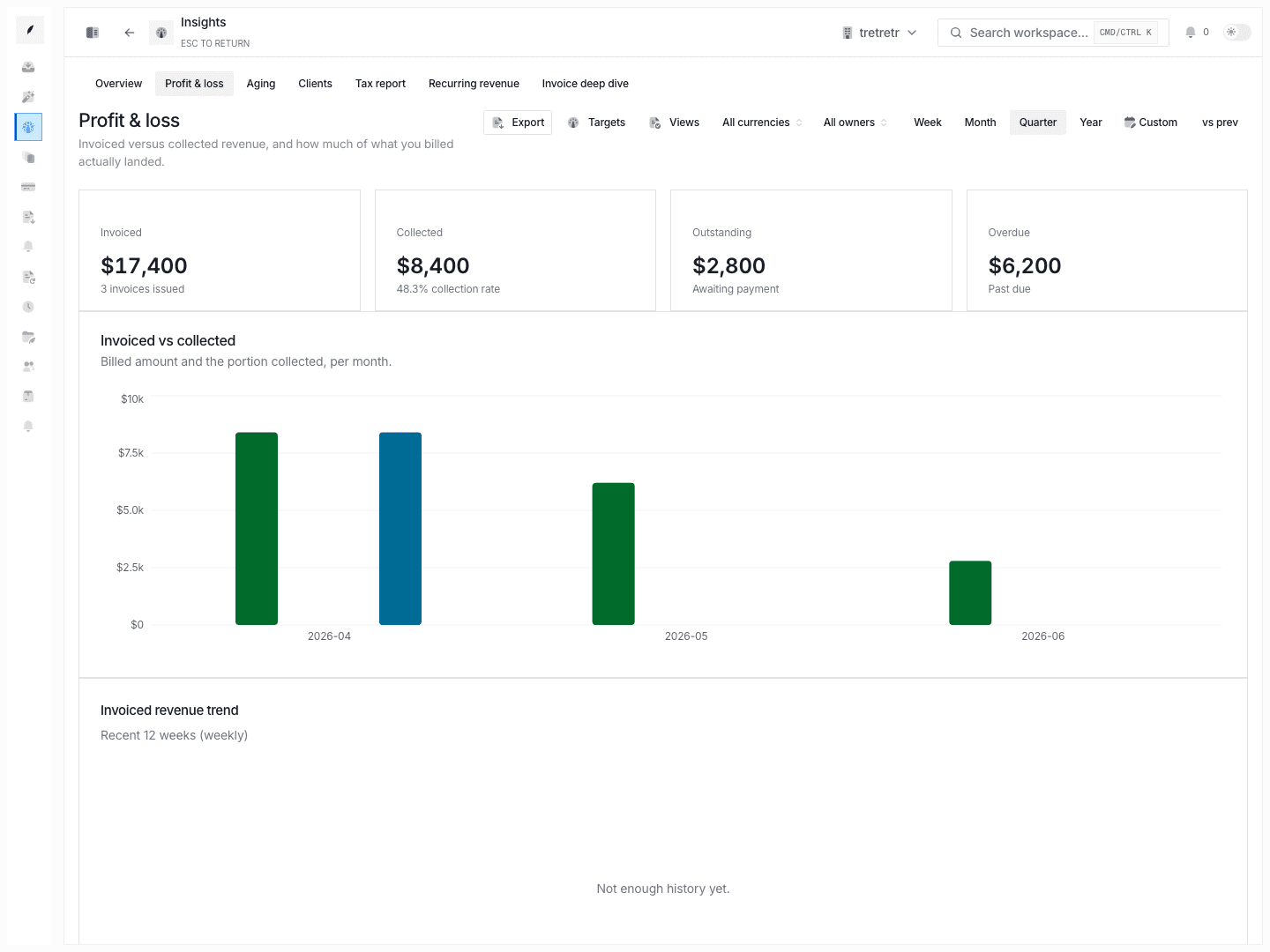
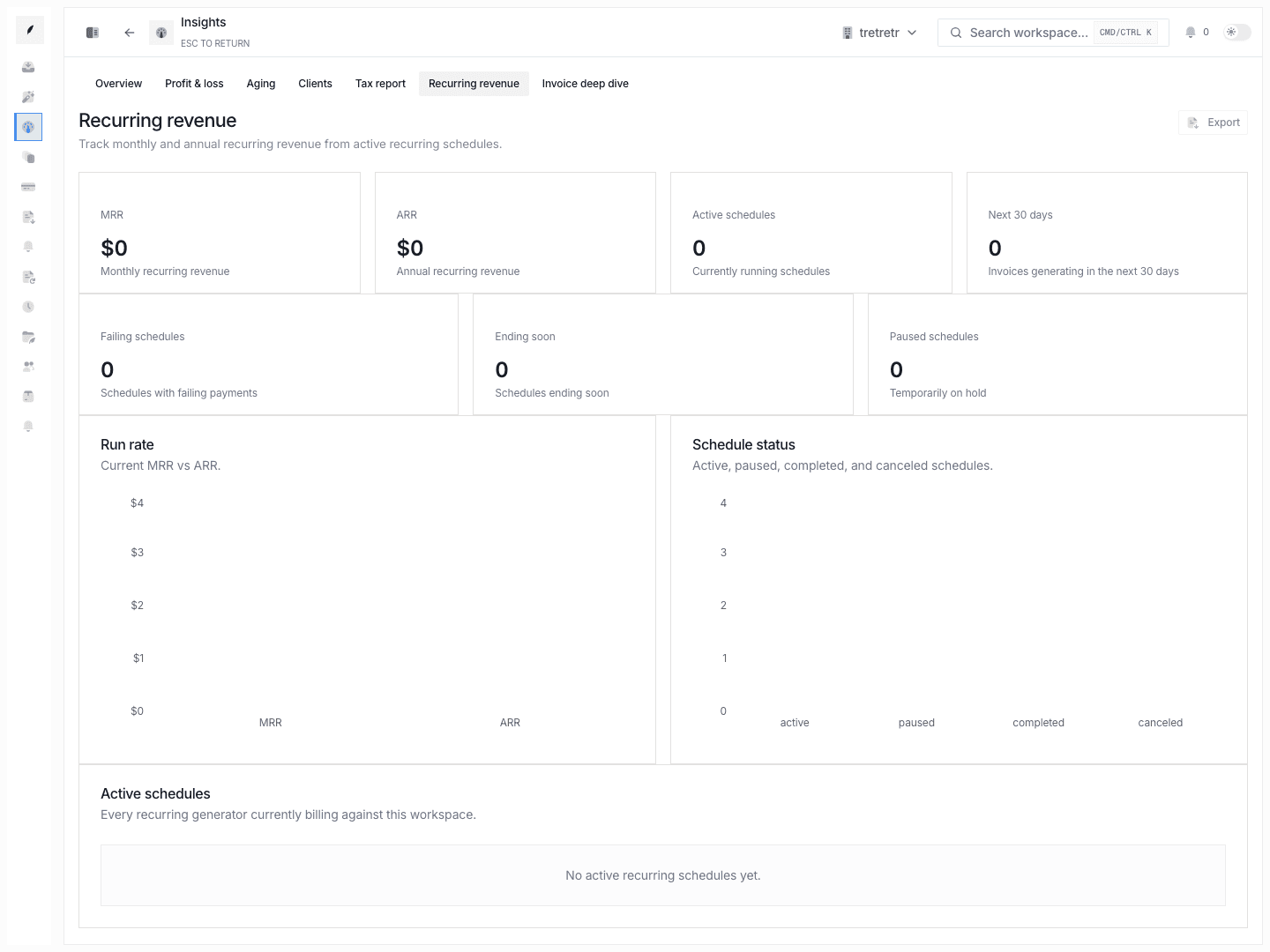
Corinthian’s reporting tools live across a few connected product areas rather than one monolithic BI dashboard. The main views are the invoices list, invoice insights, client financial summaries, and the inbox’s aging and priority context.
Who uses it
- finance leaders reviewing collections risk
- teams prioritizing overdue work
- account owners reviewing client exposure and activity
Typical Workflow
- Review Invoices for current status, due dates, and amount exposure.
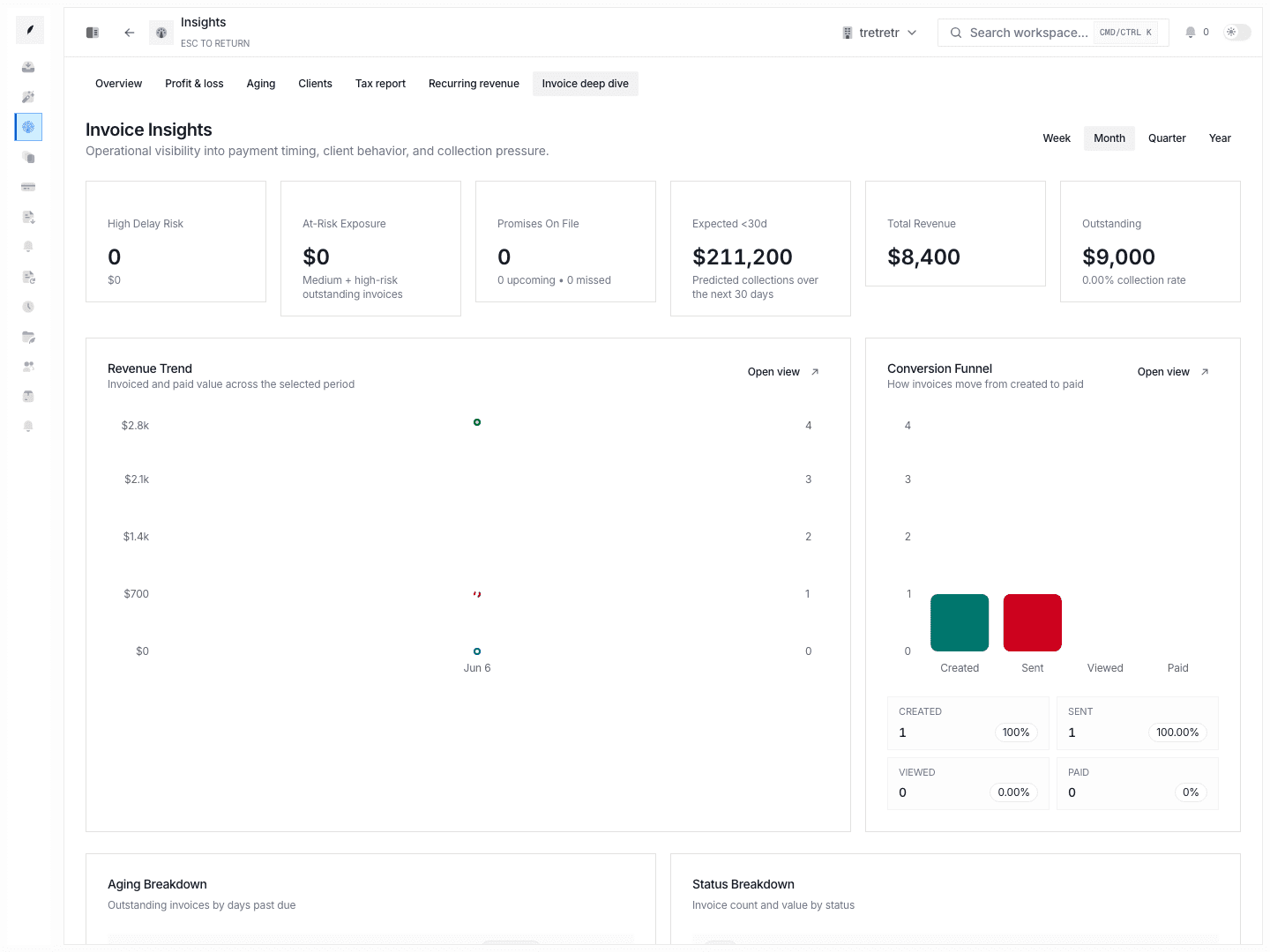
- Open Invoices → Insights for invoice-level reporting views.
- Use client profile analytics to understand account-level balance and activity.
- Use inbox aging, priority, and dispute context to decide where manual intervention belongs.
These views help you separate normal outstanding revenue from accounts that need immediate action.
Reporting Views
Invoice insights
Use Invoice Insights when you need the highest-level billing picture around invoice status and payment progress.
See also: Invoice Insights
Client profile analytics
Client profiles add:
- financial overview
- invoice history
- recent activity
- risk and credit context
This is the right place to decide whether one customer is an isolated late payer or part of a broader account issue.
Inbox reporting context
The inbox is not a reporting page first, but it still exposes:
- overdue age
- aging bucket
- priority
- dispute state
- waiting-on state
That makes it useful for day-to-day collections triage.
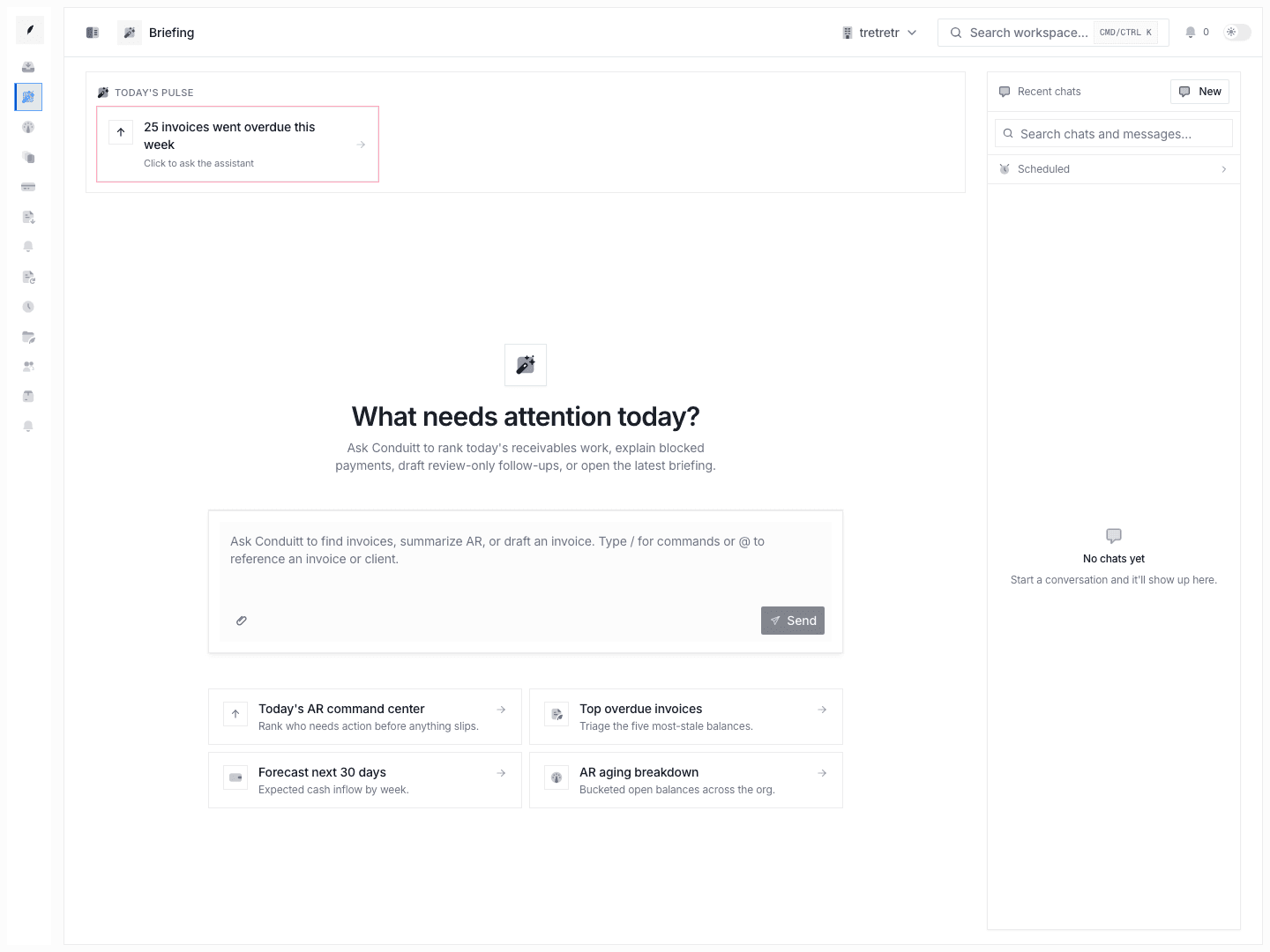
Briefing views
Briefing views give teams a compact operating summary for recurring review.
State and permission behavior
- analytics depend on live invoice and thread data, so they reflect current workflow state rather than a delayed export
- client-level reporting quality depends on the completeness of invoice history and enrichment context on that account
- some questions still require combining views manually because the app does not yet centralize every metric into one dashboard
Troubleshooting
I need a single dashboard for every billing metric
Use invoice insights for the broadest invoice view, then drill into client profiles and inbox queues for follow-up detail. Corinthian keeps those views separate.
The risk picture feels incomplete
Check the client profile. Enrichment, risk fields, and invoice history together usually explain more than the invoices list alone.
The queue shows urgency but not the revenue picture
Jump from the thread into the client or invoice record. Inbox is optimized for action, not full financial analysis.