Delivery Tracking
Track provider delivery events, bounces, suppressions, and channel health for customer communication.
Corinthian records delivery status from outbound message delivery records and provider webhook events. This gives your team visibility into whether billing communication was sent, delivered, opened, clicked, bounced, failed, complained about, or unsubscribed from when the provider reports those events.
Delivery Statuses
| Status | Meaning |
|---|---|
| Queued | The message is waiting to be sent. |
| Sending | The provider reported delayed delivery or an in-progress state. |
| Sent | The provider accepted the send request. |
| Delivered | The receiving server accepted the message. |
| Opened | The provider reported an open event. |
| Clicked | The provider reported a click event. |
| Soft bounce | The provider reported a temporary bounce. |
| Hard bounce | The provider reported a permanent bounce. |
| Failed or rejected | The provider could not deliver the message. |
| Unsubscribed | The provider or unsubscribe flow reported opt-out activity. |
Message Timeline
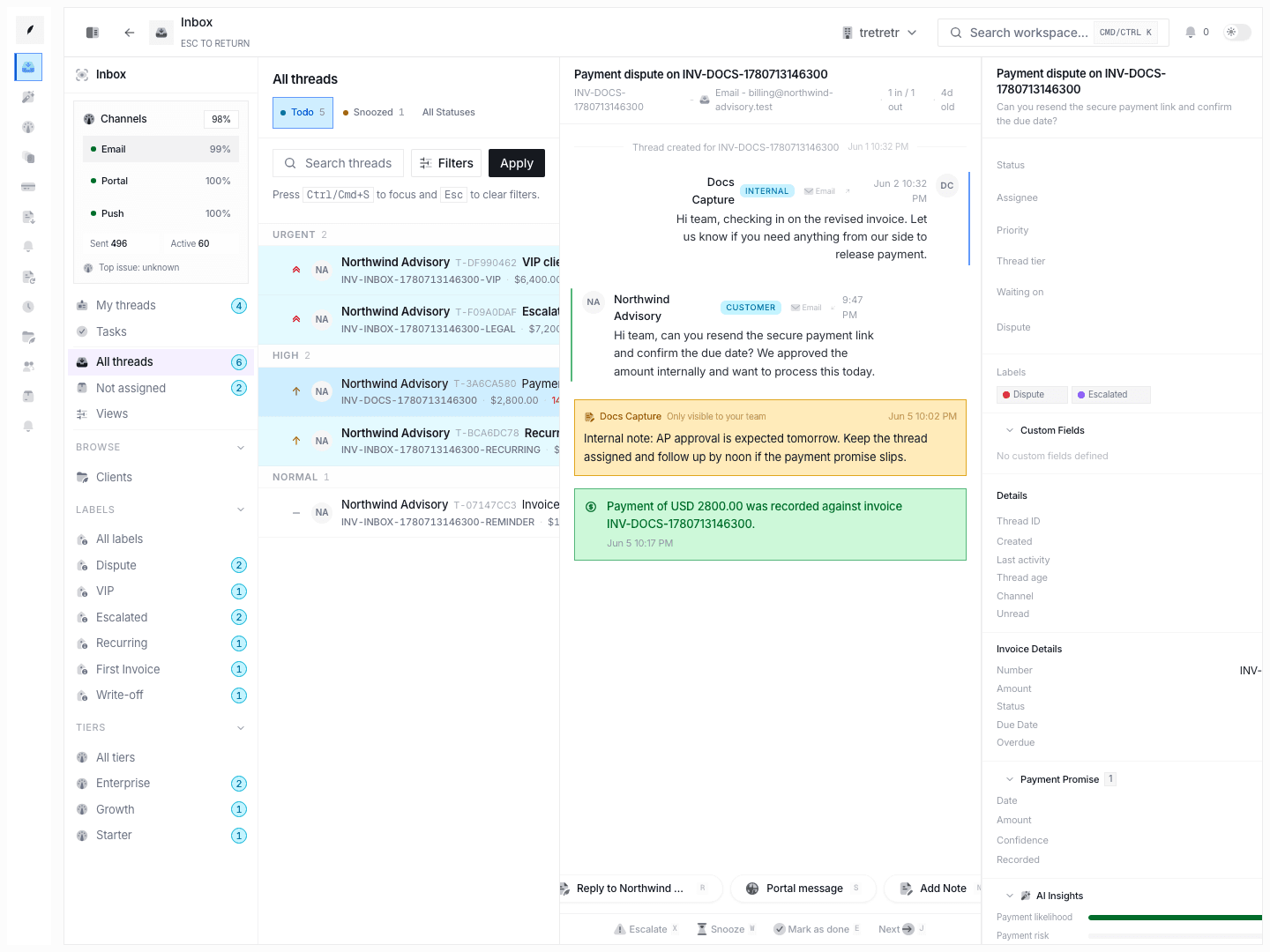
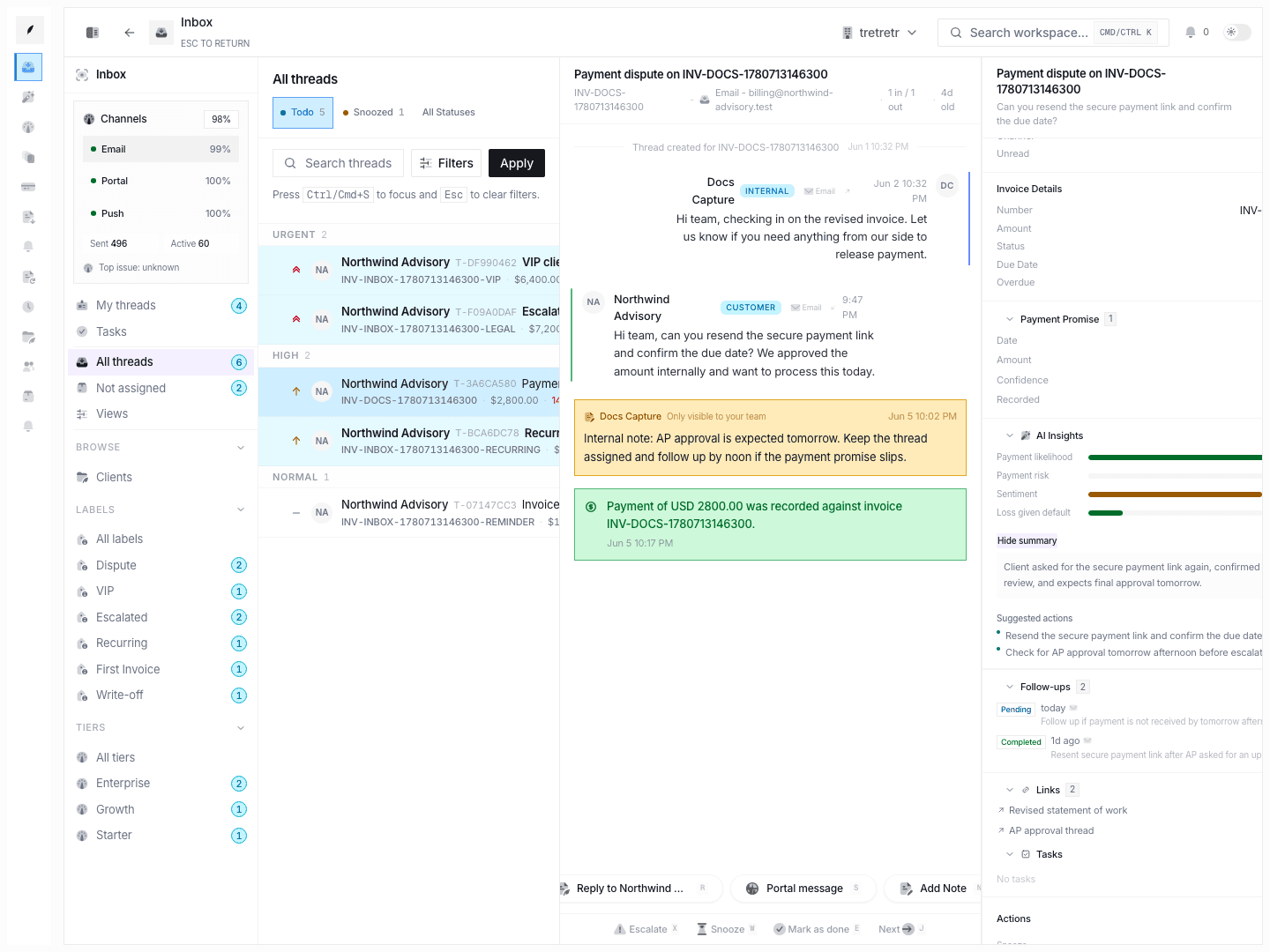
When a delivery is linked to an inbox thread, Corinthian records lifecycle events in the thread timeline. Use that timeline to confirm whether the last outbound message was delivered, bounced, failed, or triggered an engagement event before choosing the next step.
Opens and Clicks
Open and click events come from provider webhook events and linked customer-facing invoice activity. Treat them as directional engagement signals, not guaranteed read receipts.
Some email clients block images, privacy tools may prefetch links, and corporate security gateways may inspect messages before a person reads them.
Bounce Handling
Hard Bounces
Hard bounces are treated as permanent delivery failures. Corinthian records the event, suppresses the recipient address, and creates a deliverability alert.
Soft Bounces
Soft bounces are temporary delivery failures. Corinthian retries soft bounces up to three times over a 72-hour retry window. The retry delays are approximately 1 hour, 23 hours, and 48 hours. If retries are exhausted, Corinthian suppresses the address and records an alert.
Delivery Health
Channel health aggregates delivery data into metrics such as sent, delivered, opened, clicked, bounced, failed, complaints, unsubscribed, delivery rate, open rate, and complaint rate.
Use Settings → Channels to review channel-level health and recent failures.
Troubleshooting
A customer says they did not receive an email
Open the related thread and check delivery events. If the message bounced or failed, update the customer address or sending-domain configuration before resending.
Opens look too low
Some recipients use clients that block open tracking. A low open rate does not always mean messages were unread.
Clicks look too high
Security tools can prefetch or scan links. Confirm engagement by looking for customer replies, portal views, payments, or other follow-up activity.
A recipient is no longer receiving messages
Check Settings → Compliance for suppression or opt-out records, then review the delivery timeline for the event that caused the suppression.