Account Profile
Set your internal and public identity for team and customer-facing workflows.
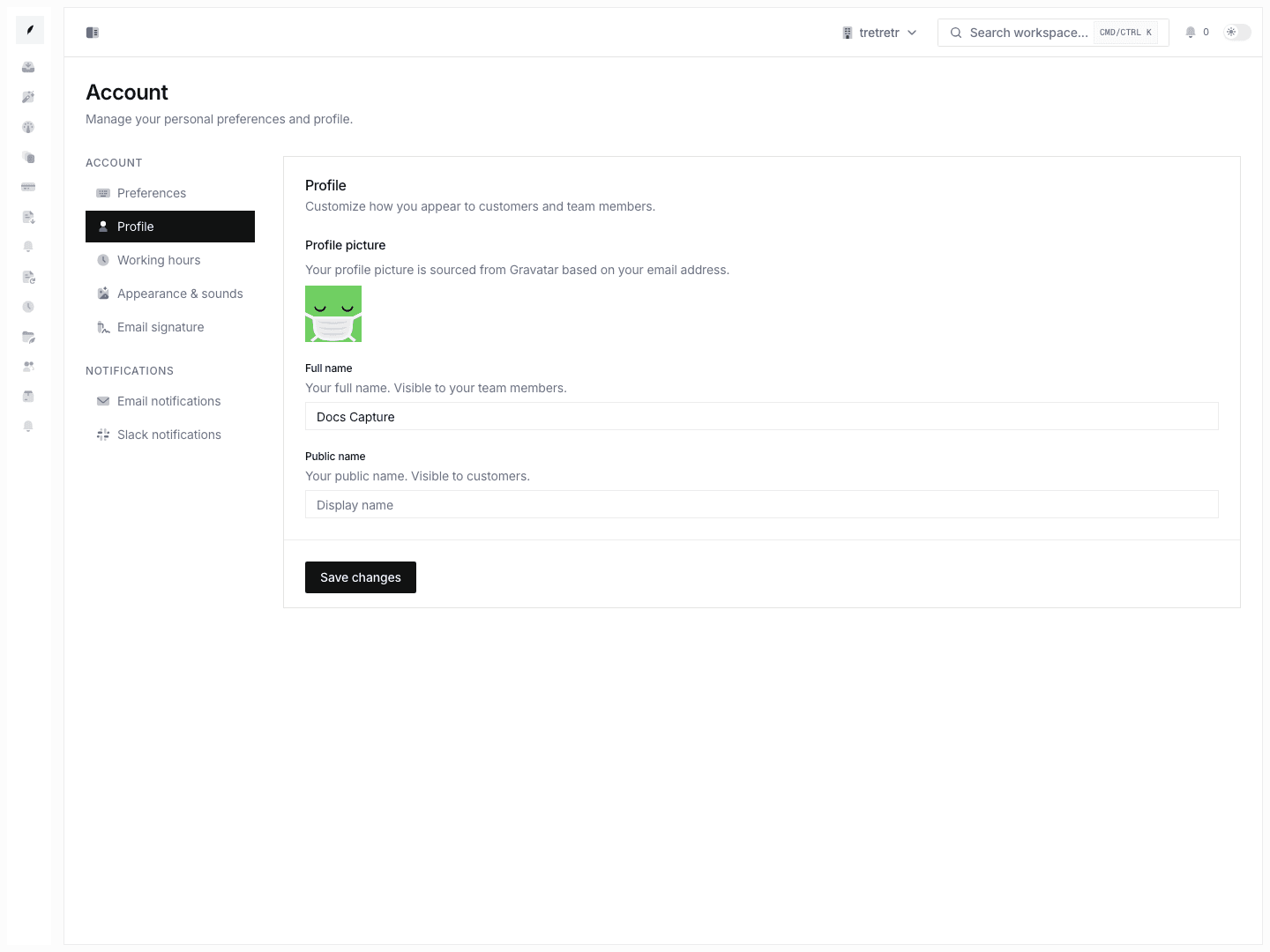
Account → Profile is where you manage the personal identity fields tied to your Corinthian user.
What You Can Configure
| Field | Purpose |
|---|---|
| Full name | Your internal workspace name. Teammates see this in ownership and collaboration contexts. |
| Public name | Your customer-facing display name where Corinthian uses personal sender identity. |
The profile picture shown on this page is sourced from the account identity and generated avatar behavior. A dedicated avatar upload and crop flow is not currently part of this page.
Update Your Profile
- Open Account → Profile.
- Enter your full name.
- Enter a public name if it should differ from your internal name.
- Save the form.
Profile changes are personal. They do not change organization branding, invoice logo, workspace sender identity, or any teammate's account.
Full Name vs. Public Name
Use the full name for internal accuracy and the public name for customer-facing clarity.
| Scenario | Recommended Field |
|---|---|
| Team roster, assignments, ownership context | Full name |
| Customer-facing signature or sender presentation | Public name |
For example, a user may keep "Jane A. Chen" as the full name and use "Jane Chen" as the public name.
What Lives Elsewhere
Some account and security controls live outside the profile form:
- Working schedule: Account Working Hours
- Personal email notification preferences: Account Email Notifications
- Personal Slack preferences: Account Slack Notifications
- Workspace sender identity: Settings Email
- Organization branding: Settings Branding
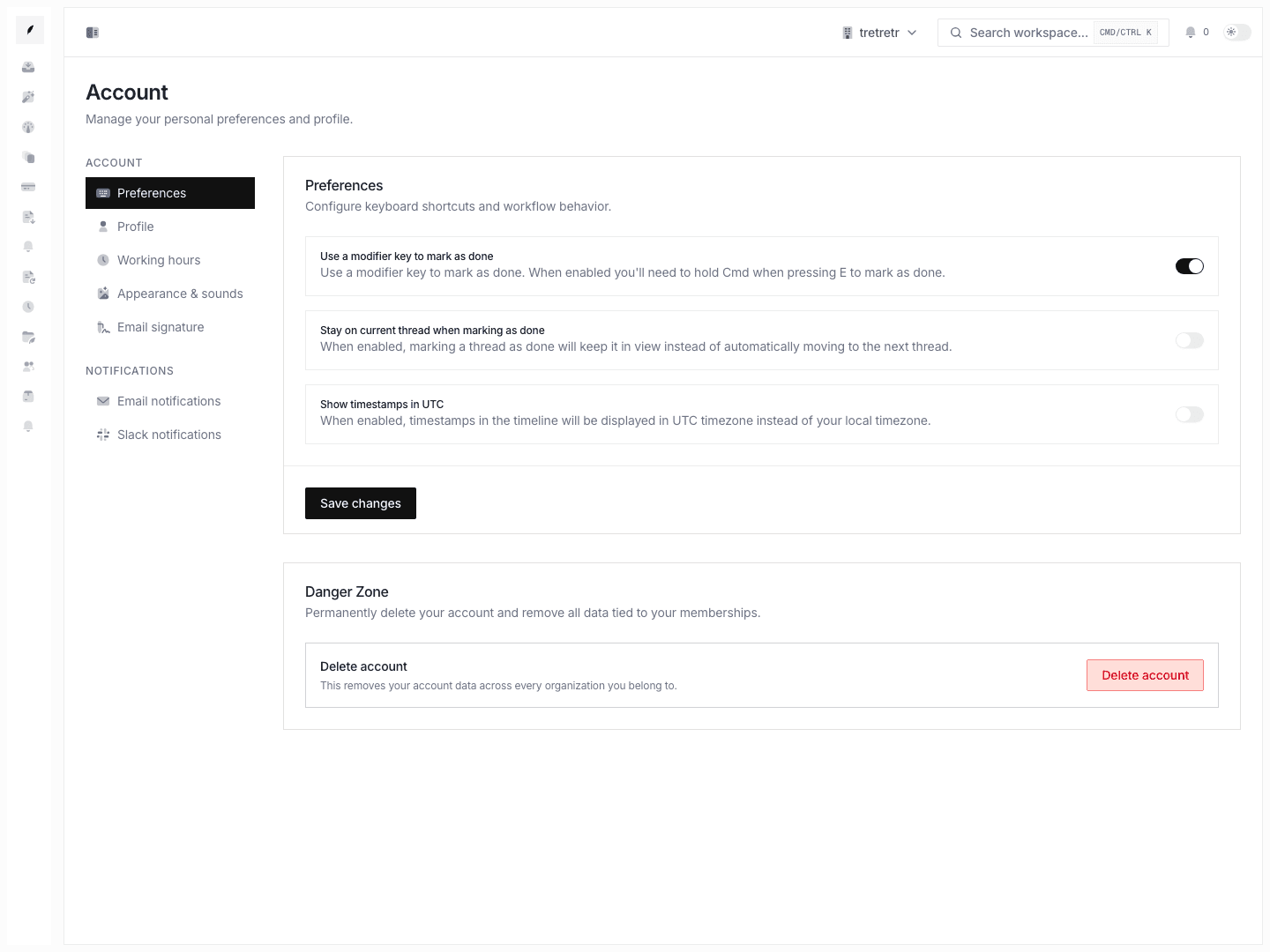
The current Account Profile page does not document profile-language selection, connected-account management, two-factor setup, active-session revocation, or account deletion.
Troubleshooting
Customers still see the wrong sender identity
Confirm whether the issue is personal identity or workspace sender configuration. Personal naming belongs here. Shared sender name and reply routing belong in Settings Email.
My avatar looks unexpected
The current UI sources avatar display from your account identity rather than a dedicated upload flow on this page.