Automation and Recurring Billing
Use reminder defaults, recurring schedules, templates, and inbox tasks as Corinthian’s current automation model.
Corinthian’s automation tools are spread across the product rather than concentrated in one workflow designer. This page shows how to run recurring billing and consistent follow-up without assuming a node-based automation builder exists.
1. Set Reminder Defaults
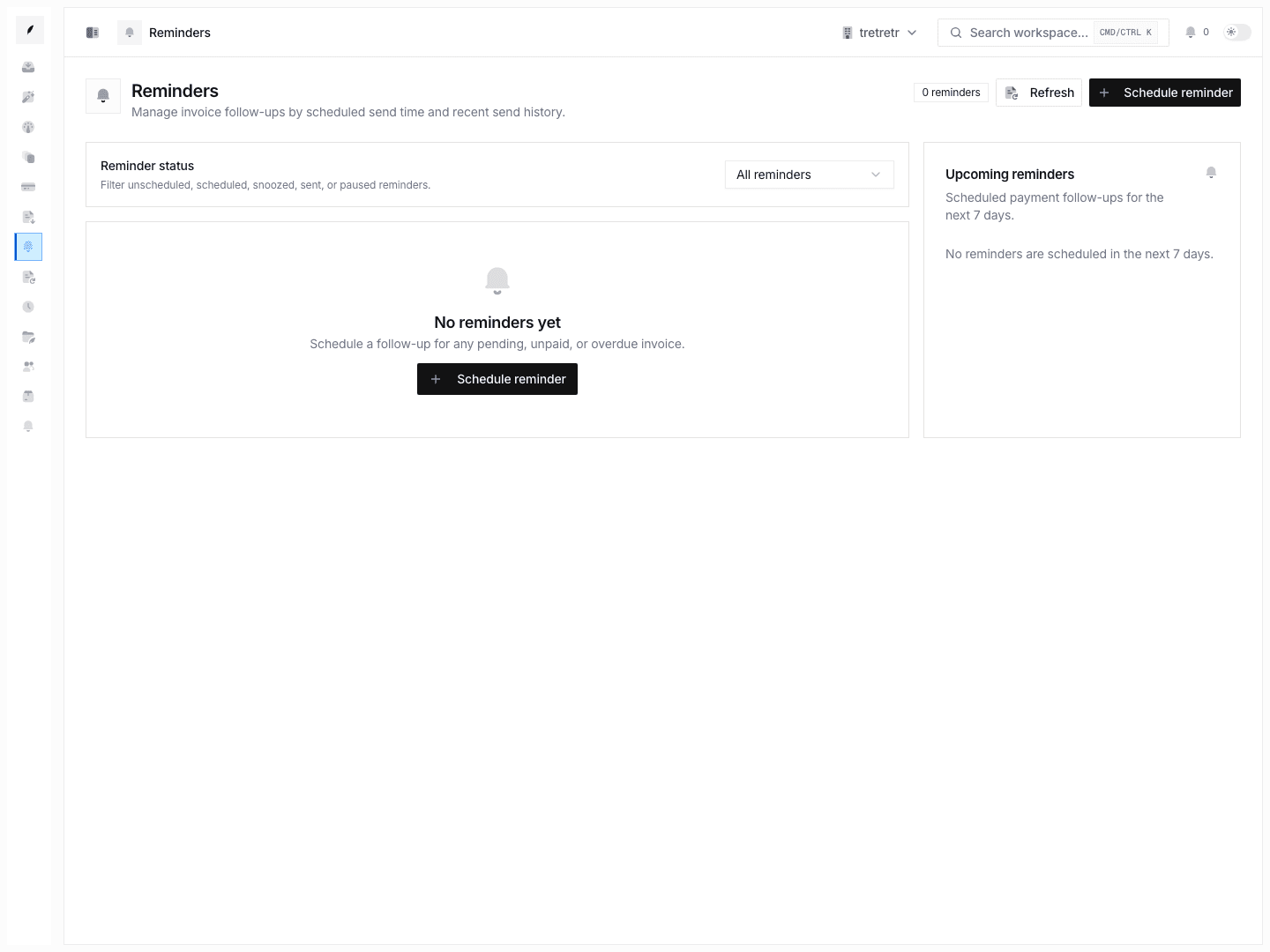
Open Settings → Reminders and choose the default cadence new invoices should inherit.
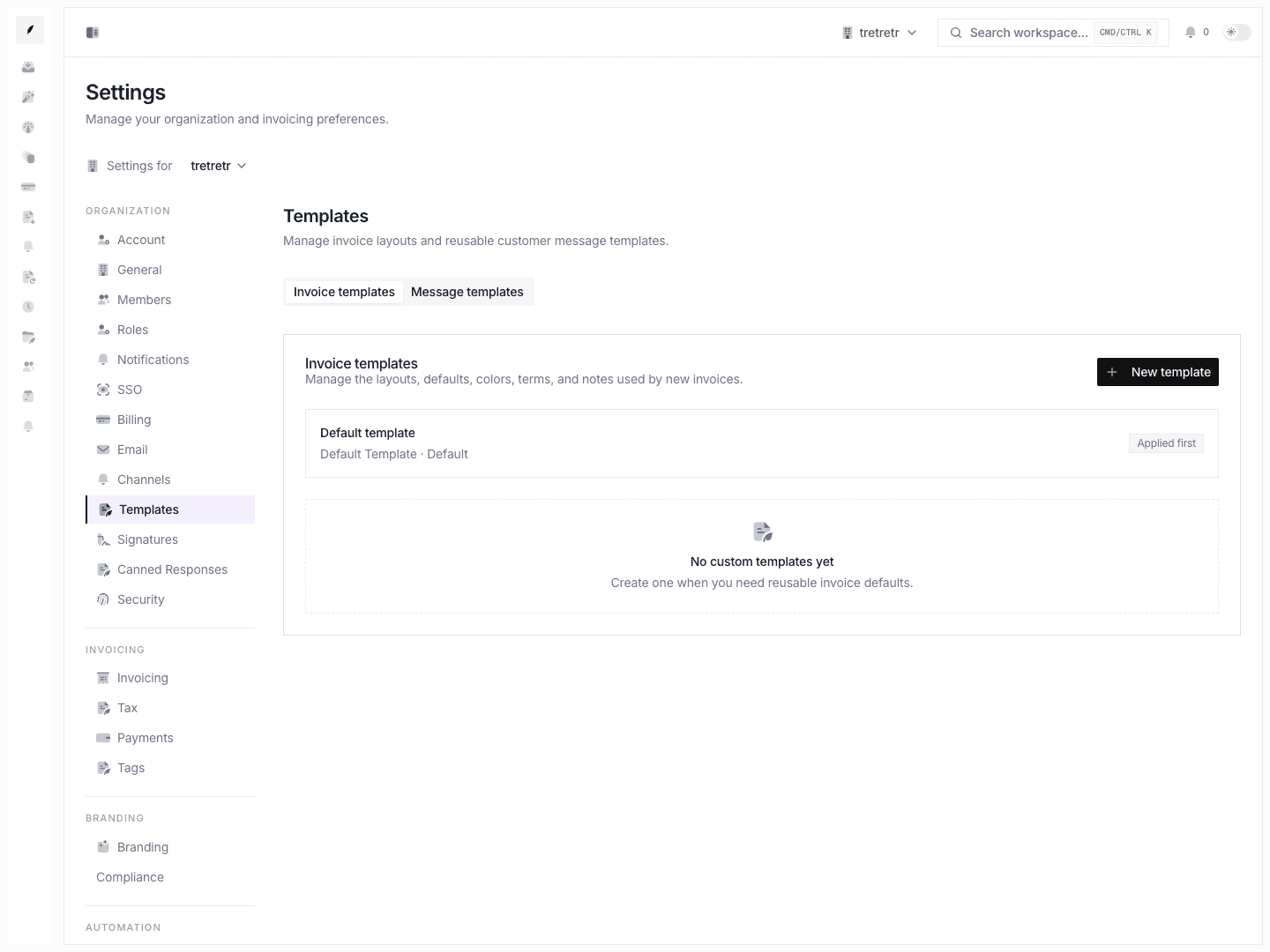
2. Maintain the Template Copy
Open Settings → Templates and update the billing language your team uses repeatedly.
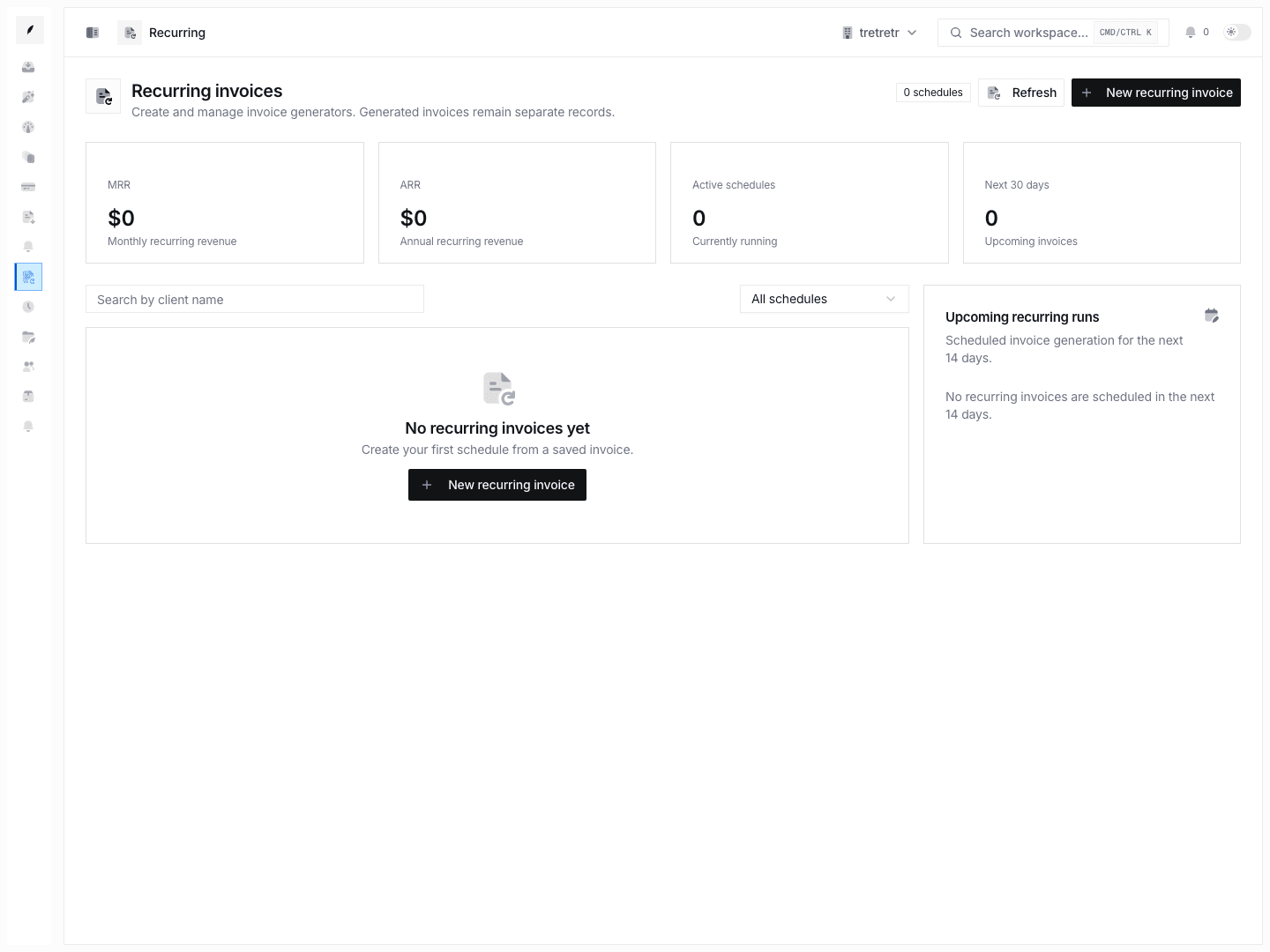
3. Create Recurring Schedules from the Builder
- Open Create invoice.
- Draft the invoice the way you want it reused.
- Open the recurring controls.
- Choose the frequency, timezone, and end condition.
- Save the schedule.
4. Handle Exceptions in Inbox
Not every reminder sequence resolves itself. Use Inbox and Inbox Tasks for:
- client replies
- overdue exceptions
- internal handoffs
- manual escalation