Settings Billing
Review subscription state and open the Stripe billing portal when available.
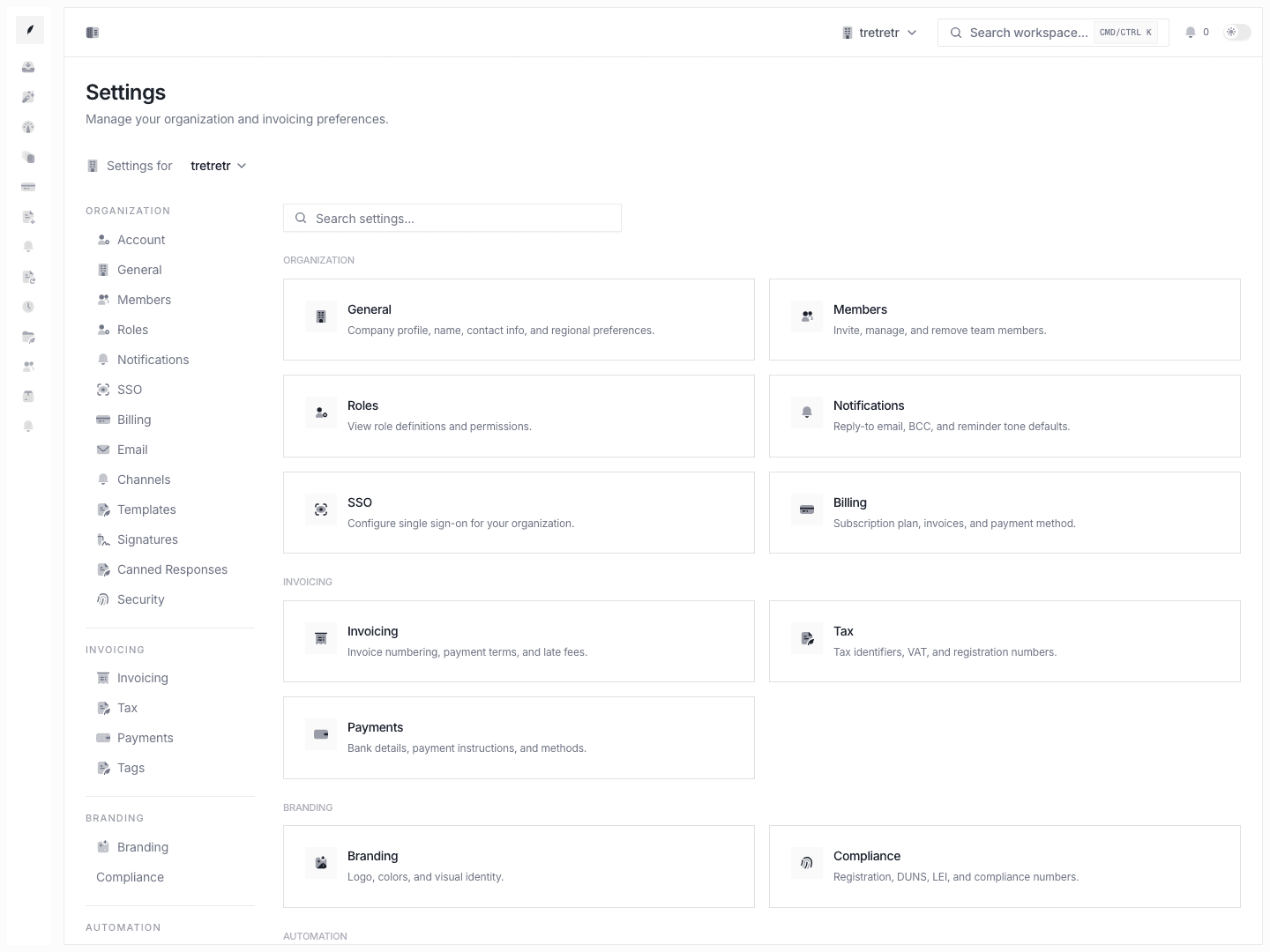
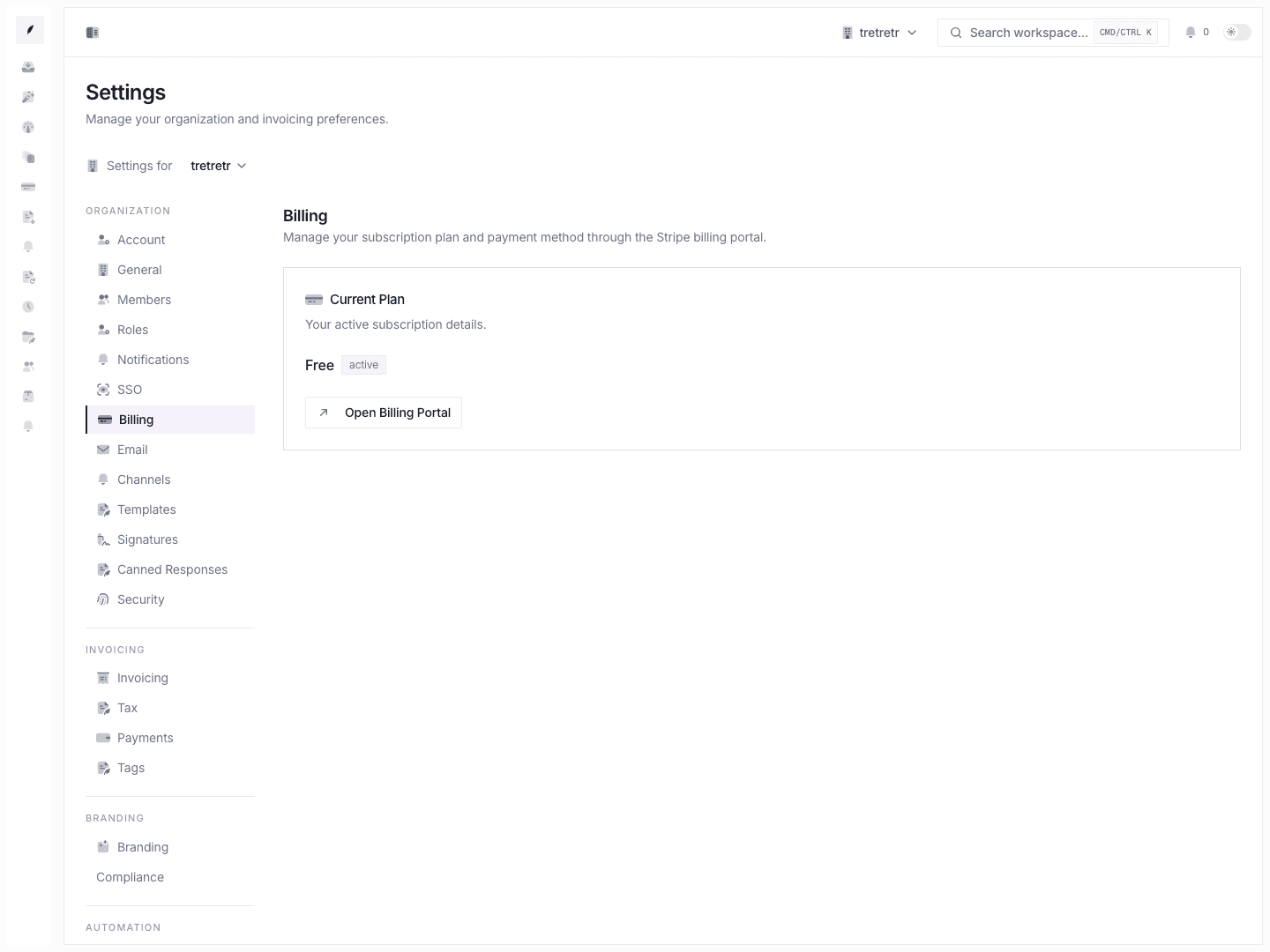
Settings → Billing is where you review the workspace subscription state and open the Stripe billing portal when a portal session is available.
What You Can Review
- current plan
- subscription status
- cancel-at-period-end state
- current-period end date
Free-plan workspaces may not have a usable billing portal session.
Open the Billing Portal
- Open Settings → Billing.
- Review the current plan card.
- Click Open Billing Portal.
The portal is hosted by Stripe. Use it to manage payment methods, receipts, and subscription billing details when available.
What This Page Is Not
This page is for Corinthian subscription billing. It is not where you manage customer invoice payments, bank transfer instructions, tax defaults, or invoice collection settings.
Use:
- Settings Payments for customer payment instructions.
- Settings Invoicing for invoice defaults.
- Apps & Integrations for connected app state.
Troubleshooting
The billing portal will not open
The workspace may be on the free plan or may not have a Stripe customer record. Upgrade or contact support before trying again.
I expected customer invoice payment information here
Customer invoice payment settings live in Settings Payments, not subscription billing.