Assets & Marketing Pages
Understand the smaller product areas for logo and signature assets plus customer-facing contact and support forms.
Not every useful part of Corinthian is a major dashboard workspace. Corinthian also includes smaller product areas for asset handling and customer-facing contact forms that still matter to branding, support, and billing communication.
Assets
Asset features include:
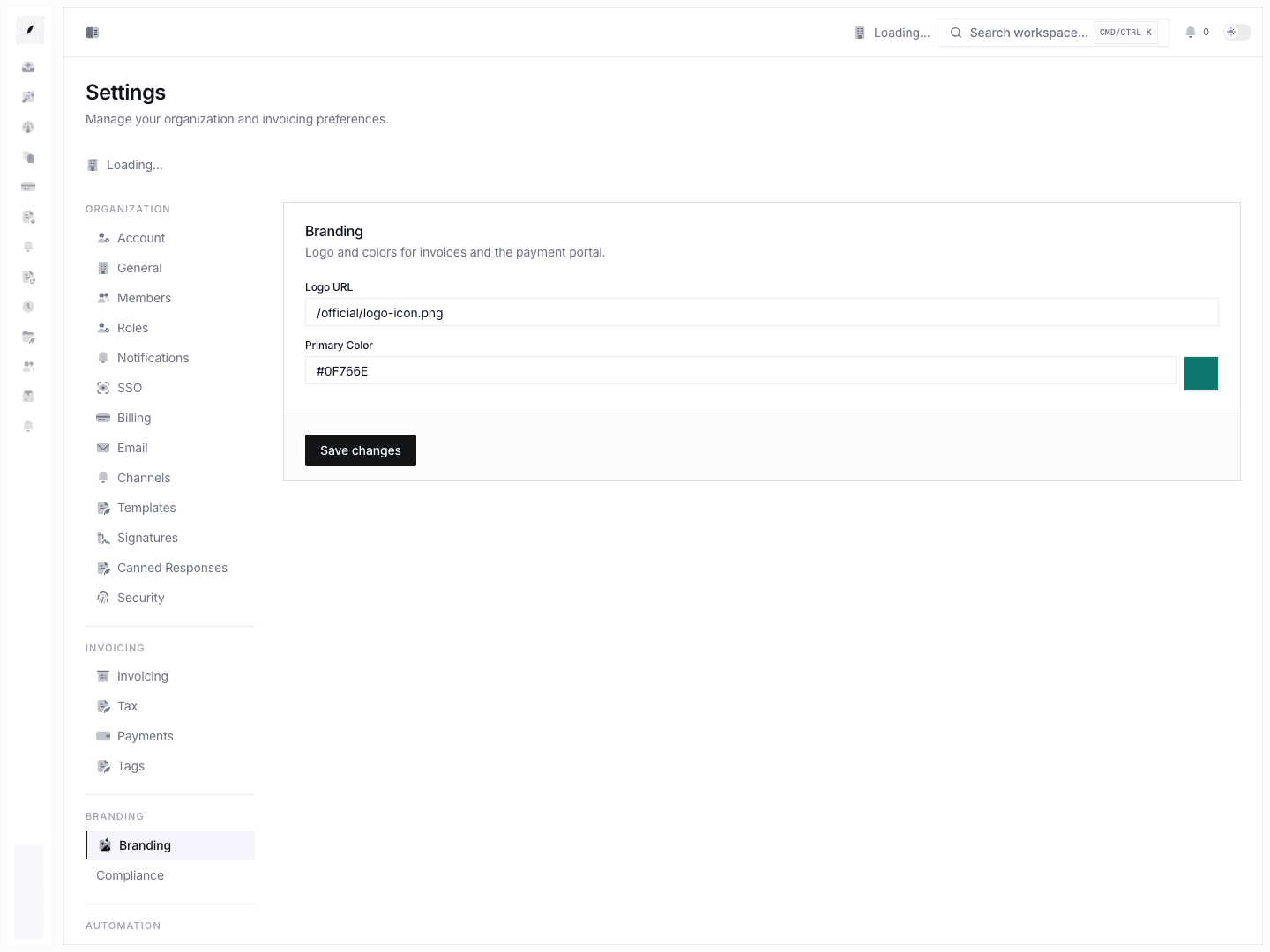
- logo upload and logo rendering helpers
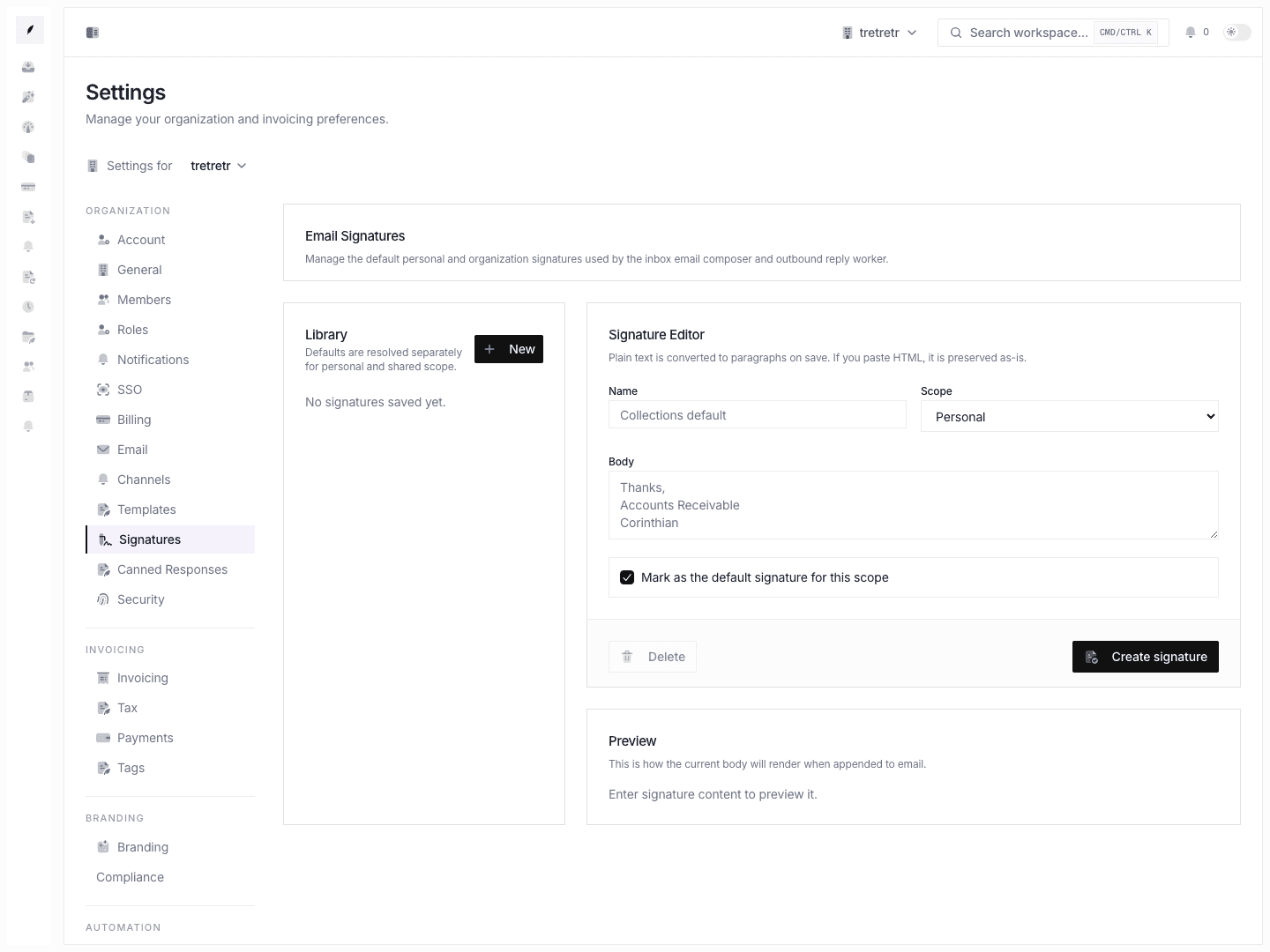
- signature upload and signature rendering helpers
These modules support the larger invoice, branding, onboarding, and personal-signature experiences.
Main workflow
- Upload or reference the logo or signature asset from the relevant settings or onboarding page.
- Save the parent form.
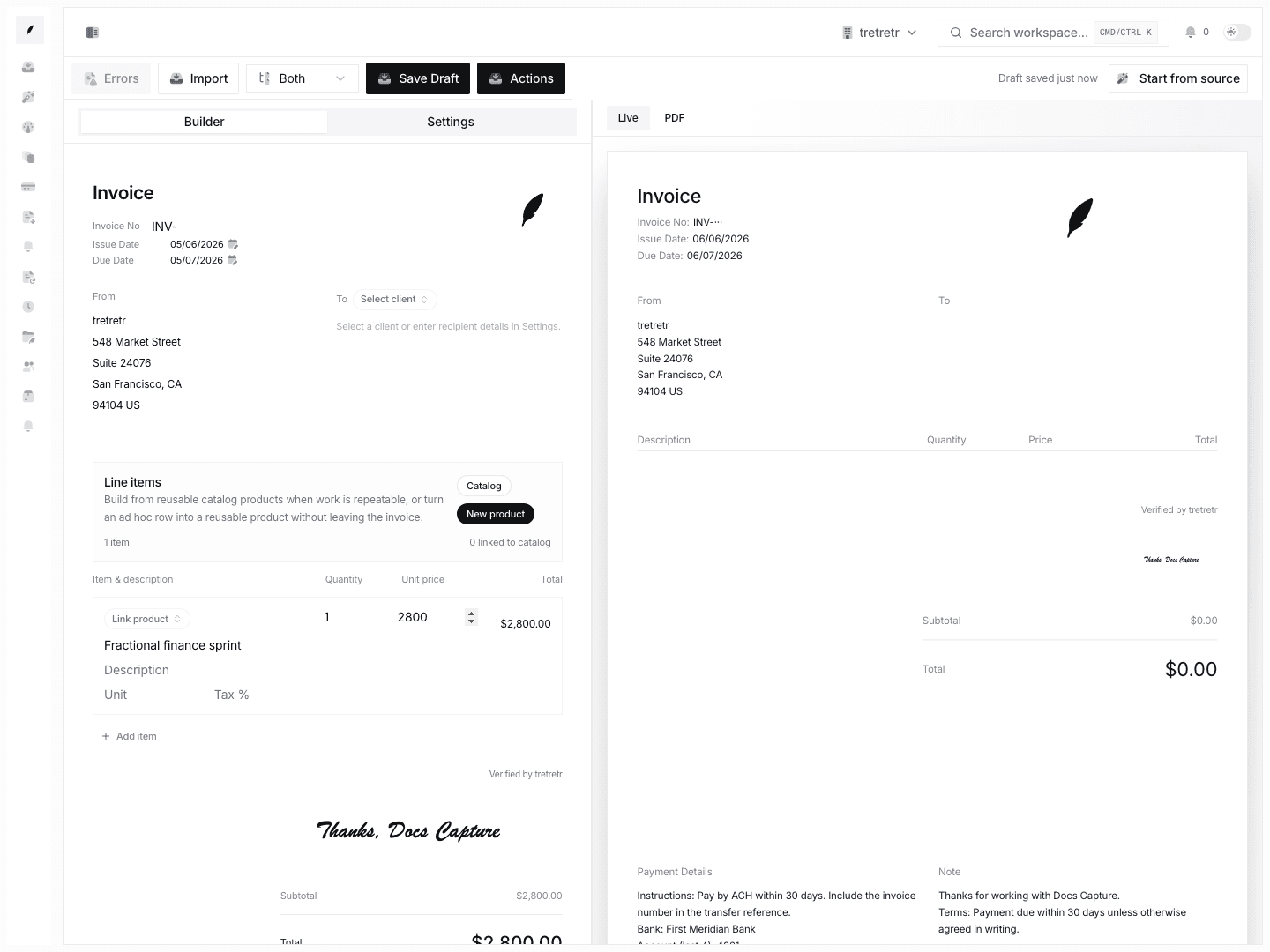
- Re-open preview or the customer-facing document to confirm the asset renders correctly.
After saving, the asset appears in the target invoice or settings page without broken rendering.
Marketing pages
Marketing-facing feature modules include:
- contact dialog
- support form
These are support references rather than primary billing workspaces, but they still matter because they shape how prospects or users reach the team from non-dashboard pages.
Main workflow
- Open the marketing or support entry point.
- Submit the contact or support request with the required fields.
- Confirm the request is accepted by the form workflow.
This flow lets someone contact the team without needing access to the main dashboard.
State and permission behavior
- asset success is only meaningful when the parent page saves and renders correctly
- marketing forms are public or low-friction by design, so they should not be documented as admin-only tools
- broken remote asset URLs usually fail at render time rather than at plain text entry time
Troubleshooting
A logo or signature saves but does not appear later
Re-open the parent preview page. The asset may be invalid, unreachable, or attached to a different settings scope than expected.
A support or contact submission is not enough for a billing issue that needs follow-up
Use the product workspace or inbox thread when the issue belongs to an existing invoice workflow. Marketing forms are not a substitute for invoice-state handling.