Client Enrichment
Understand when client enrichment runs, what inputs it needs, which statuses it can enter, and where Corinthian shows the results.
Client enrichment adds account context on top of the base client record. It turns a client from a plain billing contact into a richer profile with company context, finance contacts, billing process hints, risk signals, and source-backed metadata.
What enrichment adds
When enrichment succeeds, Corinthian stores both:
- a projected summary on the client record
- the larger enrichment snapshot used to render the detail accordions and source intelligence sections
Projected fields shown directly on the record
Projected fields include:
- industry
- company type
- size segment
- enriched risk tier
- LinkedIn URL
- finance contact
- finance contact email
- confidence score
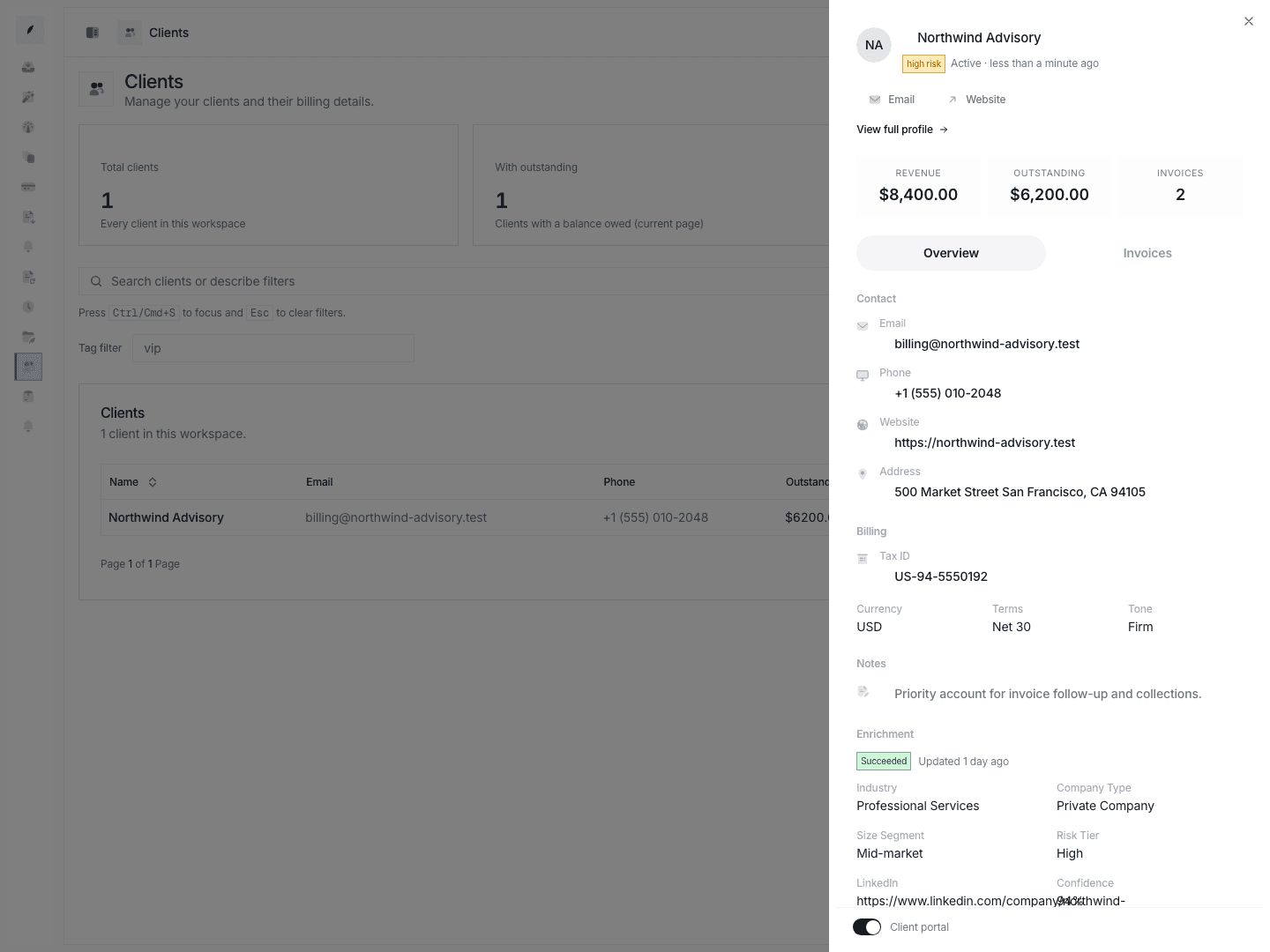
Those summary values appear in both the client detail sheet and the full profile.
What starts an enrichment run
The web app evaluates enrichment in two cases:
- after client creation
- after client update when one of these fields changes:
namewebsiteemailphoneaddresstaxIdnotes
Required inputs and gating
For a run to queue successfully, Corinthian needs:
- a non-empty client name
- a non-empty website
- a linked workspace subscription
If the client is missing required input, the record is marked skipped. If the workspace is not entitled, the record is also marked skipped.
Behavior to know
Once a client reaches succeeded, later qualifying edits do not requeue enrichment automatically. That matters if you materially change the website or other source fields after a successful run.
Status lifecycle
| Status | What it means |
|---|---|
not_started | The client has not been evaluated yet. |
queued | Corinthian accepted the enrichment job and placed it on the queue. |
running | The background job is actively enriching the client. |
succeeded | Projection fields and snapshot data were written successfully. |
failed | The run errored and the sanitized error message is stored on the record. |
skipped | Corinthian intentionally did not run enrichment because input or entitlement requirements were not met. |
Corinthian also deduplicates queued enrichment jobs per client, so repeated qualifying changes do not fan out into duplicate background jobs for the same record.
Where teams see enrichment
Client detail sheet
The side sheet shows the summary:
- current status badge
- last success timestamp
- failure message when a run fails
- top-line projected fields such as industry, risk tier, LinkedIn, finance contact, and confidence
Full client profile
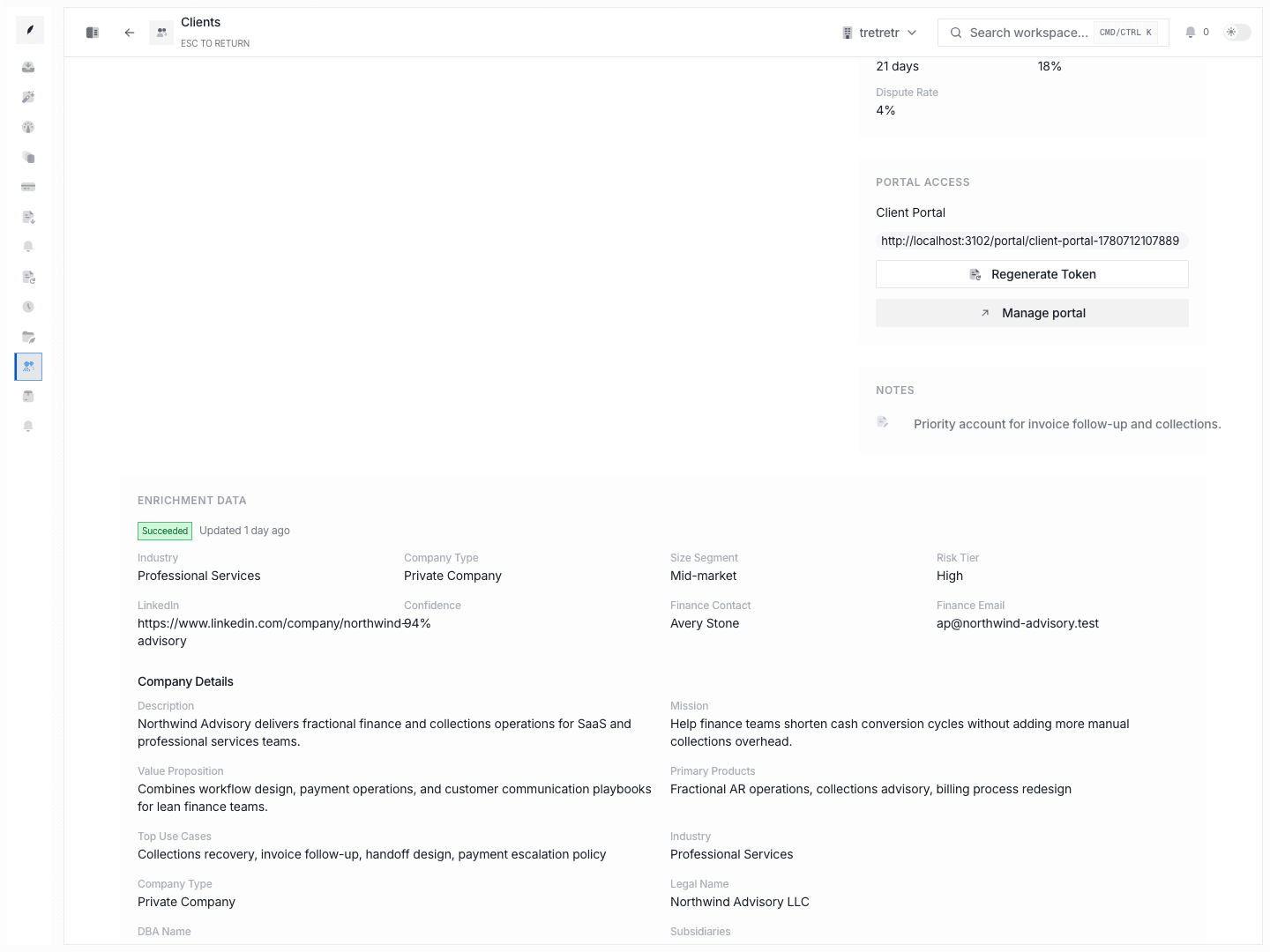
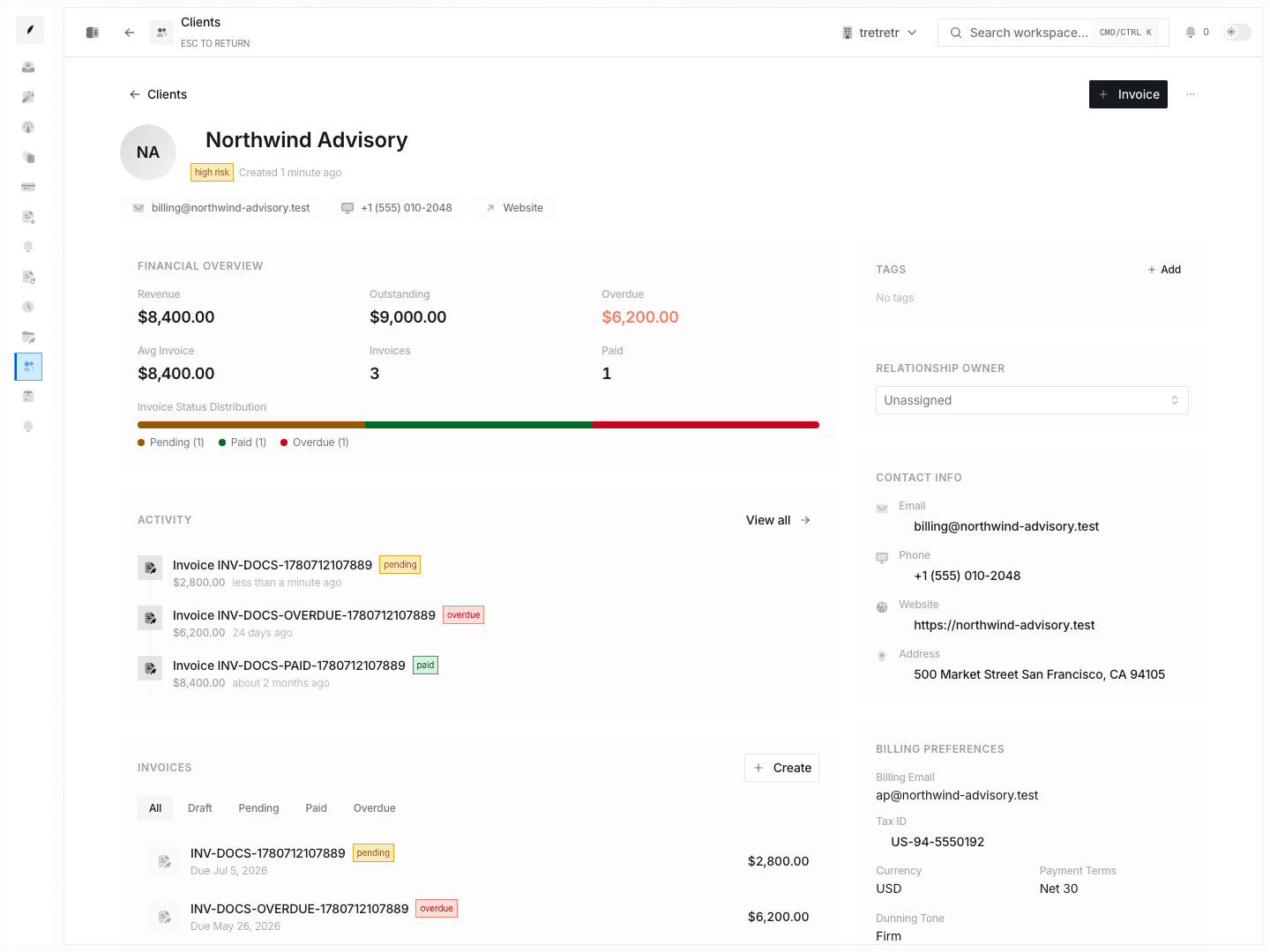
The profile page exposes the complete enrichment block:
- the same summary grid
- detail accordions for company, GTM, location, social, stack, procurement, risk, quality, and entity data
- known aliases
- run metrics
- source intelligence with URLs and snippets
What the detail sections cover
The profile enrichment page can show:
- Company Details such as legal name, products, funding, and revenue band
- GTM & ICP context such as target industries and company sizes
- Location & Language details
- Social Profiles
- Stack & Systems
- Procurement & Billing contacts, AP portal hints, invoice instructions, and payment rails
- Risk & Signals
- Data Quality
- Entity & Tax Details
- Entity Resolution, aliases, run metrics, and sources
Enrichment Results and Failures
Use the status plus message on the record to understand what happened:
skippedusually means the client is missing a website or the workspace is not entitledfailedmeans the queue ran but the enrichment job could not complete successfullyqueuedorrunningmeans the team should wait for the background job instead of expecting the profile to refresh instantly
What to verify after a successful run
- the LinkedIn URL and finance contact match the real account
- invoice submission instructions and portal hints are credible before the team relies on them
- enriched risk context aligns with what your team already knows from payment behavior
- data quality and source coverage are strong enough for the decision you are about to make
Enrichment should sharpen client context, not replace team judgment.