Invoice Builder
Create draft invoices, configure recurring schedules, and verify client-facing invoice content in one place.
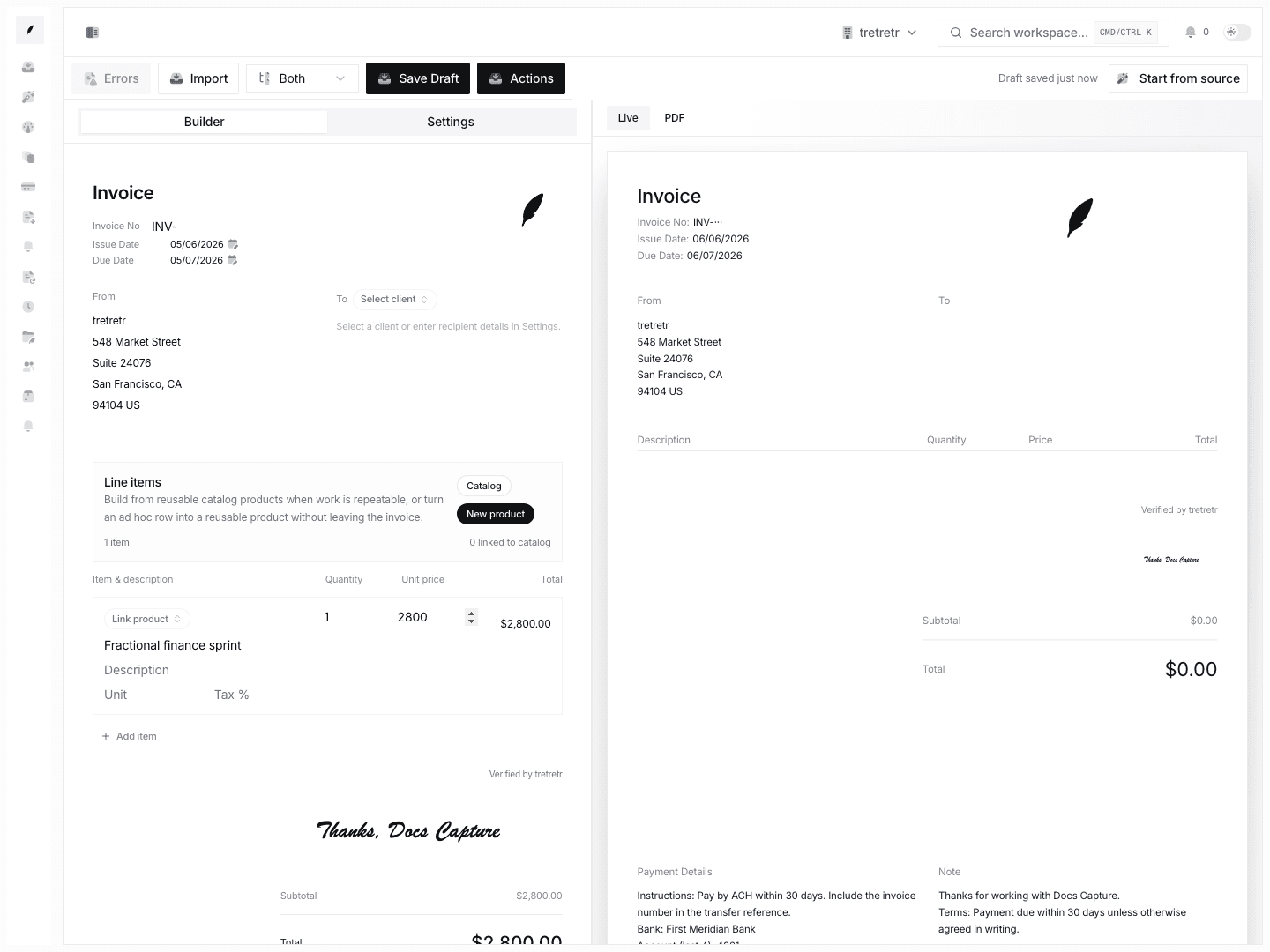
The invoice builder is where you draft invoice content before it lands in the saved invoice list. It supports client selection, line items, due dates, notes, attachments, preview, and recurring schedule setup.
What You Can Do Here
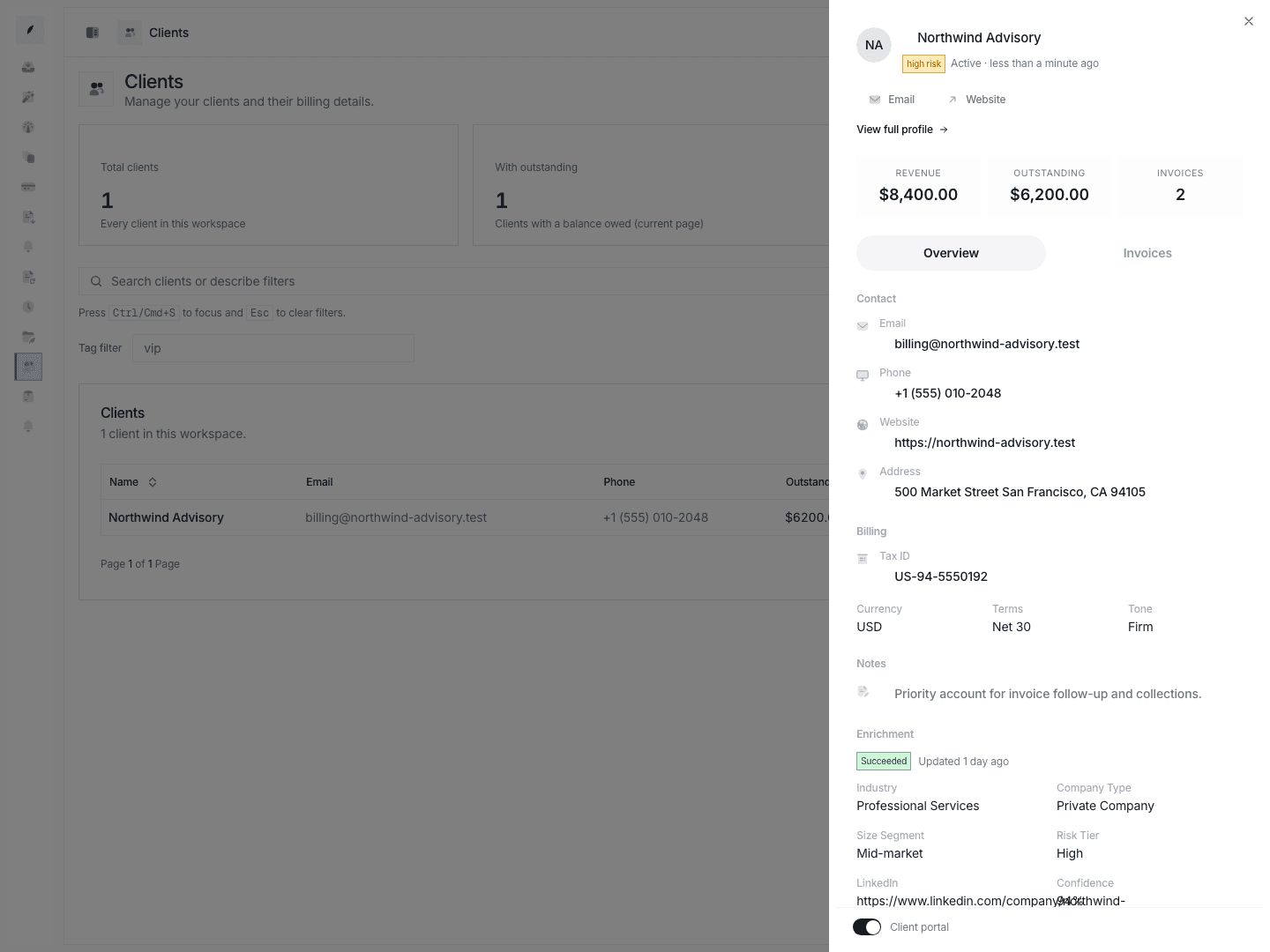
- select an existing client before drafting
- edit invoice metadata and line items
- apply due dates, notes, and invoice-level defaults
- preview the client-facing document
- save a draft or configure a recurring schedule
Typical Workflow
- Open Create invoice.
- Select the client you are billing.
- Add or edit line items until the totals are correct.
- Set the due date, notes, and any client-facing details you want on the invoice.
- Review the preview section.
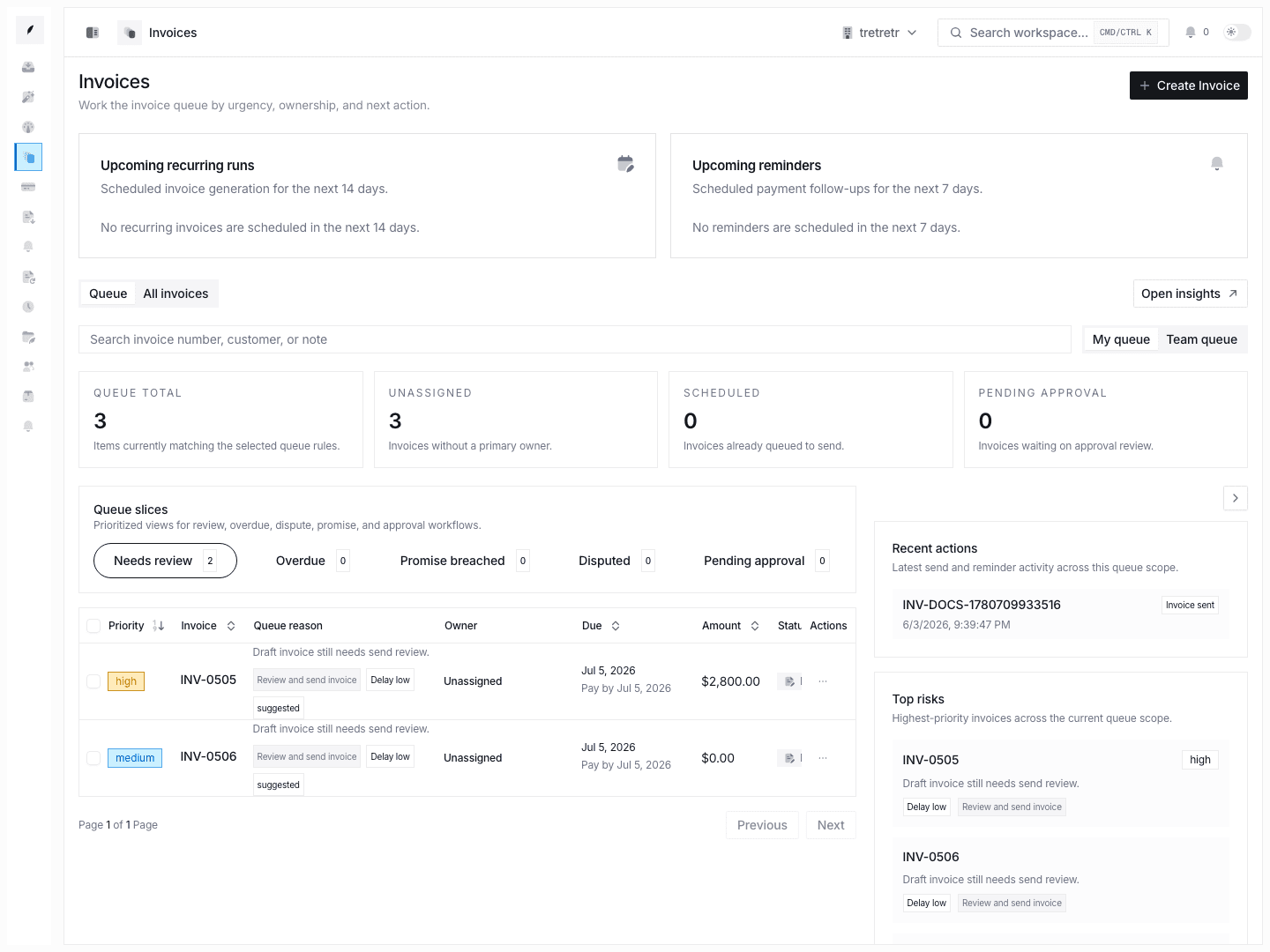
- Save the draft, or continue into the send and follow-up flow from the invoice list and inbox.
Recurring Schedule Controls
Recurring behavior is configured from the builder through the automation controls on the draft itself. The current recurring model supports:
- frequencies such as
weekly,biweekly,monthly_date,quarterly,annual, andcustom - timezone-aware schedule timing
- end conditions of
never,on_date, andafter_count - schedule edits that affect future invoice generation rather than rewriting historical invoices
Use this when you bill on a fixed cadence and want Corinthian to keep generating the next invoice from the same pattern.
Message templates live under Settings Templates, Stripe connection state lives under Apps & Integrations, and saved invoice triage continues in Invoices Overview and Invoice Inbox.
Checks Before You Leave the Builder
- confirm the selected client and billing email
- confirm line-item quantities and unit prices
- confirm due date and payment terms
- confirm the invoice preview reflects the current branding and notes
- confirm any recurring cadence is set the way finance expects
State and Permission Notes
- Builders without a valid client or usable invoice content will not produce a sendable result.
- Changes to workspace defaults under Settings → Invoicing, Tax, Payments, or Branding can change how a new draft looks.
- Members without the right invoice permissions may be able to view invoice content elsewhere in the app but not create or edit from this page.