Inbox Browse Labels
Group threads by label and create labels inline from inbox workflows.
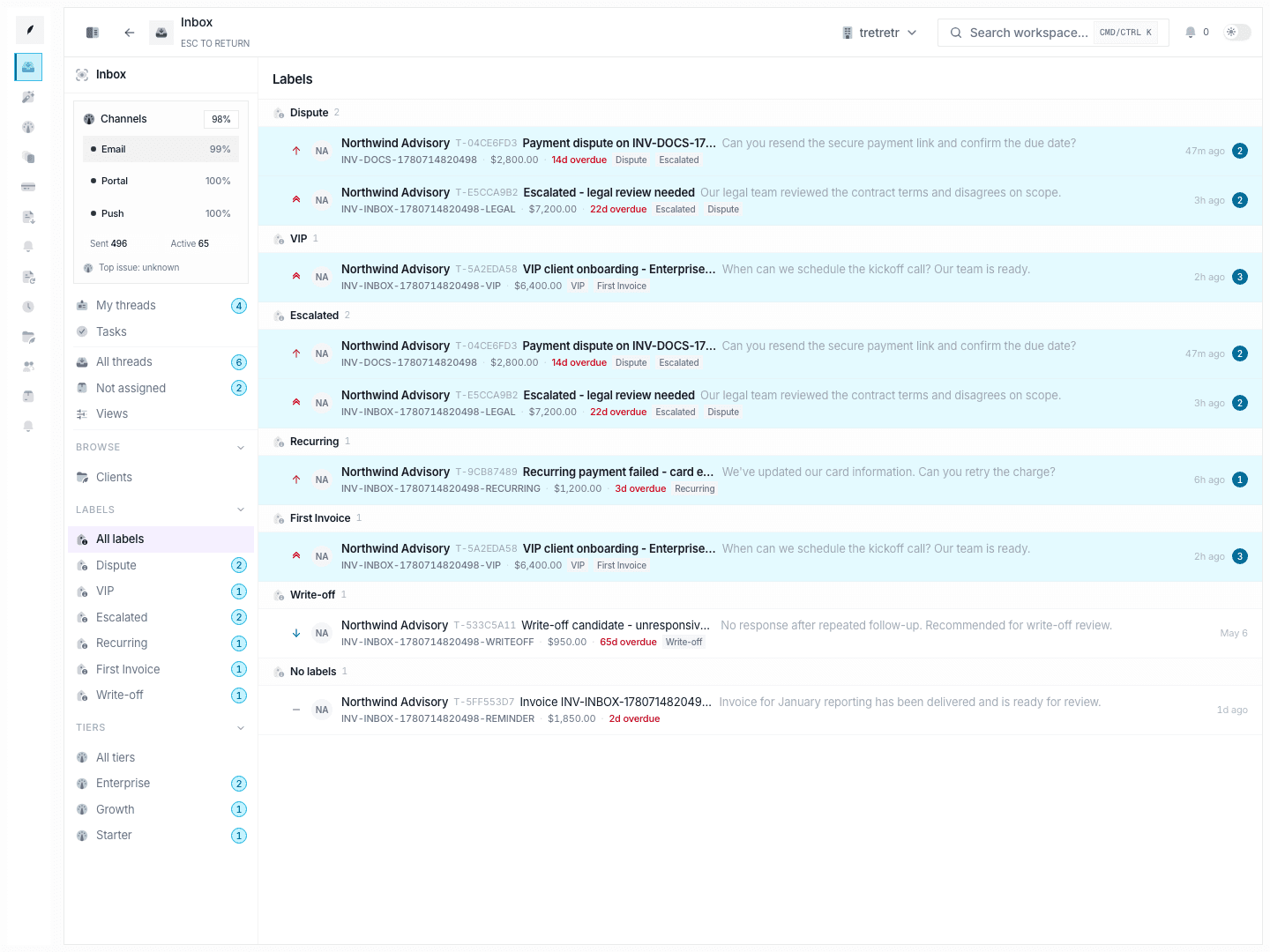
Inbox → Browse → Labels groups threads by label. Labels are not managed from a separate settings page. They are created inline when the team is organizing thread work.
Current Workflow
- Open a thread that needs a new label.
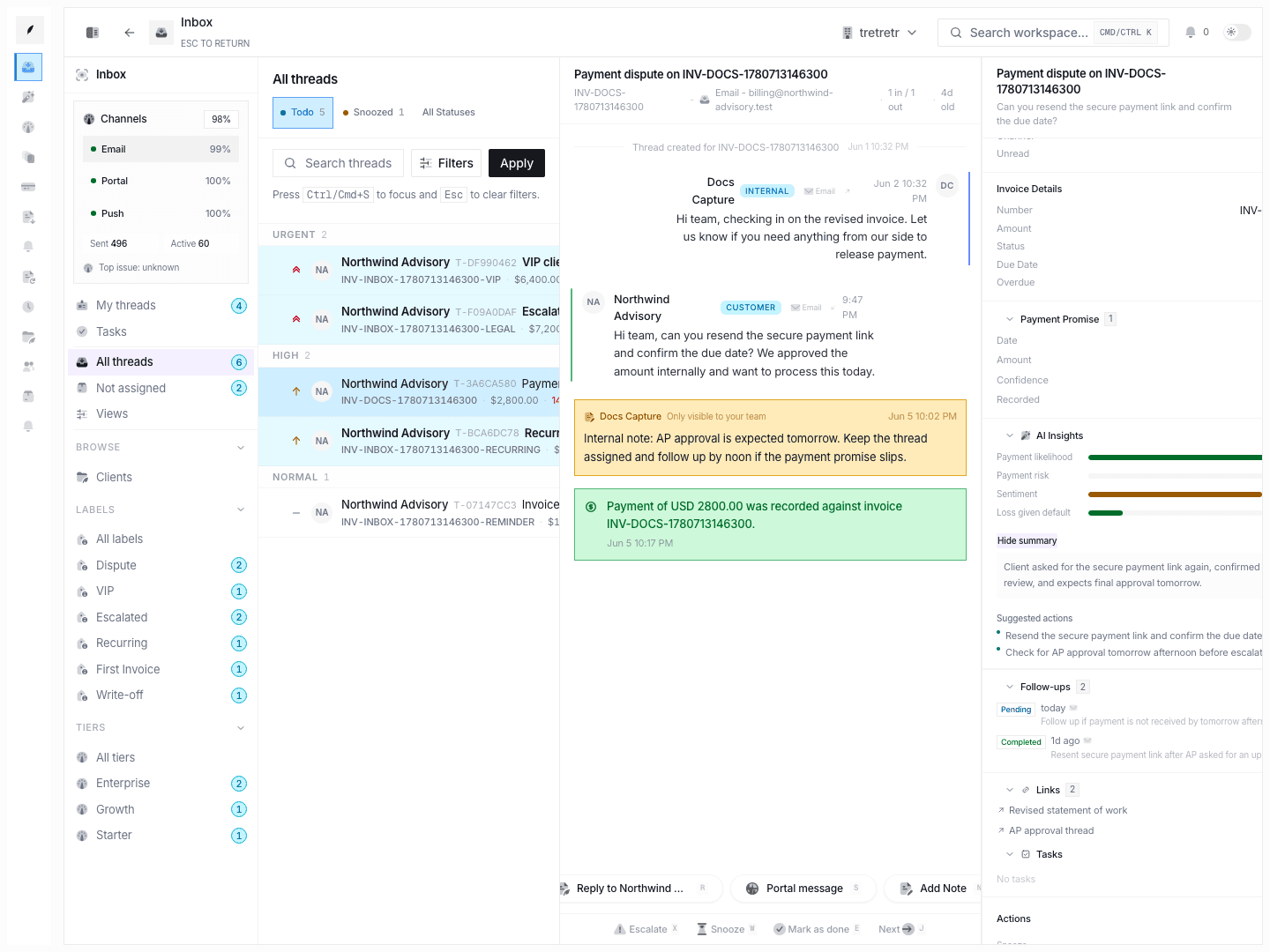
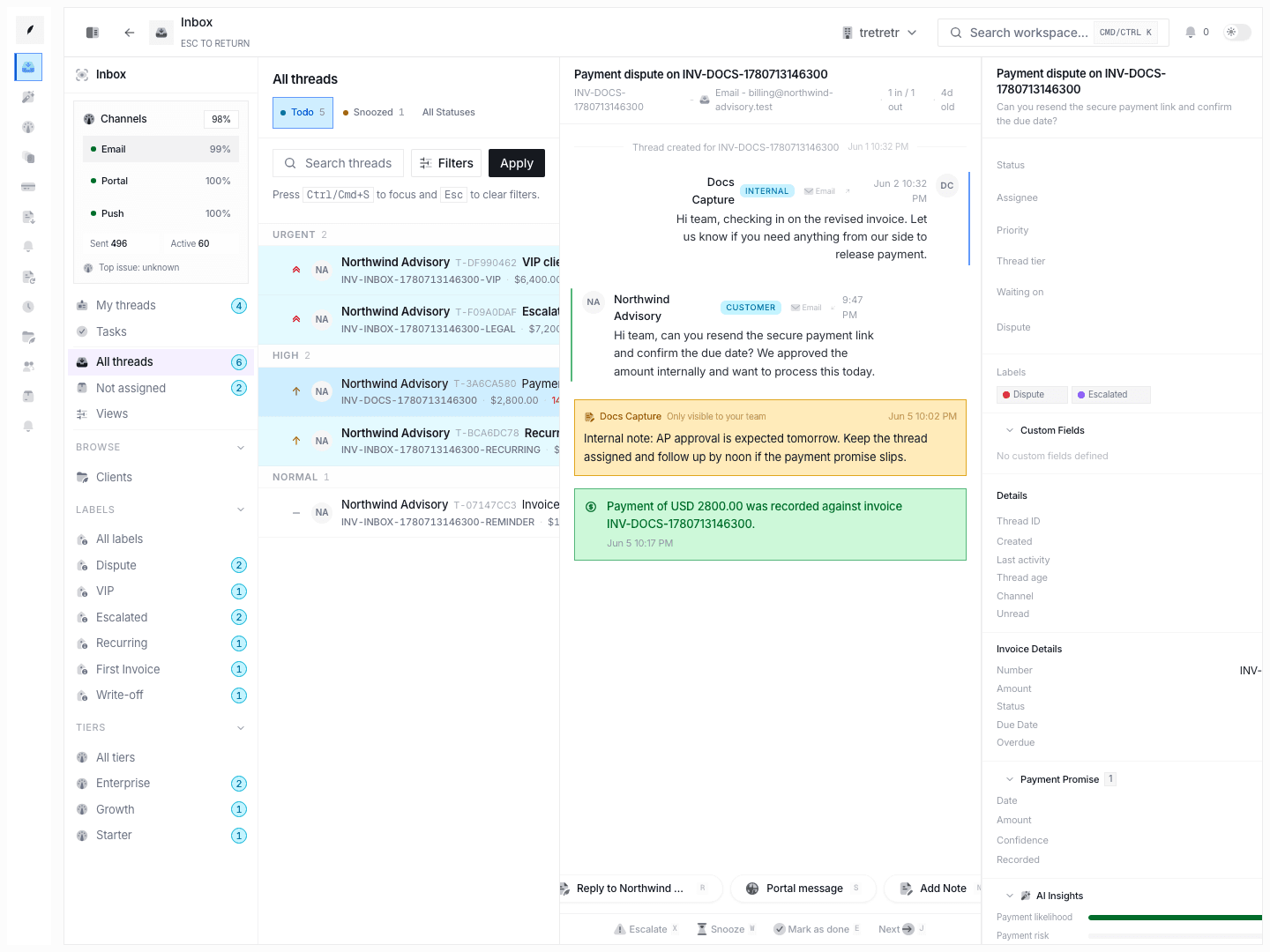
- Create the label inline from the thread label controls if it does not already exist.
- Apply the label immediately to that thread.
- Return to Inbox → Browse → Labels to see the grouped result.
This view lists the label groups that exist, shows threads grouped by each label, and reflects labels created inline from thread-detail workflows.