Push Notifications
Connect browser push for invoice and thread alerts.
Browser push lets a signed-in user connect the current browser to receive Corinthian alerts. Push availability depends on browser support, operating-system permissions, service-worker registration, and VAPID configuration.
Enable Browser Push
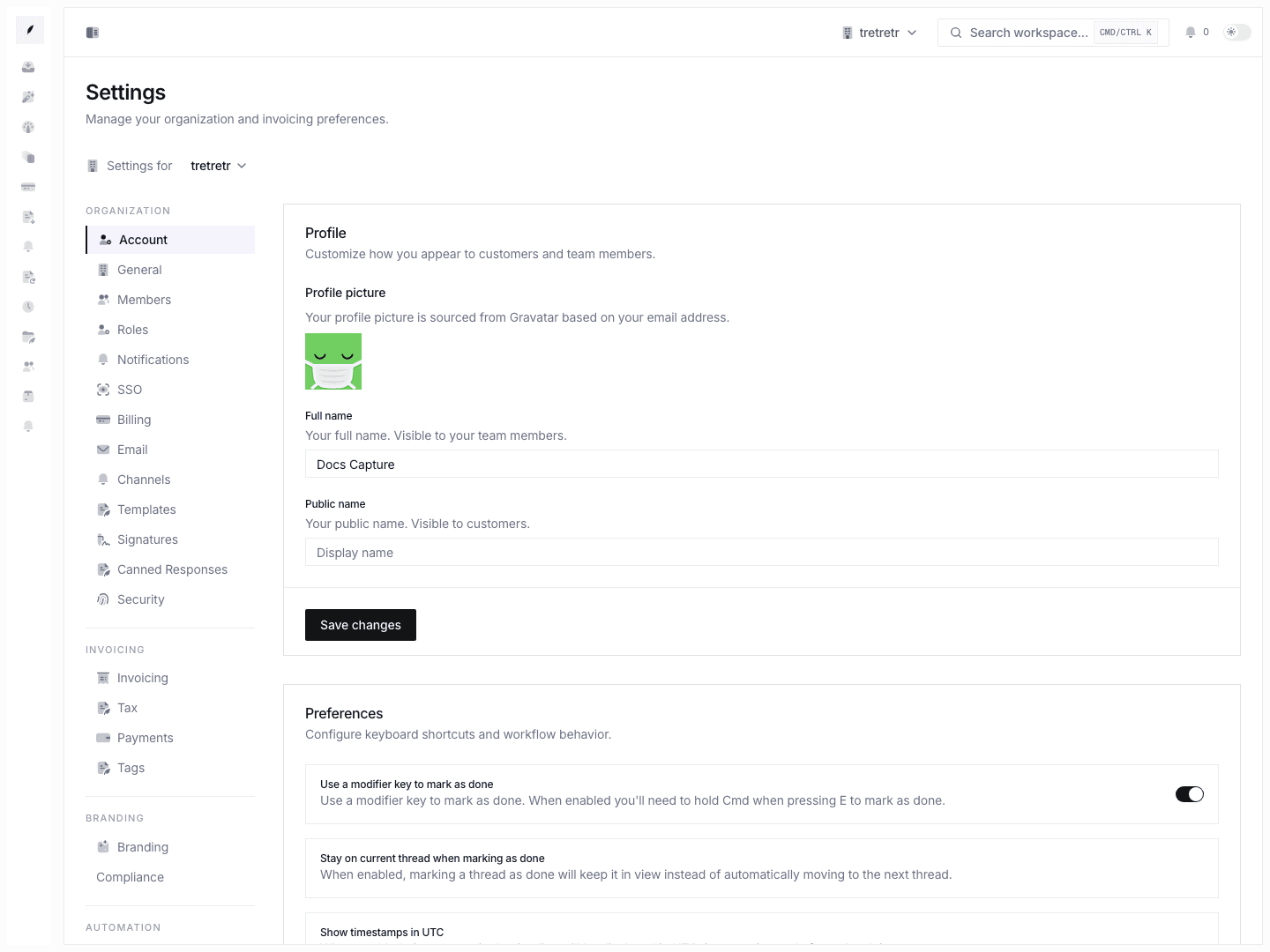
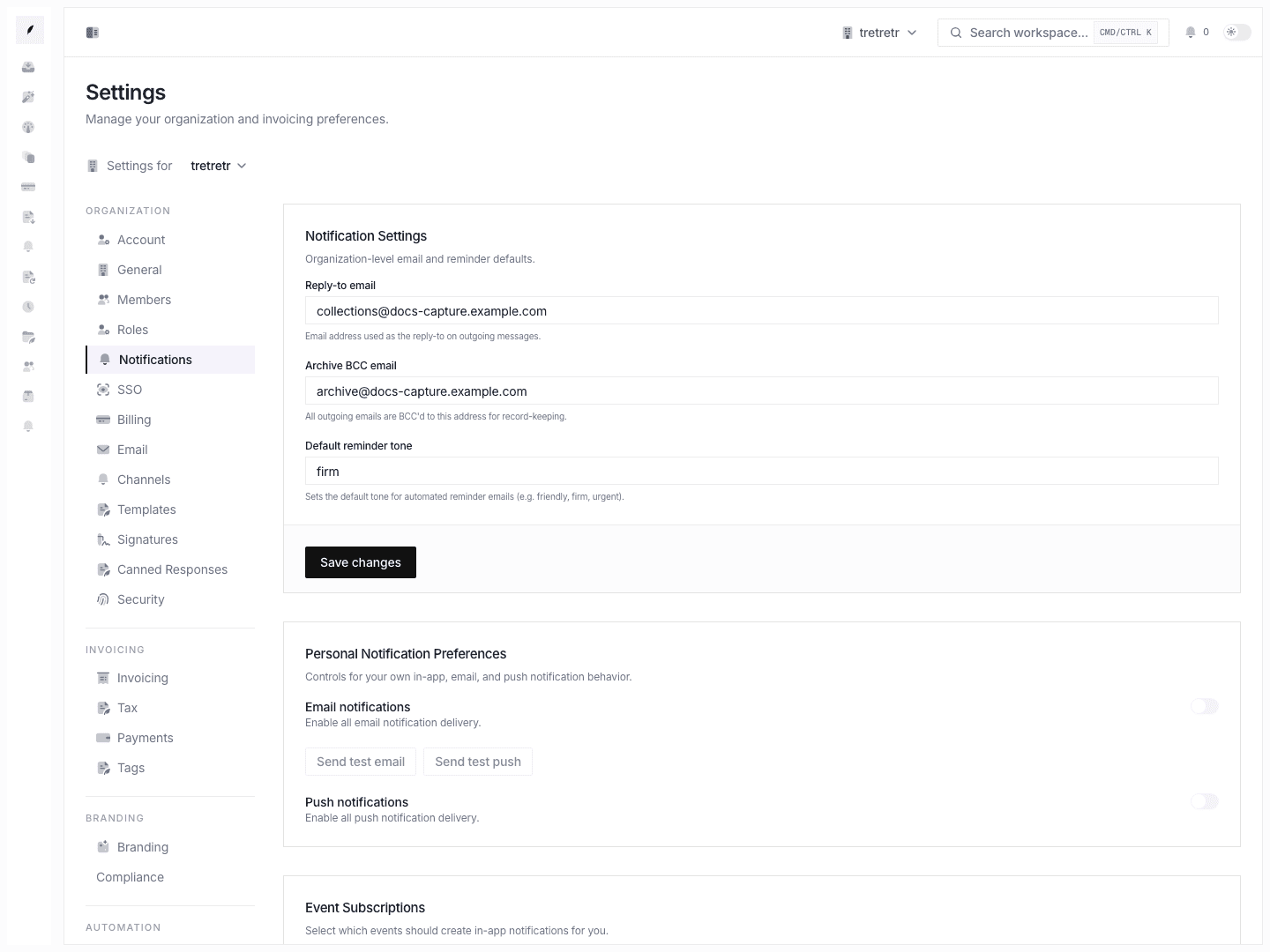
- Open the account/settings page that contains the Browser push card.
- Confirm the browser is supported and push is configured.
- Click Enable push.
- Approve the browser permission prompt.
The card shows whether the current browser is subscribed, the browser permission state, active subscription count, and the current endpoint when available.
Disable Browser Push
- Open the Browser push card.
- Click Disable push.
- Confirm the card returns to the unsubscribed state.
Preference Scope
Push preferences currently include:
| Preference | Purpose |
|---|---|
| Enabled | Turns push preferences on or off. |
| Invoice paid | Allows invoice-paid push alerts. |
| Invoice overdue | Allows invoice-overdue push alerts. |
| Reminder sent | Allows reminder-sent push alerts. |
Other notification event subscriptions may still exist for email or in-app activity, but the current push preference schema is narrower than a full per-event/per-channel matrix.
Quiet Hours and Urgent Bypass
Urgent bypass is configured in Settings → Compliance as part of quiet-hours policy. It is not a personal push-notification toggle on the push card.
What Is Not Included
The current docs do not claim:
- mobile app push setup
- a separate native app notification channel
- Slack push delivery
- a configurable push toggle for every event type
- a fixed notification-tray retention window
Troubleshooting
Browser push is unavailable
Check whether the browser supports push, whether notification permission is blocked, and whether Corinthian has a configured VAPID public key.
I enabled push but no notification arrives
Confirm that the browser subscription is active, the operating system allows notifications from the browser, and the relevant push preference is enabled.
I blocked notifications by mistake
Update the permission in your browser's site settings, then return to the push card and subscribe again.