Settings Invoicing
Define invoice numbering, default terms, notes, PDF attachment, reminders, and partial-payment policy.
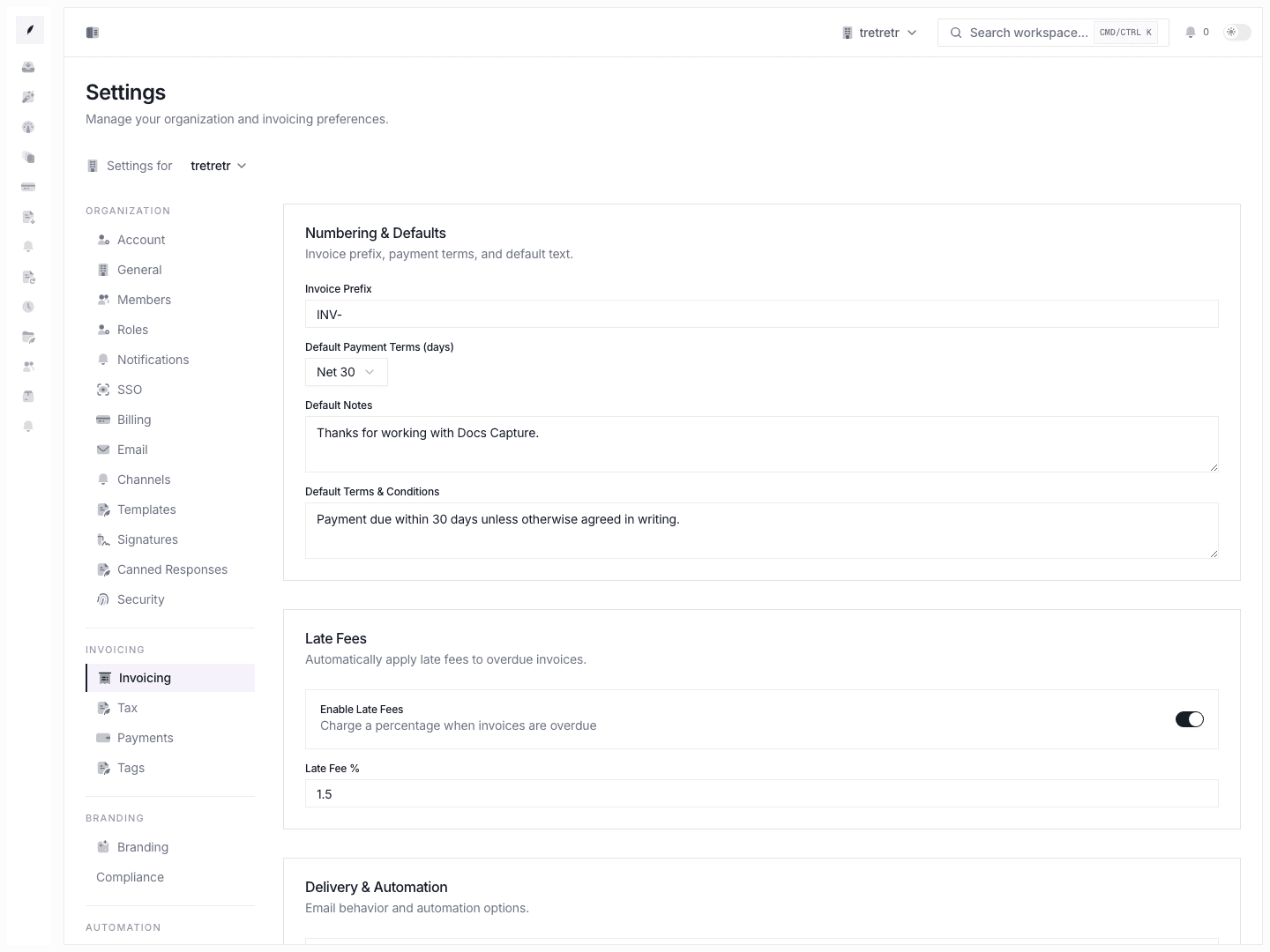
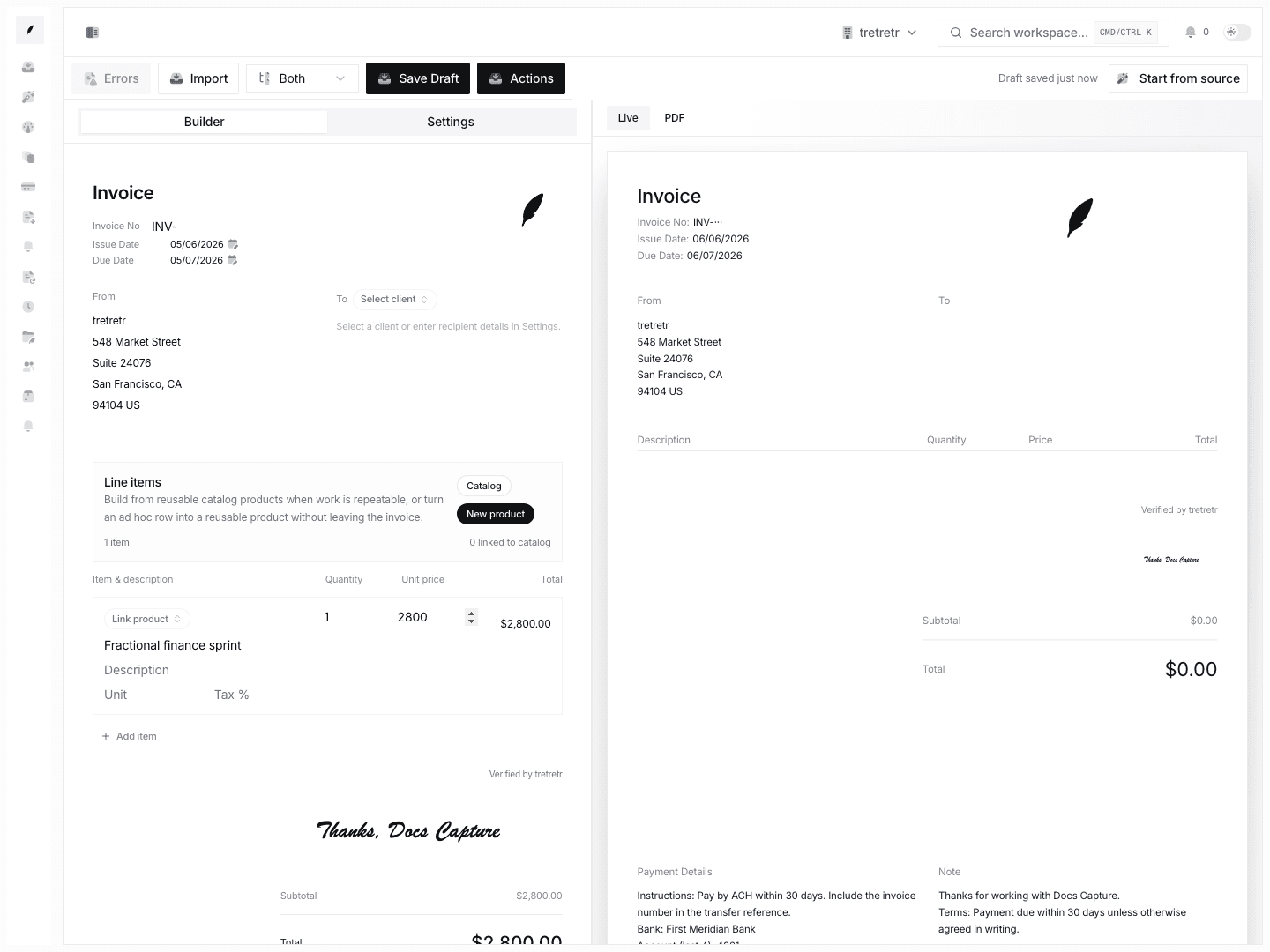
Settings → Invoicing defines defaults that new invoices should inherit.
What You Can Configure
- invoice prefix
- default payment terms
- default notes
- default terms and conditions
- late-fee enablement
- late-fee percentage
- attach PDF to email
- always-BCC email
- auto-reminders
- partial-payment policy
Default Payment Terms
Payment terms determine when a new invoice starts as due. Set the workspace default so new invoice drafts begin with the right expectation.
You can override terms on an individual invoice before sending.
Invoice Prefix
The prefix is prepended to generated invoice numbers. Changing the prefix affects future invoices; it does not renumber existing invoices.
Notes and Terms
Default notes and default terms and conditions appear on new invoices. Use them for payment instructions, policy language, or other text that should appear repeatedly.
Late Fees
The current form supports enabling late fees and setting a late-fee percentage. It does not document flat late fees or a grace-period field.
Check your local regulations before enabling late fees.
Delivery Defaults
Use this page to control whether invoice emails attach PDFs, whether a BCC address should always receive invoice email, whether auto-reminders are enabled, and whether partial payments are allowed.
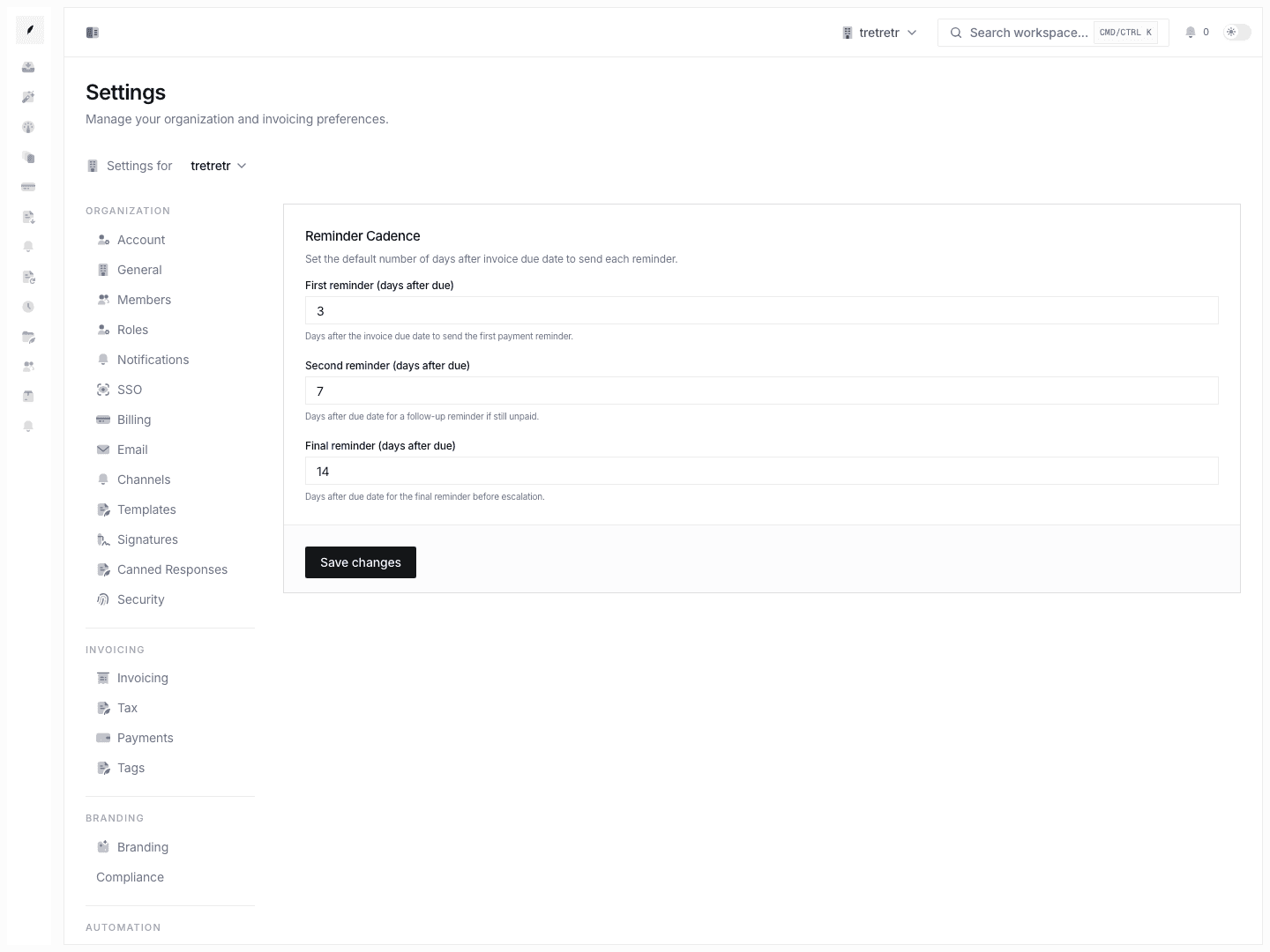
Reminder cadence is configured separately in Settings Reminders.
Current Limitations
The current Invoicing settings form does not document:
- default line-item templates
- workspace default currency selection
- flat late fees
- late-fee grace periods
- global rounding controls for tracked time
Troubleshooting
A new invoice still uses old defaults
Check whether the draft was created before the settings change. Defaults apply at creation time.
Reminders are inconsistent
Review both this page and Settings Reminders. Enablement and cadence are separate settings.
Late fees are not appearing
Confirm that late fees are enabled and that the configured percentage is saved.