Account Slack Notifications
Slack notification preference availability for personal workflow events.
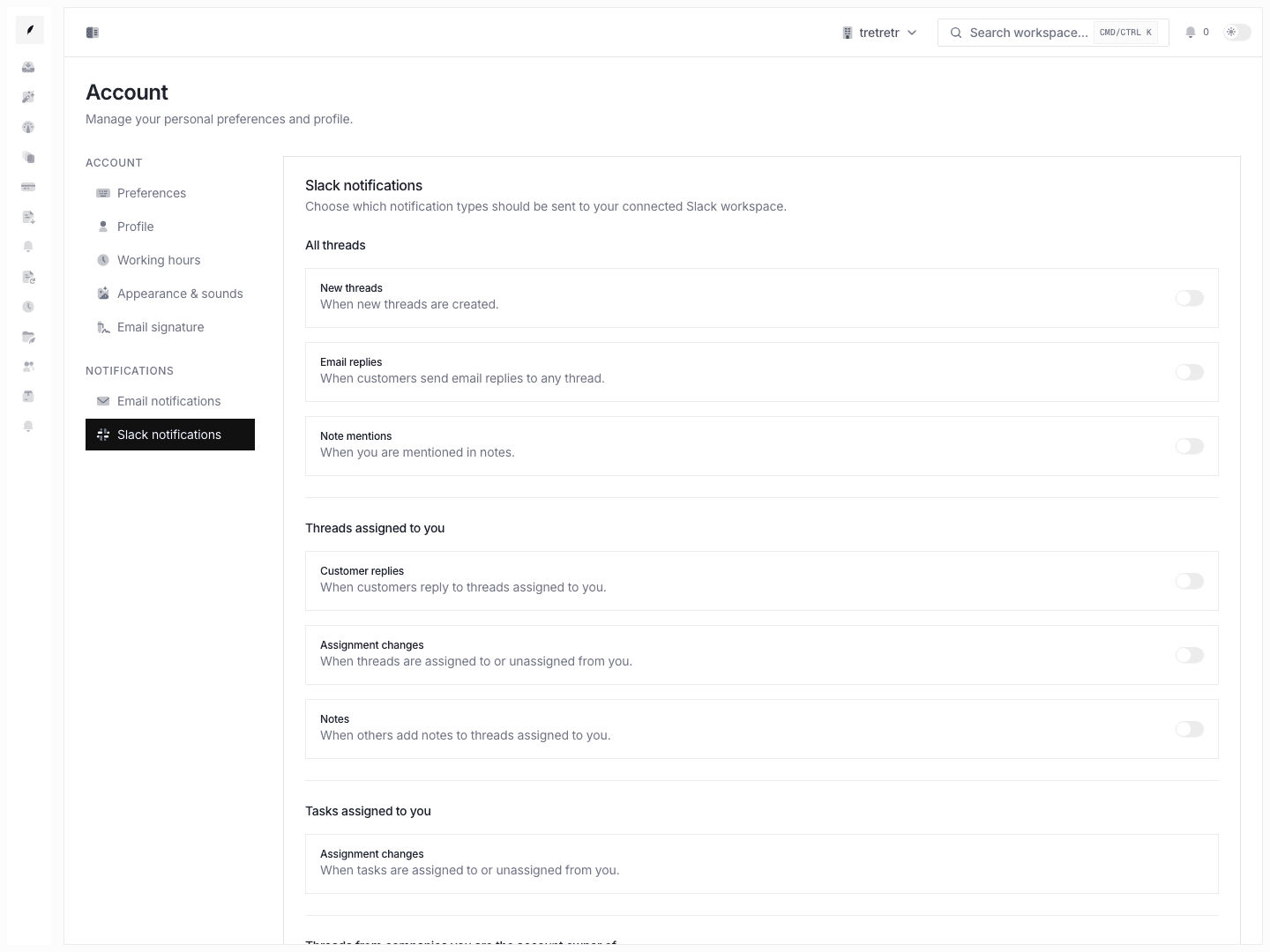
Account → Slack Notifications is where Slack preference controls can live. Slack delivery is not available until the Slack integration is connected and marked available in Apps & Integrations.
Typical Workflow
- Open Account → Slack Notifications.
- Turn the event groups on or off.
- Save the form.
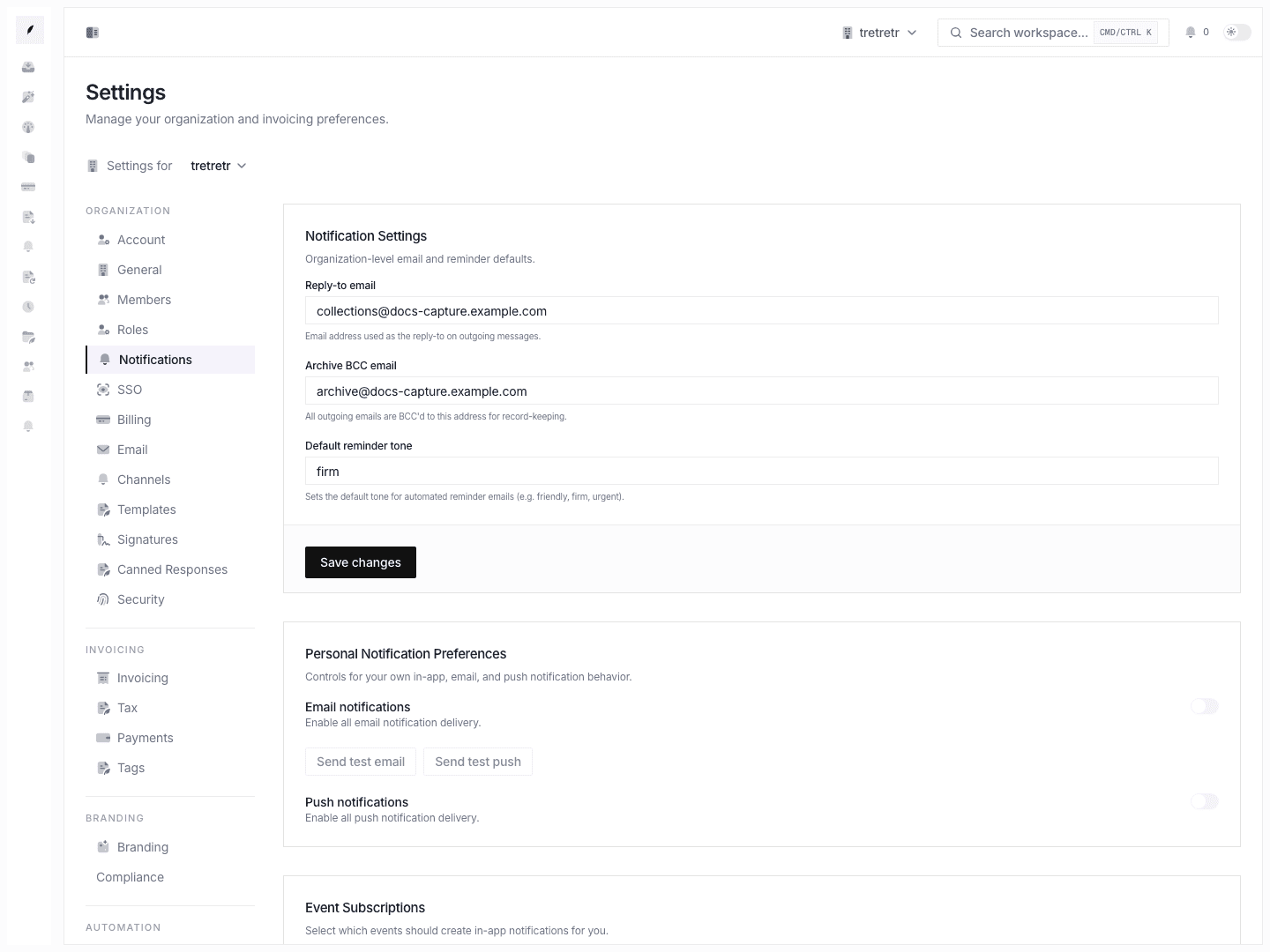
- Compare the result with your email-notification settings so the two channels do not overlap too aggressively.
After saving, these preferences are ready for Slack delivery once the Slack connector is available. Use email and in-app notifications for live delivery today.
Event groups available
- new threads
- replies
- mentions
- assigned-thread events
- task assignment changes
- owned-company events
- team-thread events
State and permission behavior
- Slack preferences are personal and depend on Slack integration availability
- channel configuration does not change inbox assignment or ownership behavior
- Slack and email are configured separately, so you may need to tune both pages
Troubleshooting
Slack is noisy even after I changed email notifications
Email and Slack are separate preference pages. Use email preferences for live delivery today, and revisit Slack once the connector is available.
I expected team events but only see direct ownership events
Review whether the team-specific toggles are enabled and whether the underlying thread is classified as a team event in your workflow.