Settings Branding
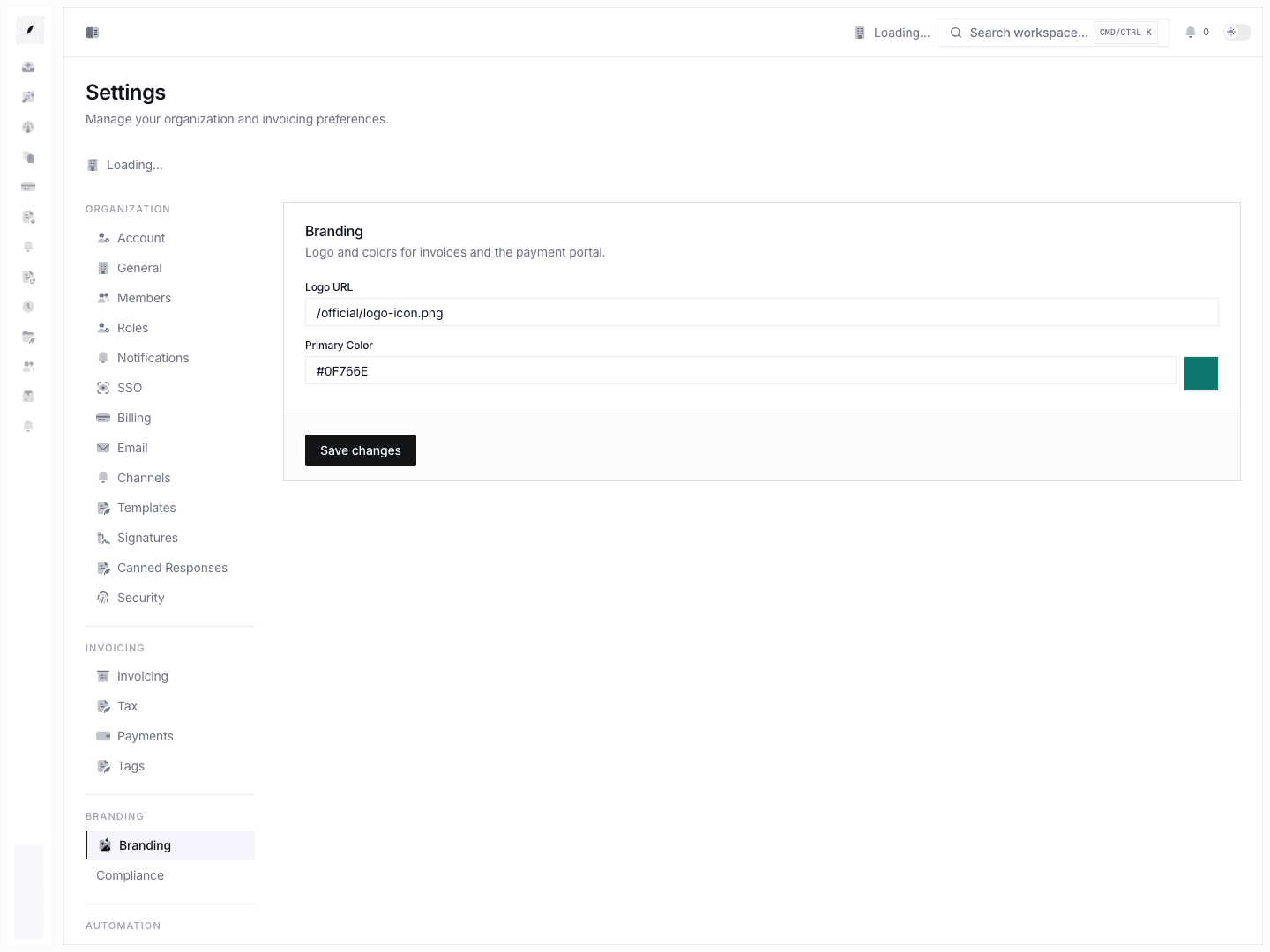
Manage the organization logo URL and primary color used across invoice presentation.
Settings → Branding is where you define the core visual identity used by customer-facing invoice output.
What You Can Configure
| Setting | Purpose |
|---|---|
| Logo URL | Stores the image URL used for workspace branding. |
| Primary color | Stores the primary hex color for branded invoice presentation. |
Update Branding
- Open Settings → Branding.
- Paste a reachable logo URL.
- Enter the primary hex color.
- Save.
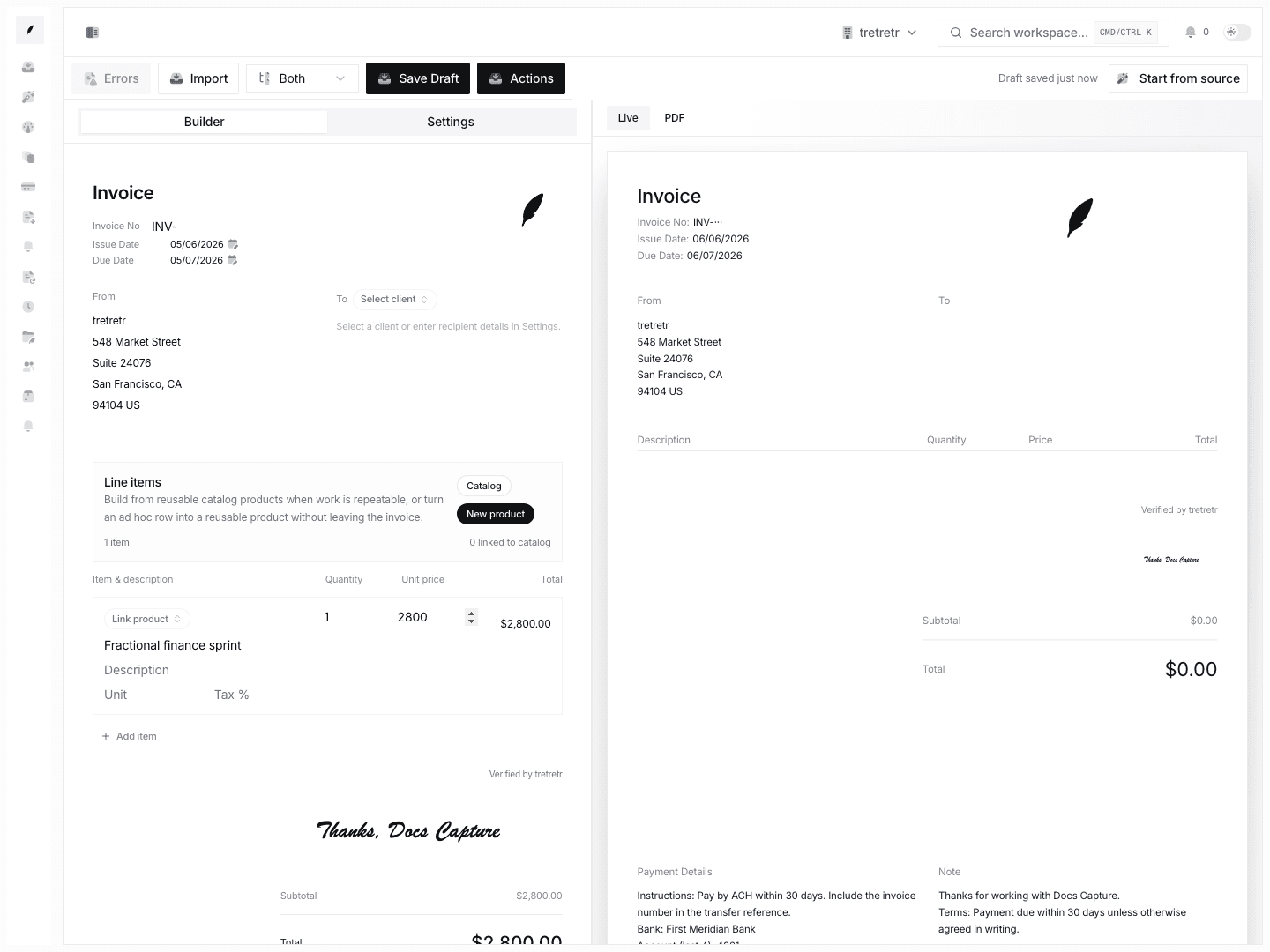
- Review a new invoice preview to confirm the result.
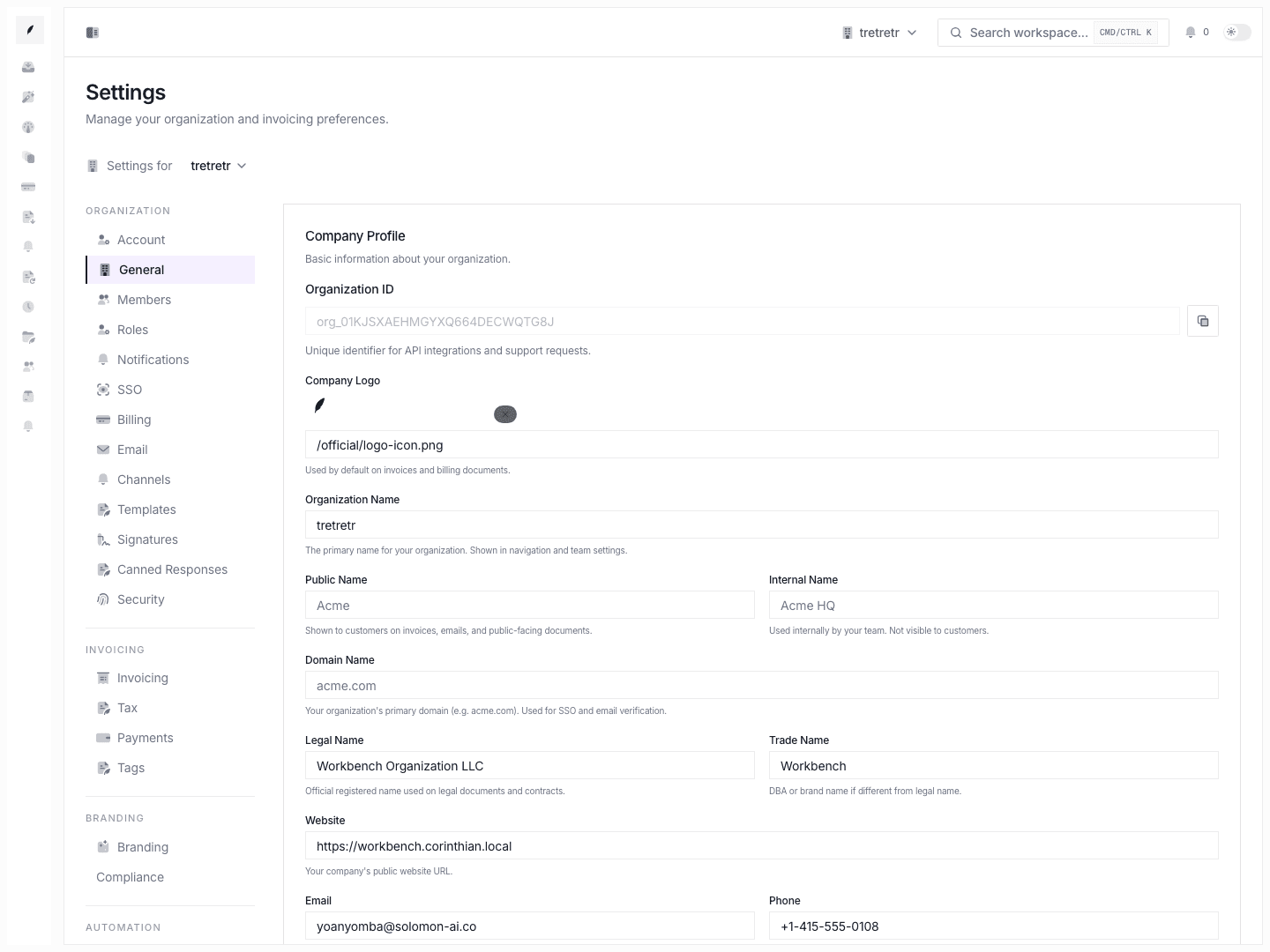
The Branding page stores a URL. Logo file upload is handled elsewhere in workspace settings where an upload control is available.
Logo URLs
Use a URL that can be loaded by customers and by any PDF or email rendering workflow. Private or authenticated image URLs may not appear in customer-facing output.
Primary Color
Use a valid hex color. Choose a color with enough contrast for buttons, accents, and invoice presentation.
Current Limitations
The current Branding form does not document:
- favicon uploads
- multiple color roles
- live portal/email mockups
- file-size validation for uploads on this page
Troubleshooting
The logo preview is broken
Open the URL directly in a browser. If it does not load without authentication, choose a different URL or upload the logo through the supported workspace identity controls.
Invoice styling still looks old
Open a fresh invoice preview. Previously generated PDFs may not update until regenerated.