Settings Tax
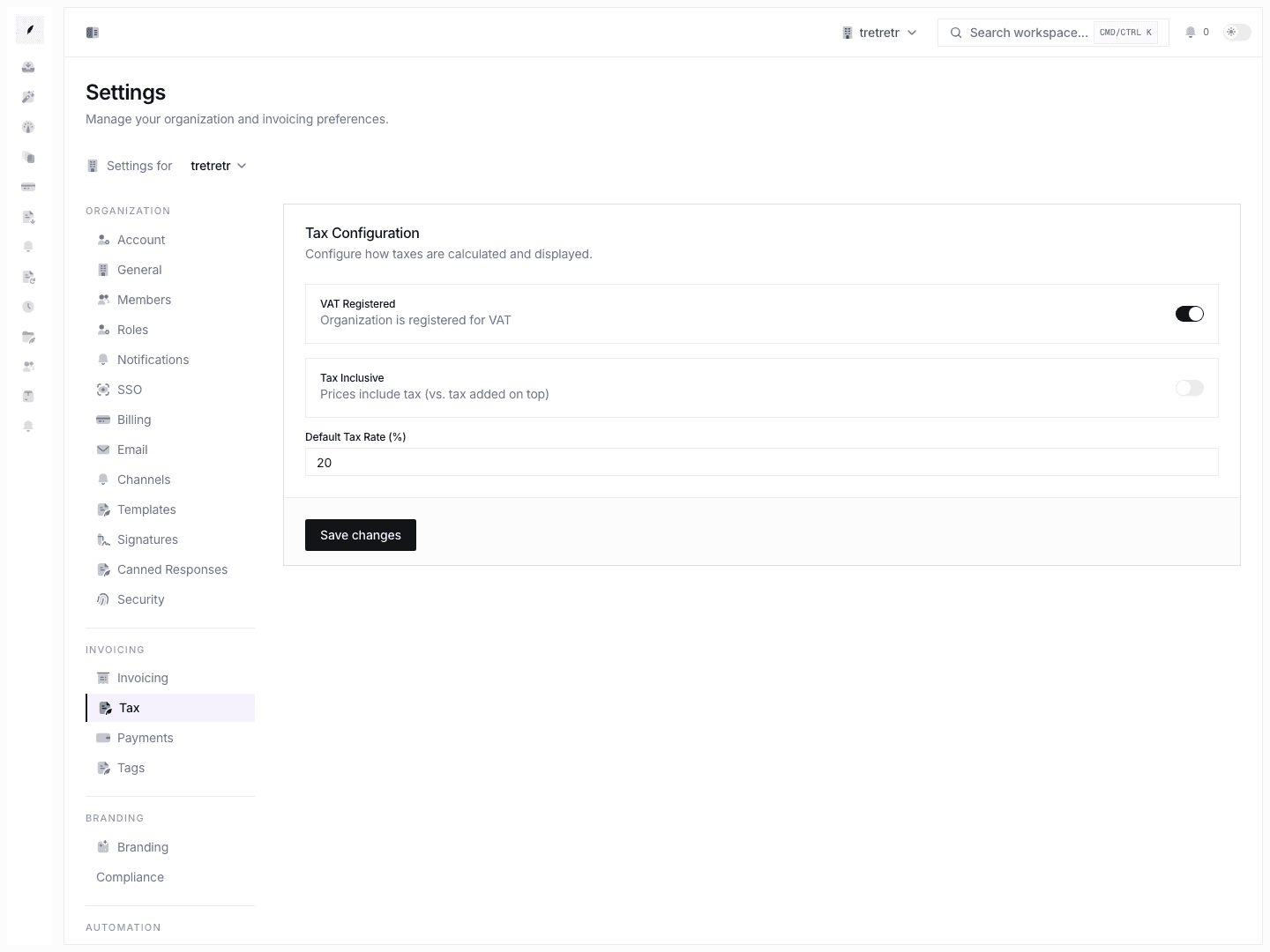
Control VAT registration, inclusive pricing behavior, and the default tax rate.
Settings → Tax is where you set the organization-wide tax defaults Corinthian should apply when creating invoices.
What You Can Configure
| Setting | Purpose |
|---|---|
| VAT registered | Marks whether the organization is VAT registered. |
| Tax-inclusive pricing | Controls whether line-item prices are treated as tax-inclusive by default. |
| Default tax rate percent | Sets the default tax percentage for new invoice work. |
Update Tax Defaults
- Open Settings → Tax.
- Set VAT registration state.
- Choose whether pricing should be tax-inclusive.
- Enter the default tax rate percentage.
- Save.
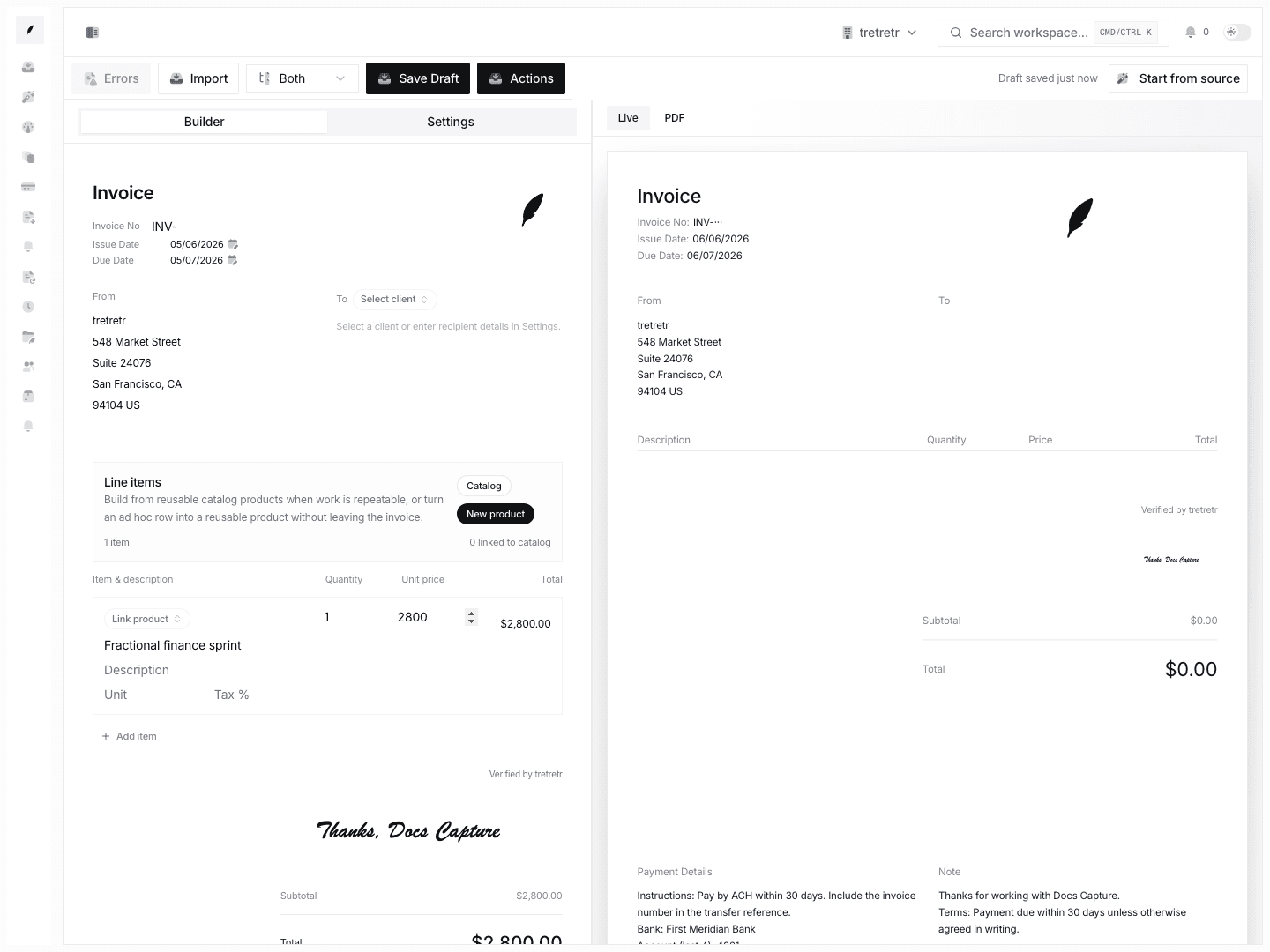
Changing tax settings does not retroactively update existing invoices. Review new invoice drafts after changing tax posture.
Current Limitations
The current Tax settings form does not document:
- multiple tax identifiers
- multiple named tax rates
- per-client tax-rate overrides
- tax-exempt client flags
- exemption certificate tracking
If a draft needs a special tax treatment, review and adjust the invoice before sending.
Troubleshooting
Tax does not look right on a draft
Check whether the draft was created before the settings update and whether invoice-level edits changed the defaults.
Inclusive pricing math looks different than expected
In inclusive mode, the displayed line-item price already includes tax. The tax line shows the extracted amount rather than an additional charge.