Reminder and Follow-up Automation
How Corinthian handles invoice reminders, recurring generation, and inbox-driven follow-up without a separate workflow builder.
Corinthian’s current automation model combines invoice reminder defaults, recurring schedules, inbox tasks, and message templates.
Shipped Automation Surfaces
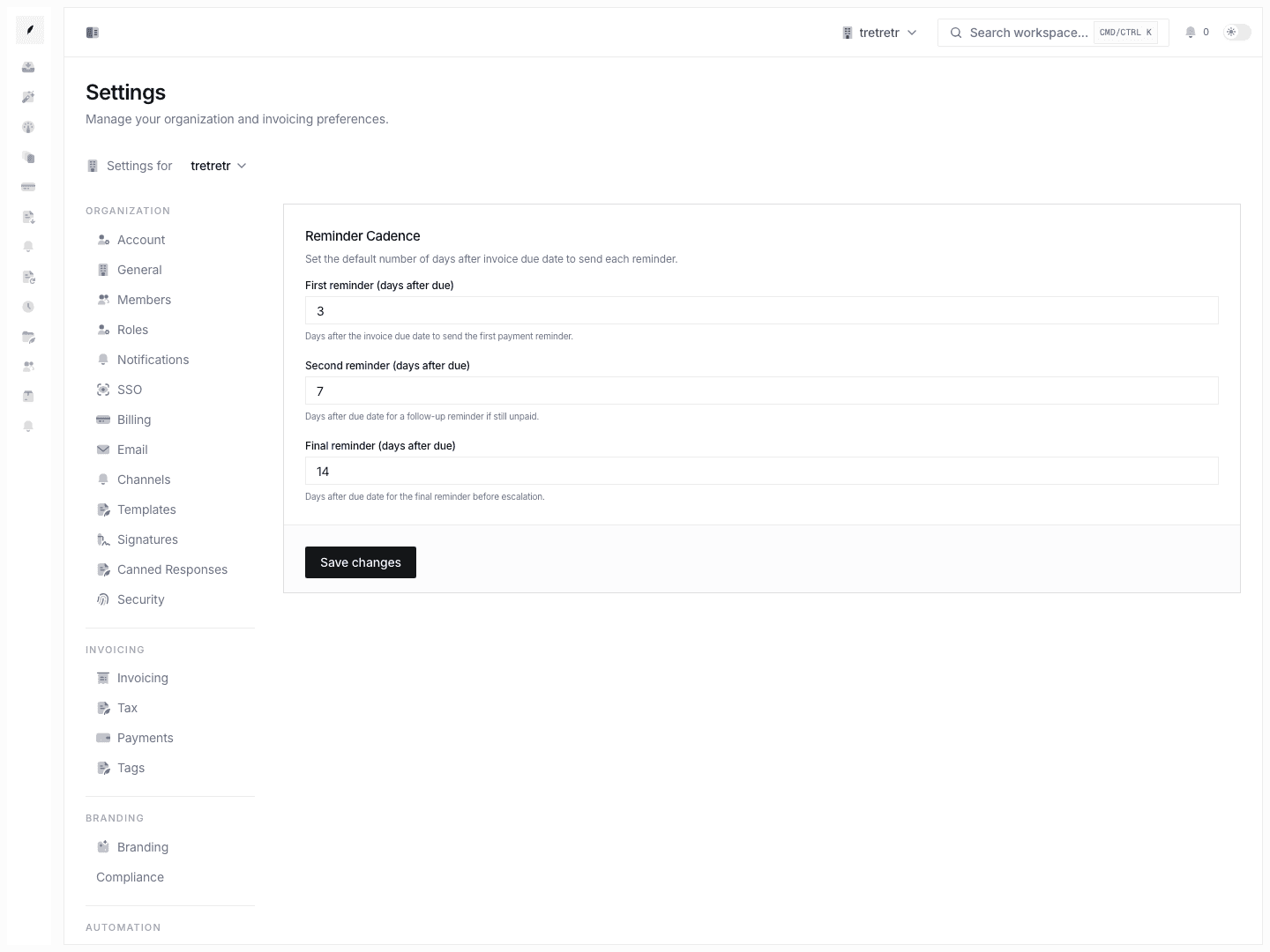
Settings → Reminders
Use Settings Reminders to define the default reminder timing new invoices inherit.
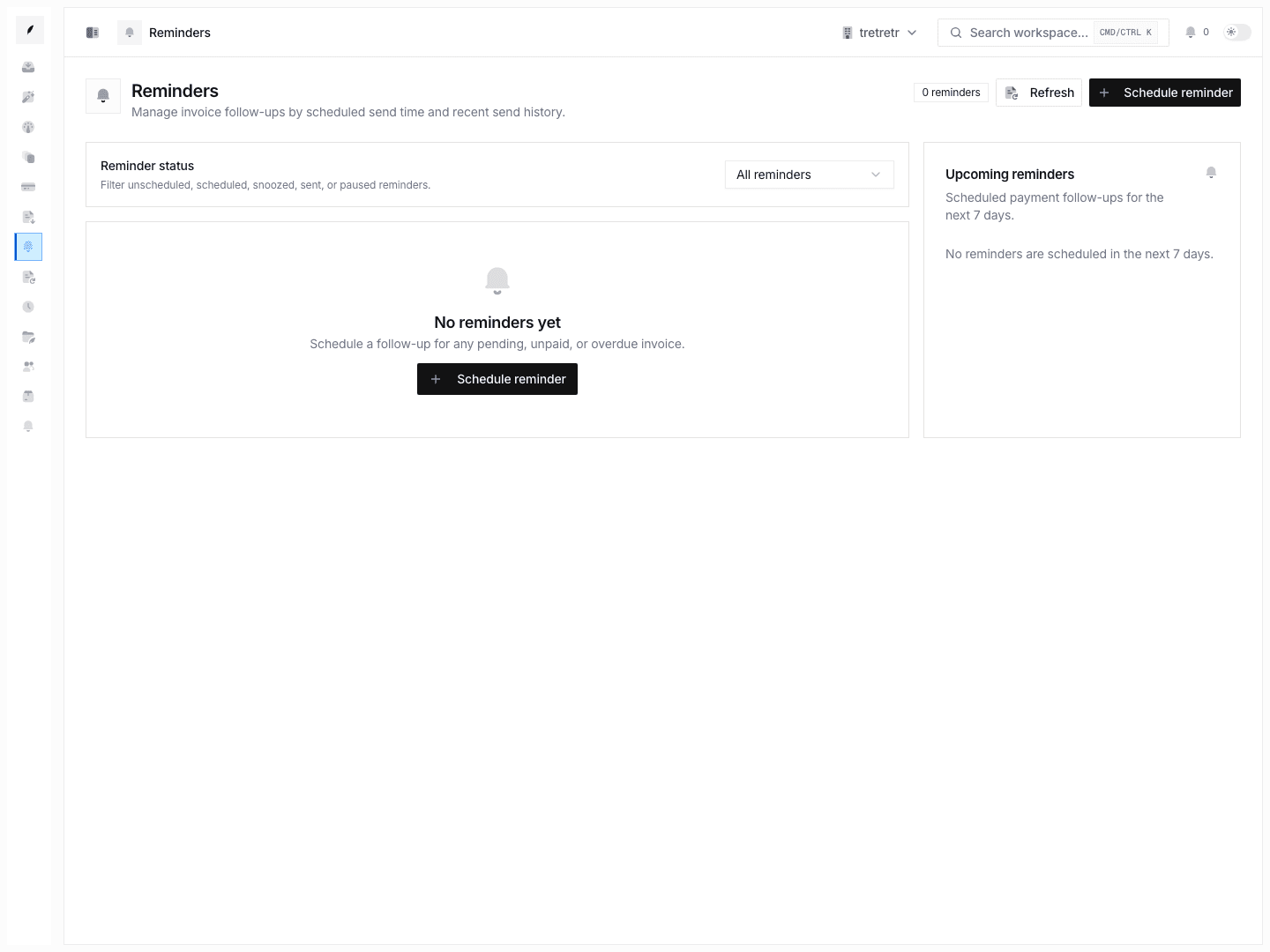
Create invoice
Use the Invoice Builder to create recurring schedules from an invoice draft.
Inbox and tasks
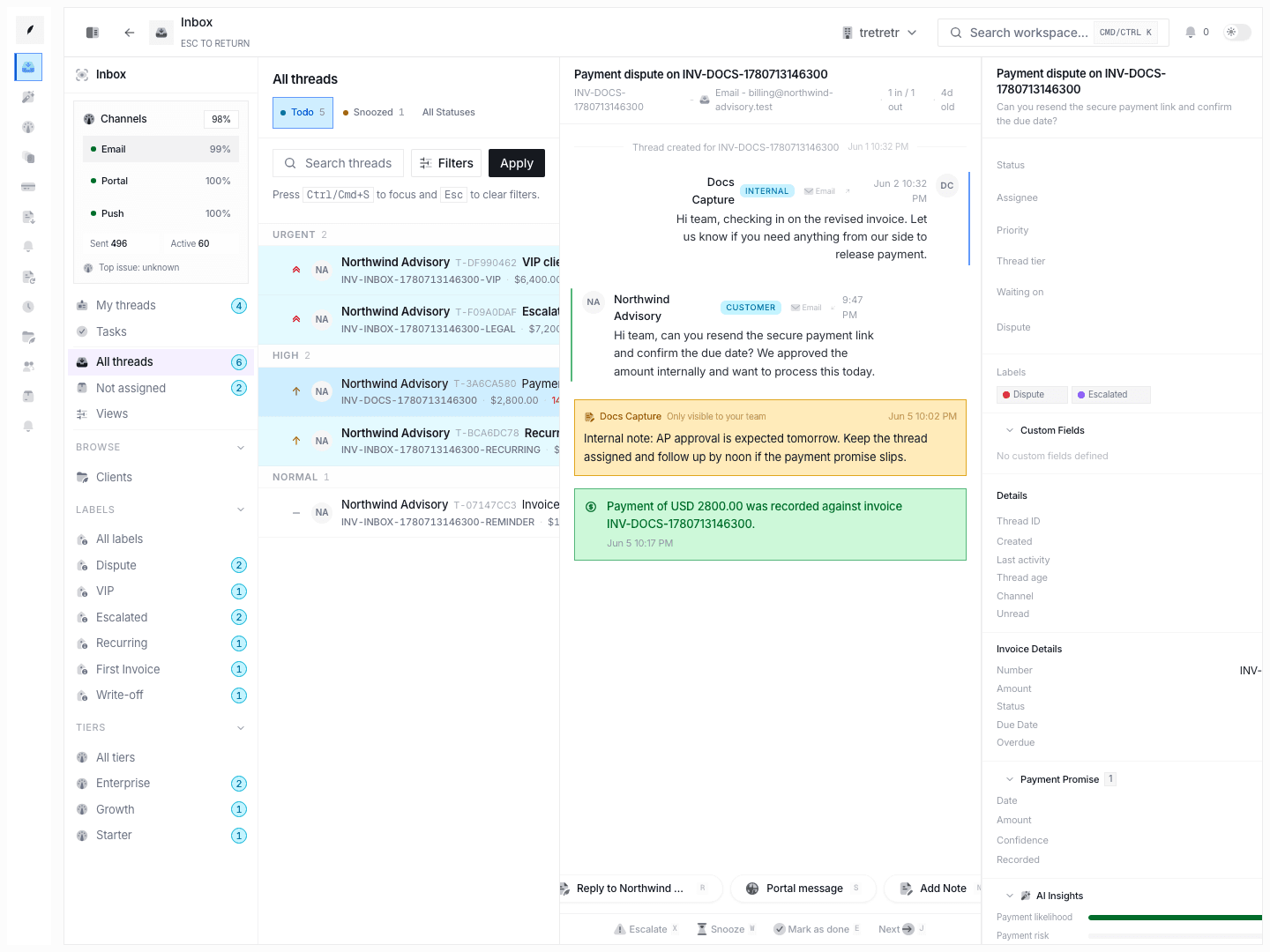
Use Invoice Inbox and Inbox Tasks to assign follow-up work once a client replies, goes overdue, or needs manual handling.
Settings → Templates
Use Settings Templates to maintain the message copy the team uses for invoice communication.
How Teams Use It in Practice
- Set invoice reminder defaults in Settings → Reminders.
- Create or update reusable message templates in Settings → Templates.
- Build recurring schedules from the invoice builder when billing repeats on a fixed cadence.
- Watch Invoices and Inbox for overdue or replied invoices.
- Assign tasks and respond from the thread when automation needs a human step.
Operational Checks
- review reminder defaults any time payment terms change
- verify the payment instructions on invoices still match the current collection process
- keep template copy up to date before rolling recurring schedules or reminder campaigns across many clients
- use inbox tasks for exceptions instead of expecting reminders to resolve every thread automatically