Inbox Browse Tiers
Group threads by tier and create tiers inline from thread status controls.
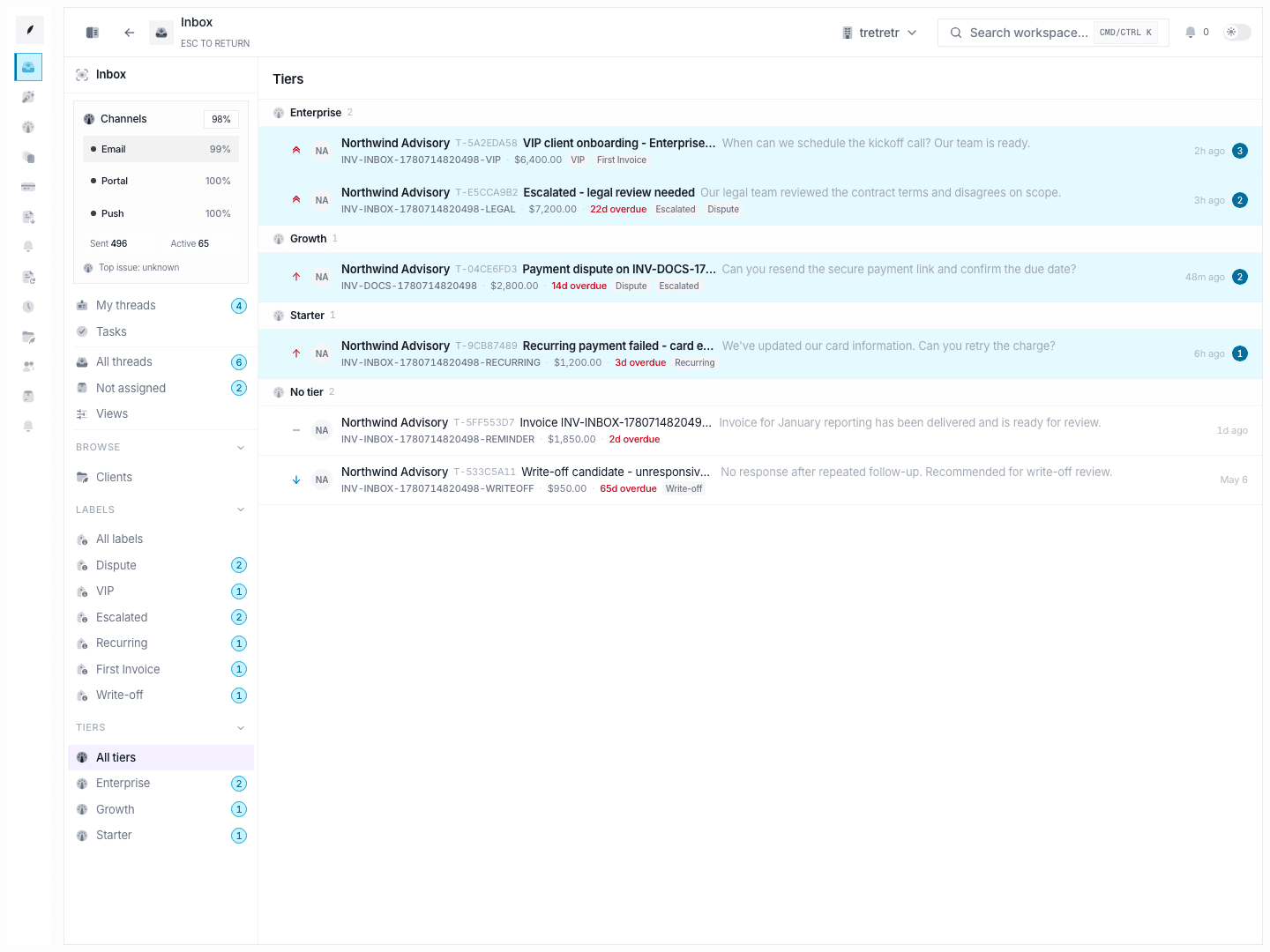
Inbox → Browse → Tiers groups threads by tier. Tiers are created and assigned inline from thread workflows instead of from a separate reminder-classification settings page.
Current Workflow
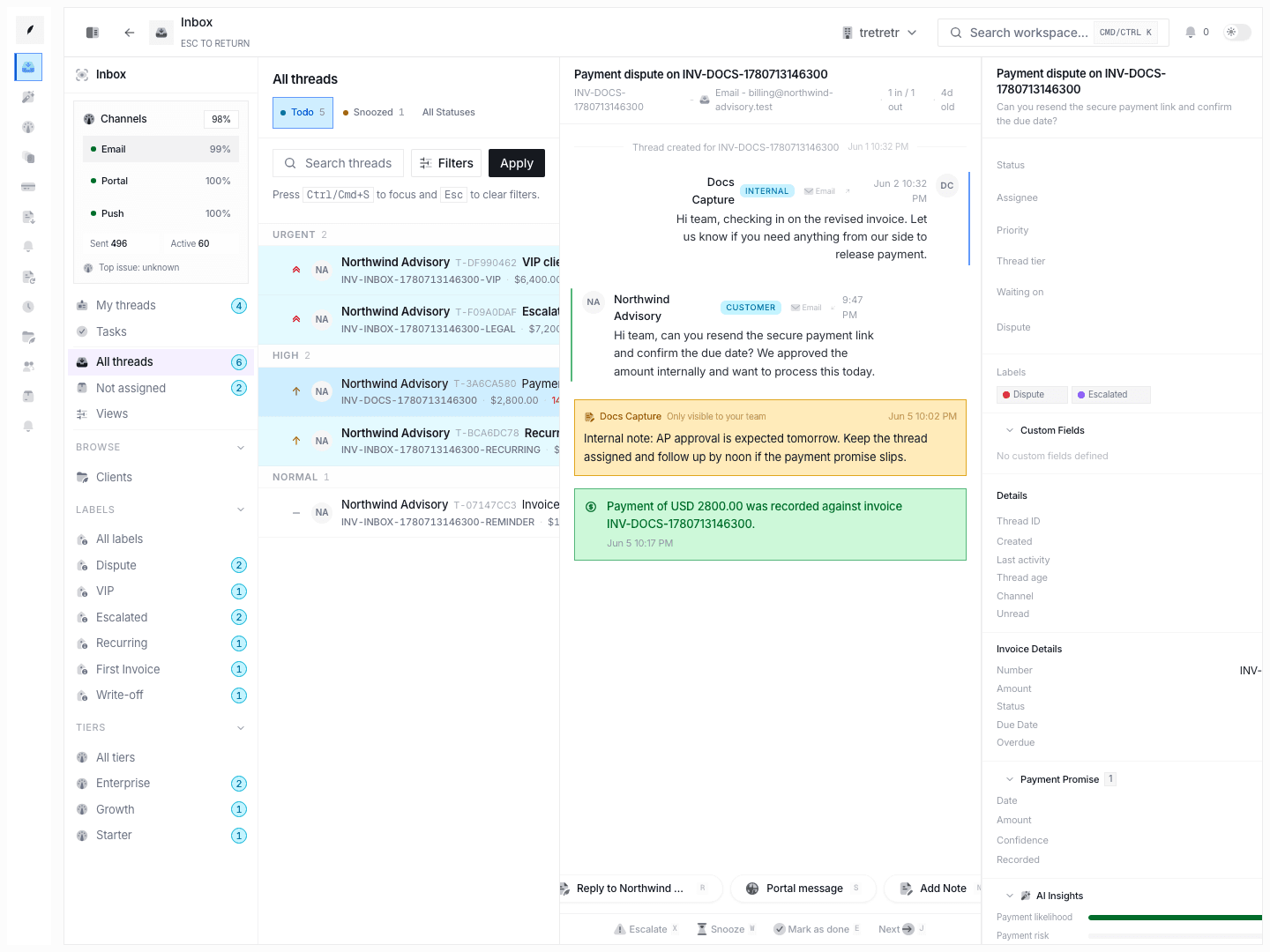
- Open the thread whose status needs a tier.
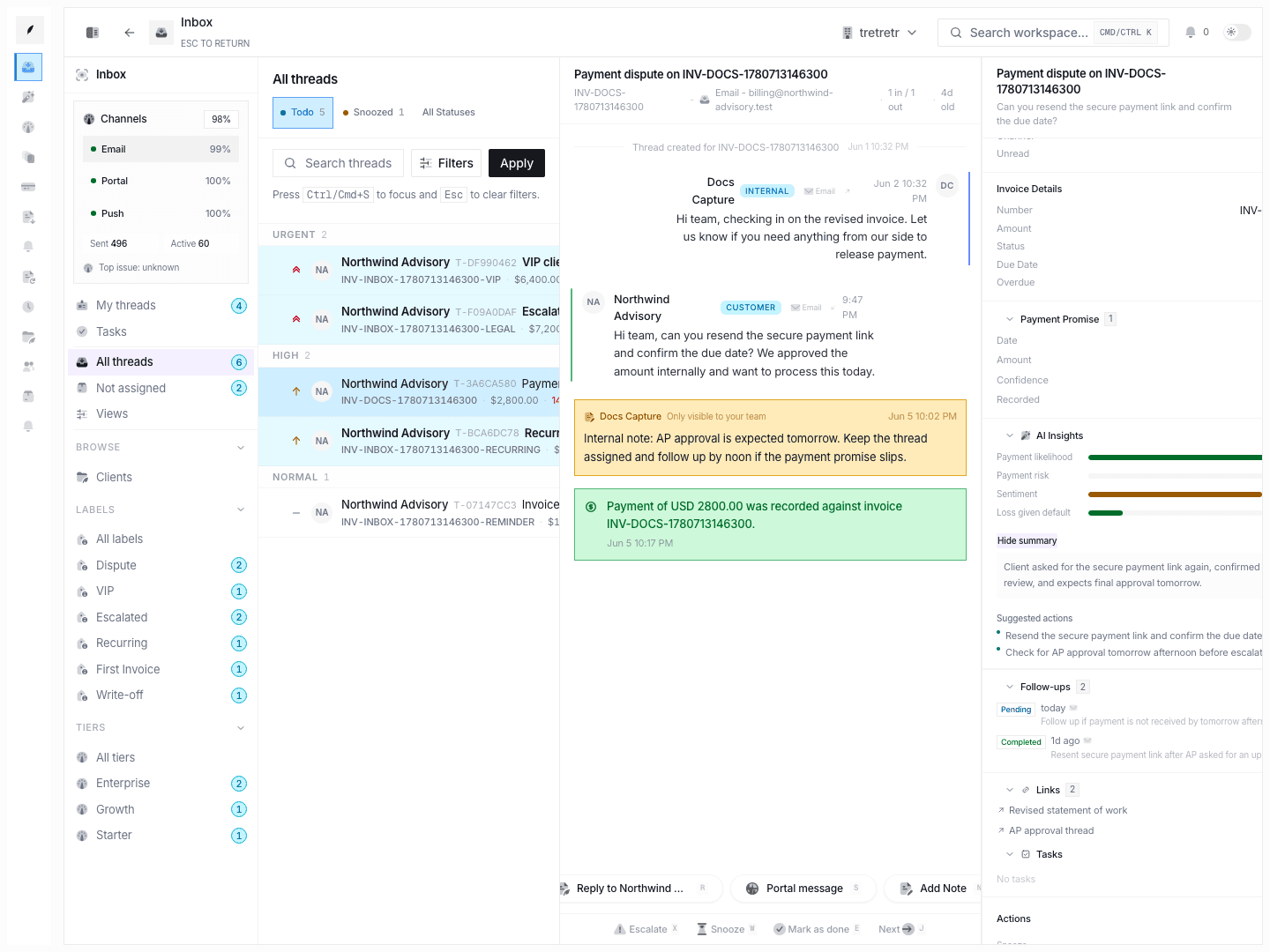
- Use the thread status controls to assign an existing tier or create a new one inline.
- Save the change.
- Review the grouped result under Inbox → Browse → Tiers.
This view reflects tiers created and assigned in the thread workflow, then groups threads by those saved tiers.