Settings Templates
Manage reusable message templates for email, portal, and push communication.
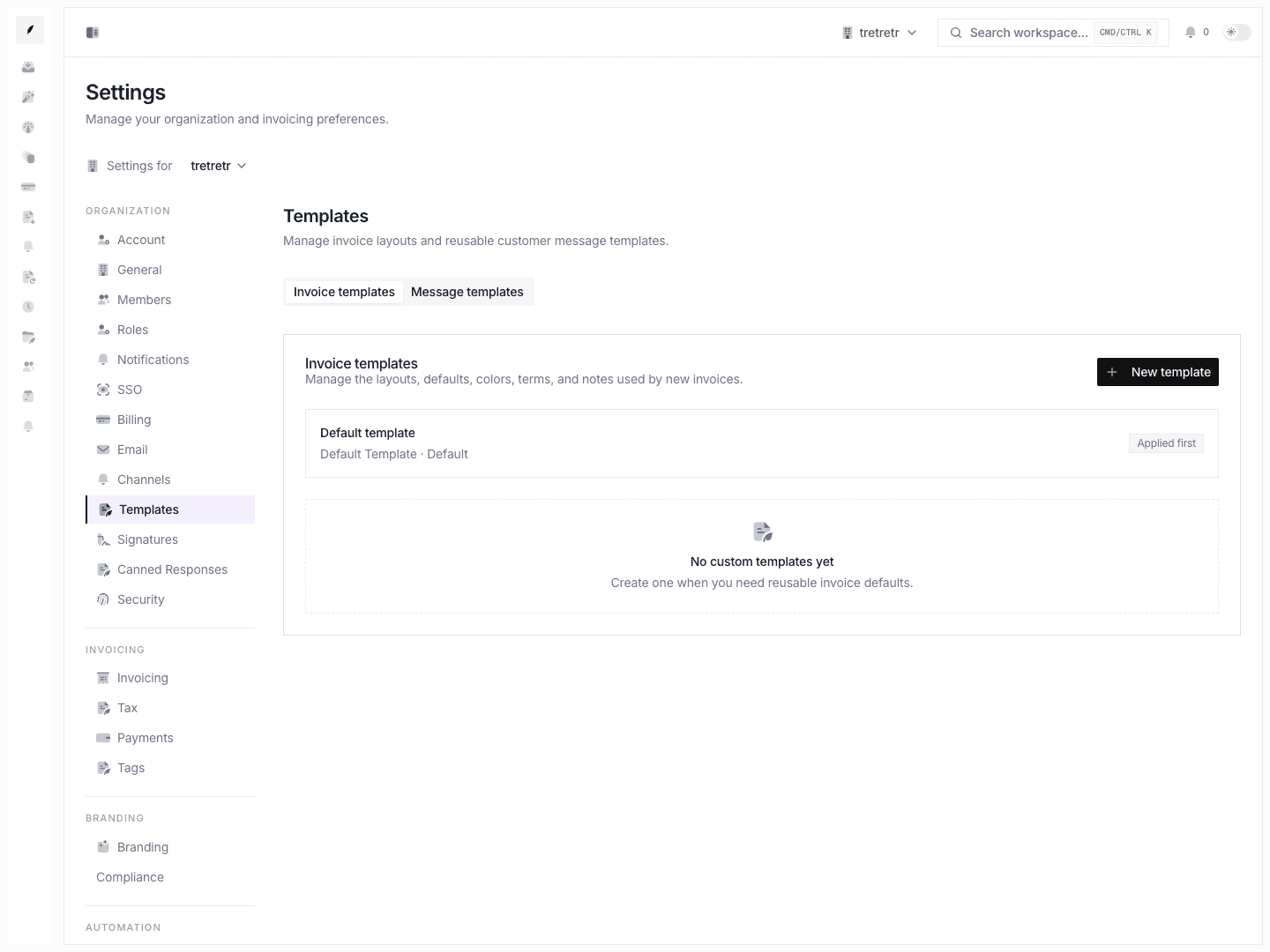
Settings → Templates is the workspace page for maintaining reusable message templates. These templates are used when the team wants consistent communication across invoice-related messages.
What the Page Supports
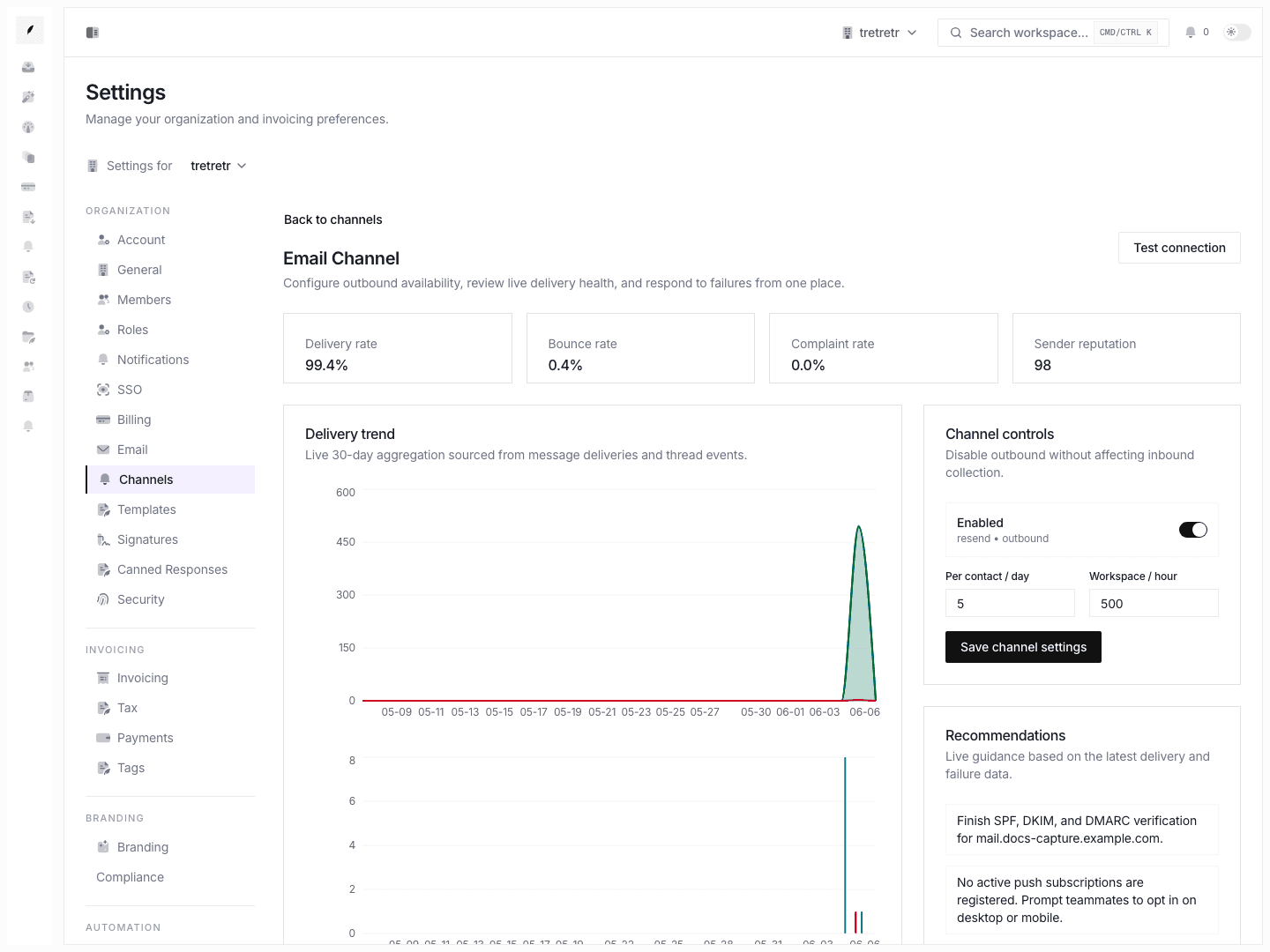
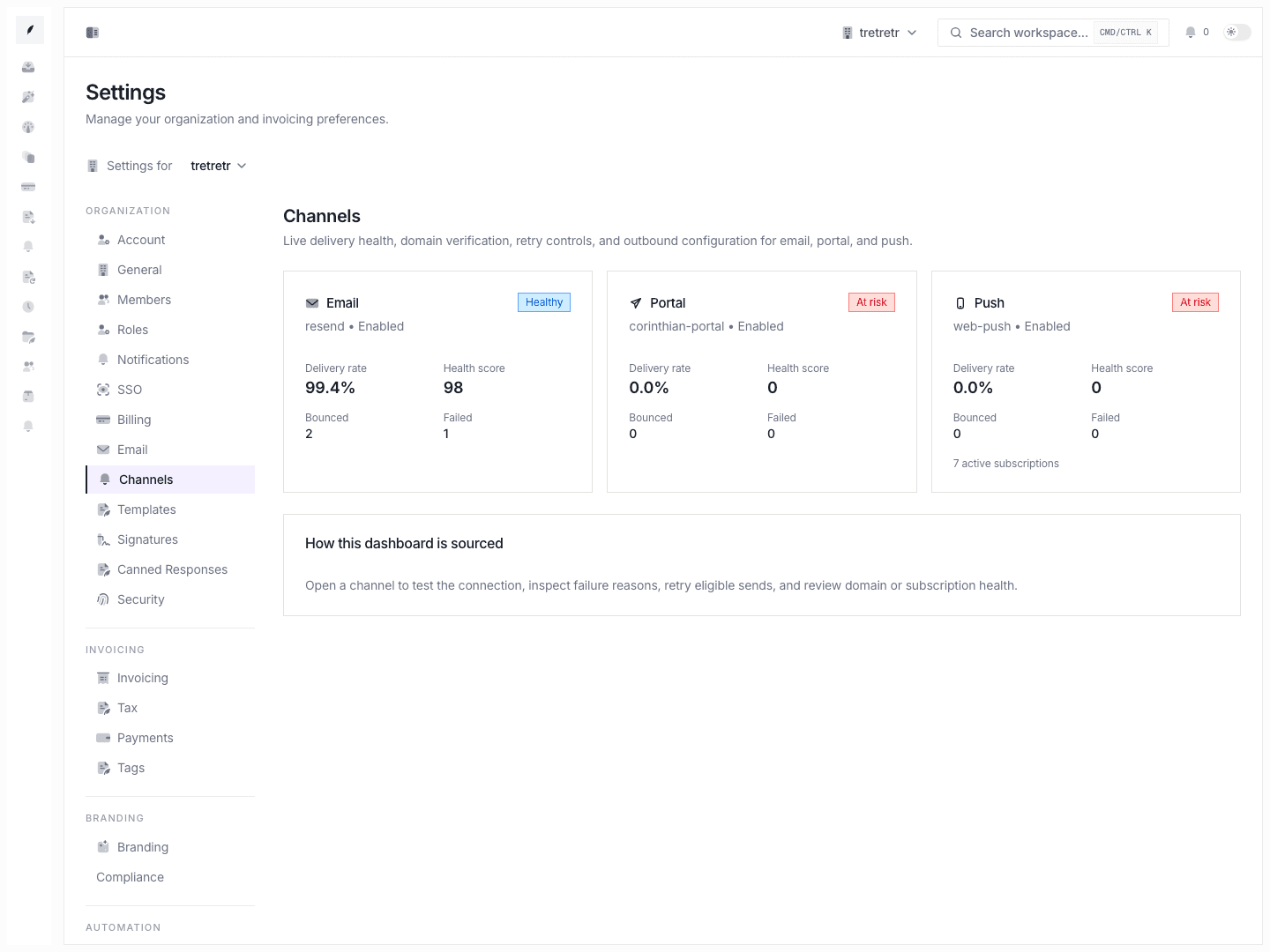
- channel-aware templates for email, portal, and push
- previewing rendered template content
- version history
- duplication
- reset to default
- archive or delete actions where applicable
Typical Workflow
- Open Settings → Templates.
- Pick the template you want to review or edit.
- Adjust the subject or body content for the relevant channel.
- Use preview to verify the message still reads correctly.
- Save the changes and verify the team knows the updated template is live.
Template Variables
Templates support workspace-defined variables used by the current composer and template system. Keep template edits within the variables the product exposes instead of inventing placeholders from older docs or marketing copy.
If you need a narrow snippet for repeated replies rather than a full message template, use Settings Canned Responses.
Use Invoice Builder for invoice content and Reminder and Follow-up Automation for reminder defaults, recurring schedules, and inbox-driven follow-up.