Settings Workspace
Manage shared workspace settings for identity, access, email, invoicing, compliance, and automation.
Settings is where you manage the shared defaults that shape how your workspace looks, sends invoices, handles communication, and controls access.
Who uses it
- workspace owners and admins
- finance and operations leads maintaining invoice defaults
- IT or security owners maintaining SSO and domain controls
- brand and compliance owners maintaining customer-facing identity
How the workspace is structured
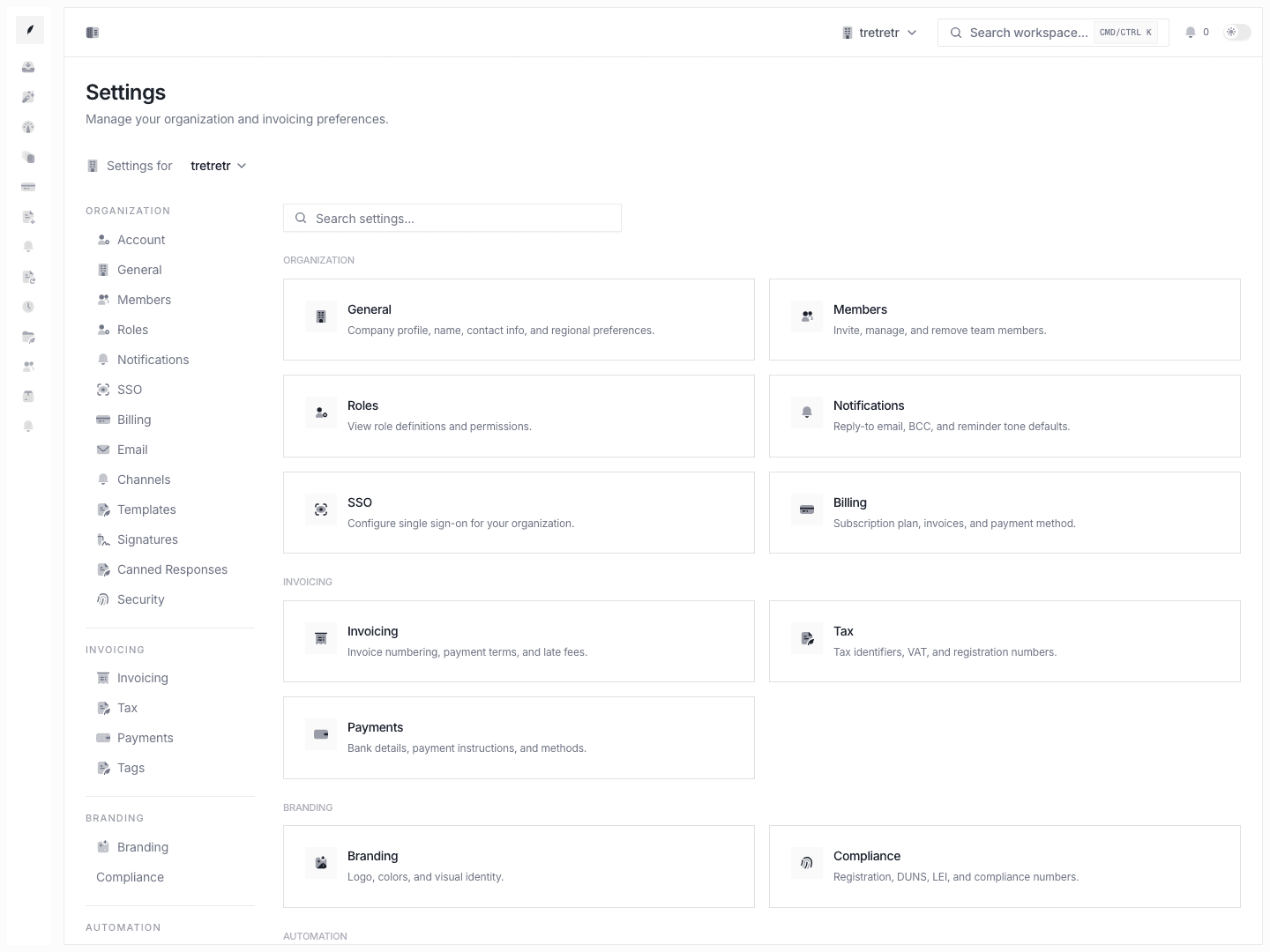
Settings opens with an overview and a sidebar that group the main setup areas:
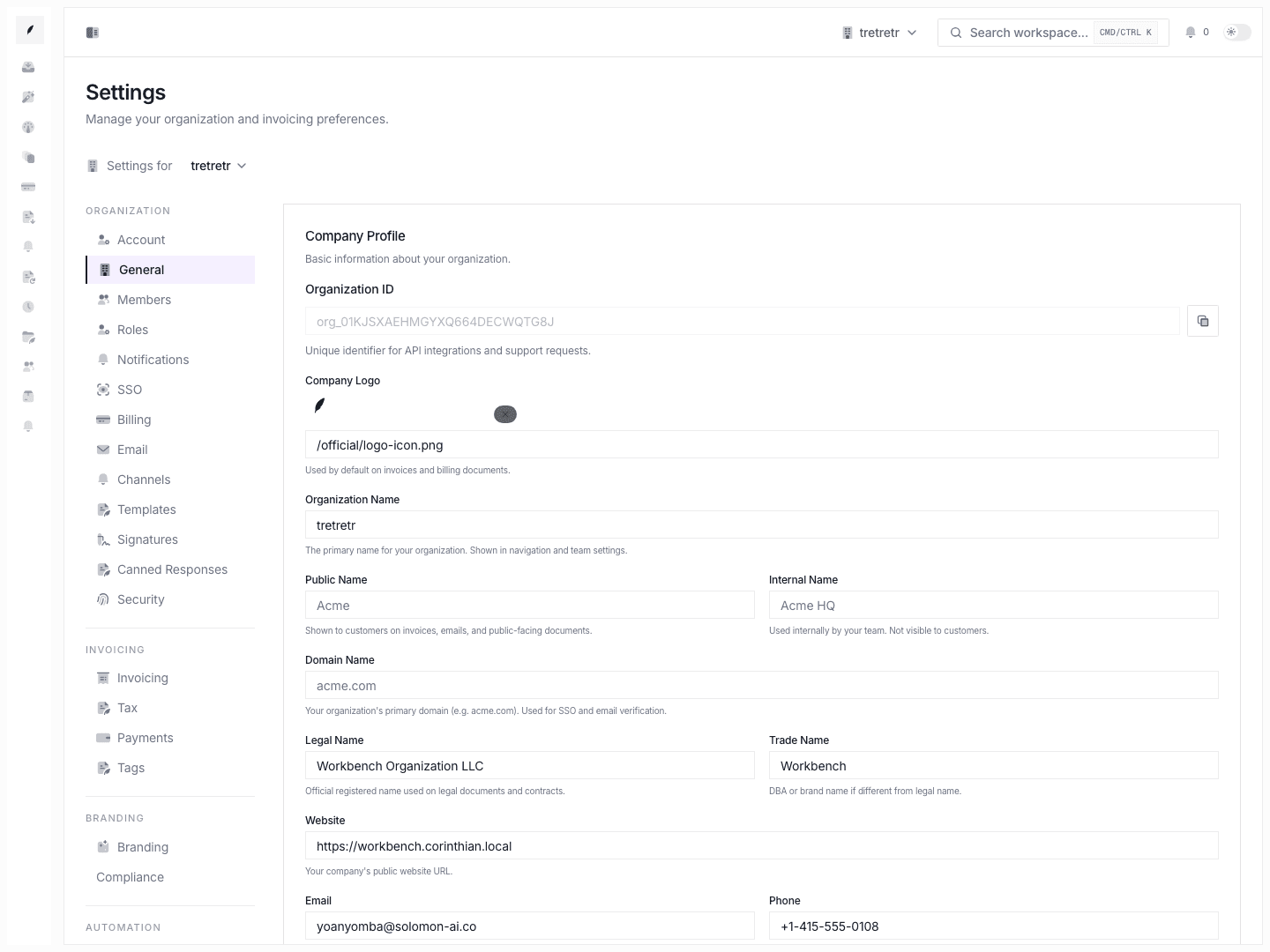
- organization: company profile, team access, roles, notifications, SSO, billing, and email
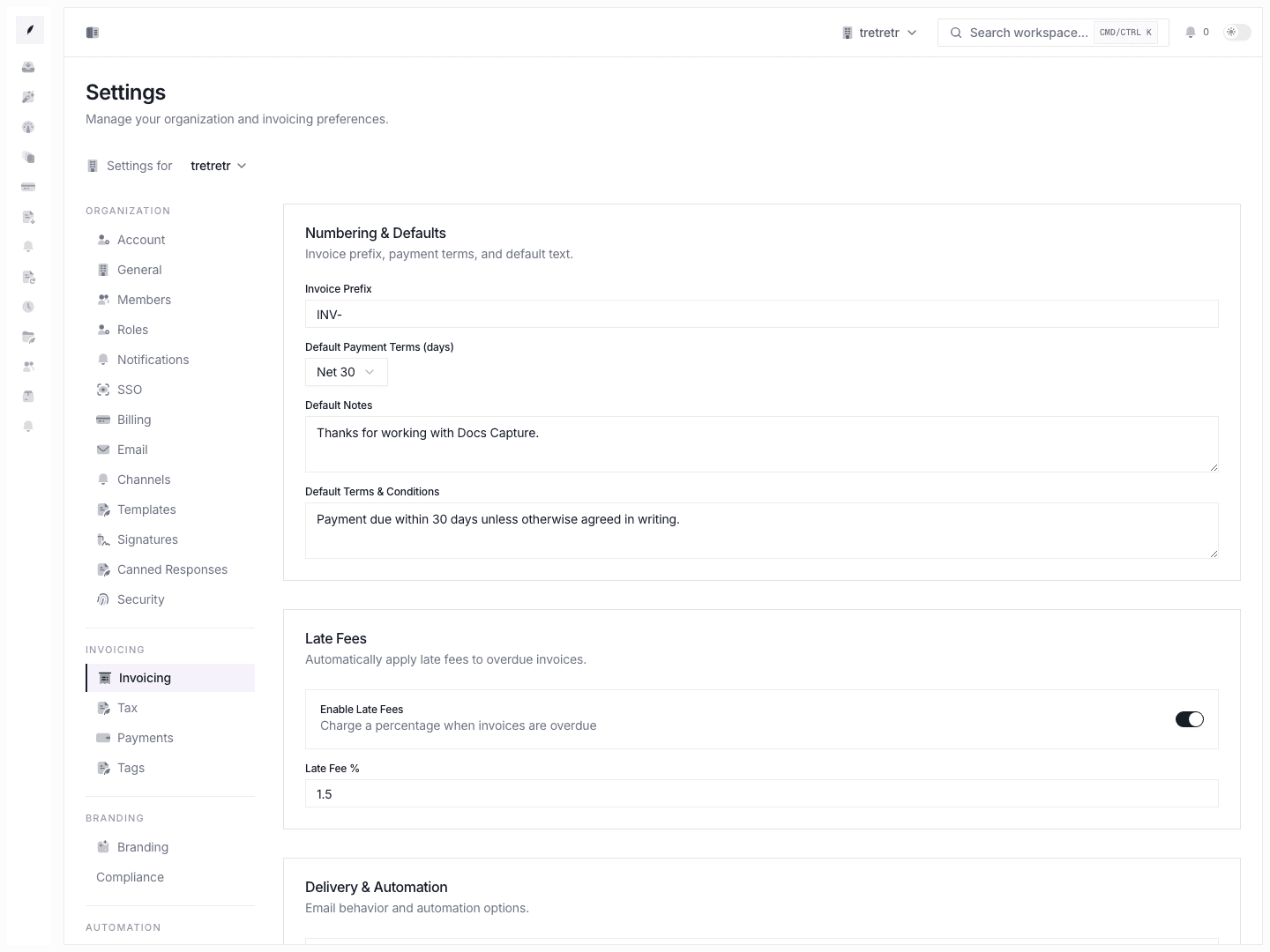
- invoicing: invoice defaults, tax, and payment instructions
- branding: branding and compliance details
- automation: business hours and reminders
Typical Workflow
- Open Settings if you know the outcome you want but not the exact page yet.
- Use the overview cards or sidebar to reach the specific page.
- Save one change at a time so the result is easy to verify.
- Recheck the part of the product affected by the change, such as invoice drafts, inbox reply routing, or sign-in access.
What Changes Here Affect
- invoice creation: numbering, payment terms, notes, terms, tax, payments, branding
- outbound communication: reply-to, archive BCC, sender identity, sending domain, aliases
- team access: invites, roles, ownership, SSO, verified domains, directory sync
- automation timing: reminder offsets and business-hour aware workflows
State and permission behavior
Billingis read-only until the workspace has a paid plan and a billing portal session is available.SSOmanagement is owner-gated. Non-owners can view state but cannot change enterprise access.- destructive flows such as organization deletion and member removal show impact summaries before confirmation.
- some settings change defaults for future records only, while others alter live routing immediately. Email and SSO changes should be treated as immediate-impact operations.
Where to go next
- Settings: Organization & Admin Controls
- Settings: Invoicing, Finance & Automation
- Team Access & Enterprise Controls
Settings Pages
- Settings General
- Settings Members
- Settings Roles
- Settings Notifications
- Settings SSO
- Settings Billing
- Settings Email
- Settings Invoicing
- Settings Tax
- Settings Payments
- Settings Tags
- Settings Branding
- Settings Compliance
- Settings Business Hours
- Settings Reminders
Troubleshooting
I changed a setting and nothing happened
Check whether the setting only affects new invoices or new workflow events. Numbering, terms, and some invoice defaults do not retroactively rewrite existing invoices.
The right control is not on the overview page
Use the sidebar. Some pages, such as Email, are easier to reach from the sidebar than from the overview cards.
A save succeeds but downstream behavior is still wrong
Recheck related dependencies. Email routing can still fail if DNS records or aliases are incomplete, and SSO can still block access if the domain or directory state is not healthy.