Settings Tags
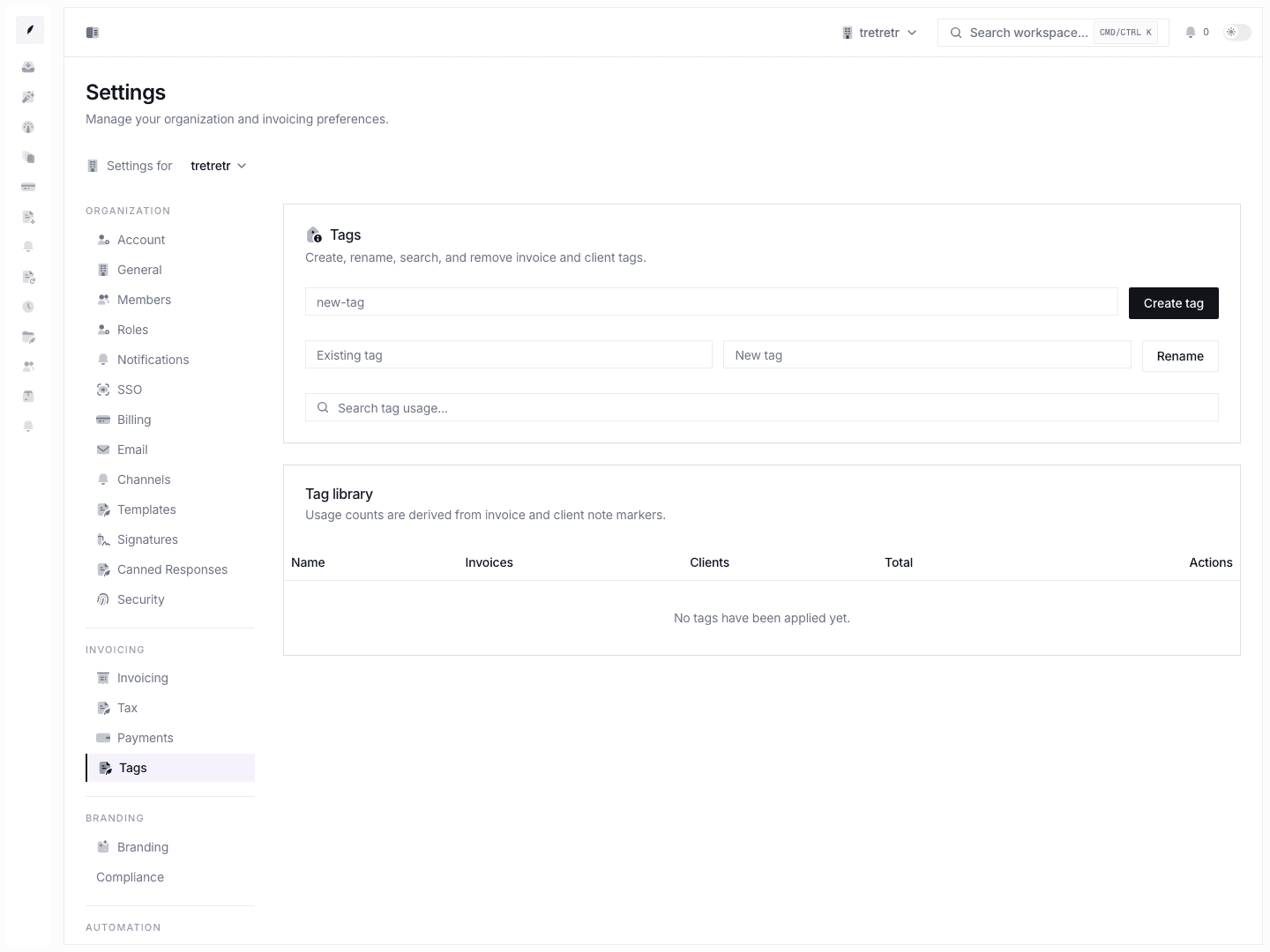
Create, rename, search, and remove shared invoice and client tags.
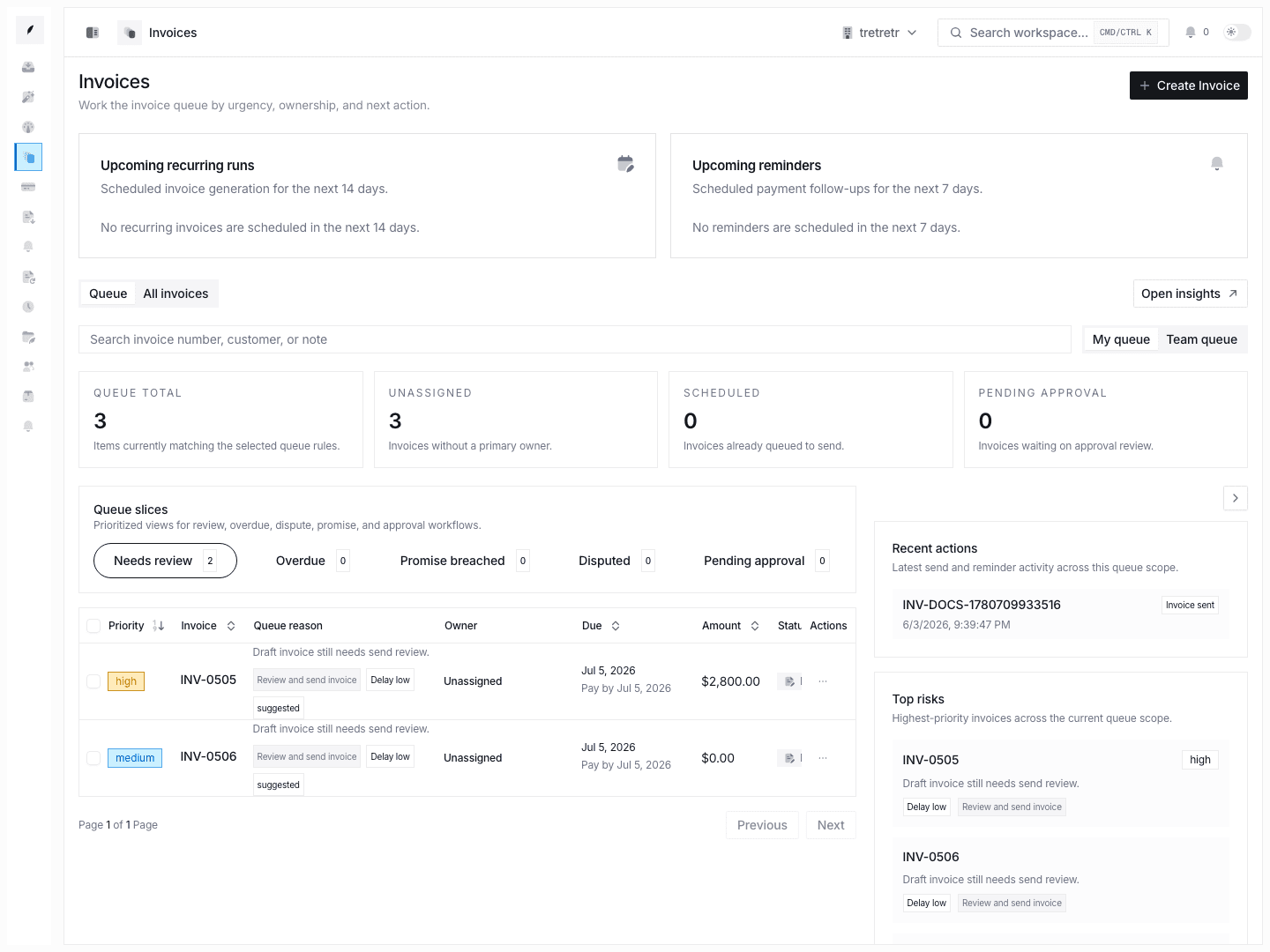
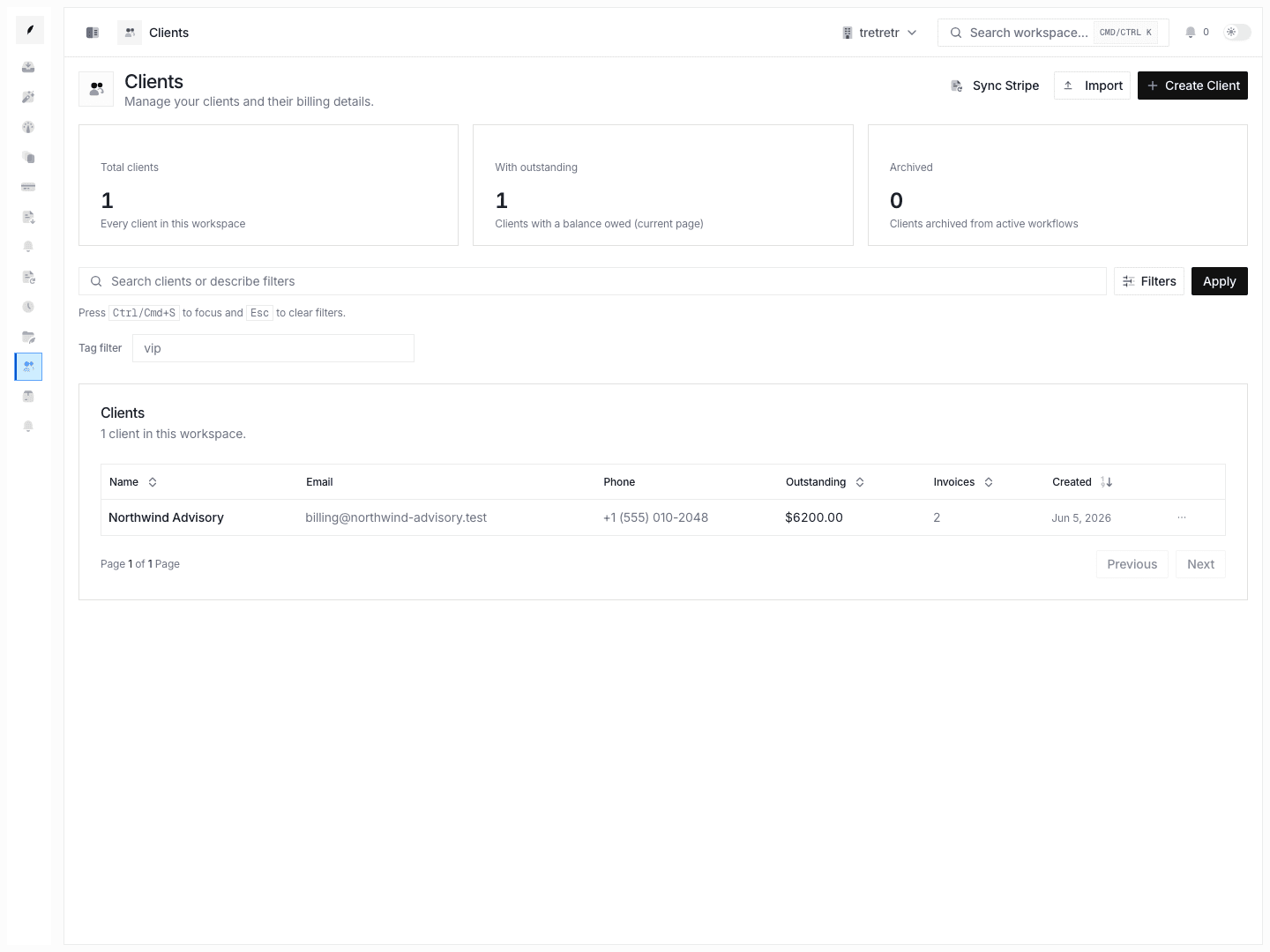
Settings → Tags manages the shared tag library used to organize invoice and client work.
What You Can Do
- create a new tag
- rename an existing tag
- search tag usage
- review invoice, client, and total usage counts
- remove tags that should no longer be used
Typical Workflow
- Open Settings → Tags.
- Create or rename the tag the team needs.
- Search for usage before removing a tag.
- Review invoice and client counts so you understand the impact of the change.
State and Permission Behavior
- tag usage counts are derived from invoice and client note markers
- deleting a tag removes it from the shared library and should be done only after checking usage
- renaming a tag is the safer path when the team still needs the classification but wants clearer language
Troubleshooting
Search does not return the usage I expected
Confirm the tag name is exact. Tag usage is counted from saved invoice and client markers, so partial or old tag names may not return the expected result.
A tag should stay available but the wording is wrong
Rename the tag instead of deleting it. That keeps the workflow concept available while improving the language the team sees.