Settings Compliance
Configure legal identifiers, unsubscribe copy, quiet hours, rate limits, suppressions, and opt-out review.
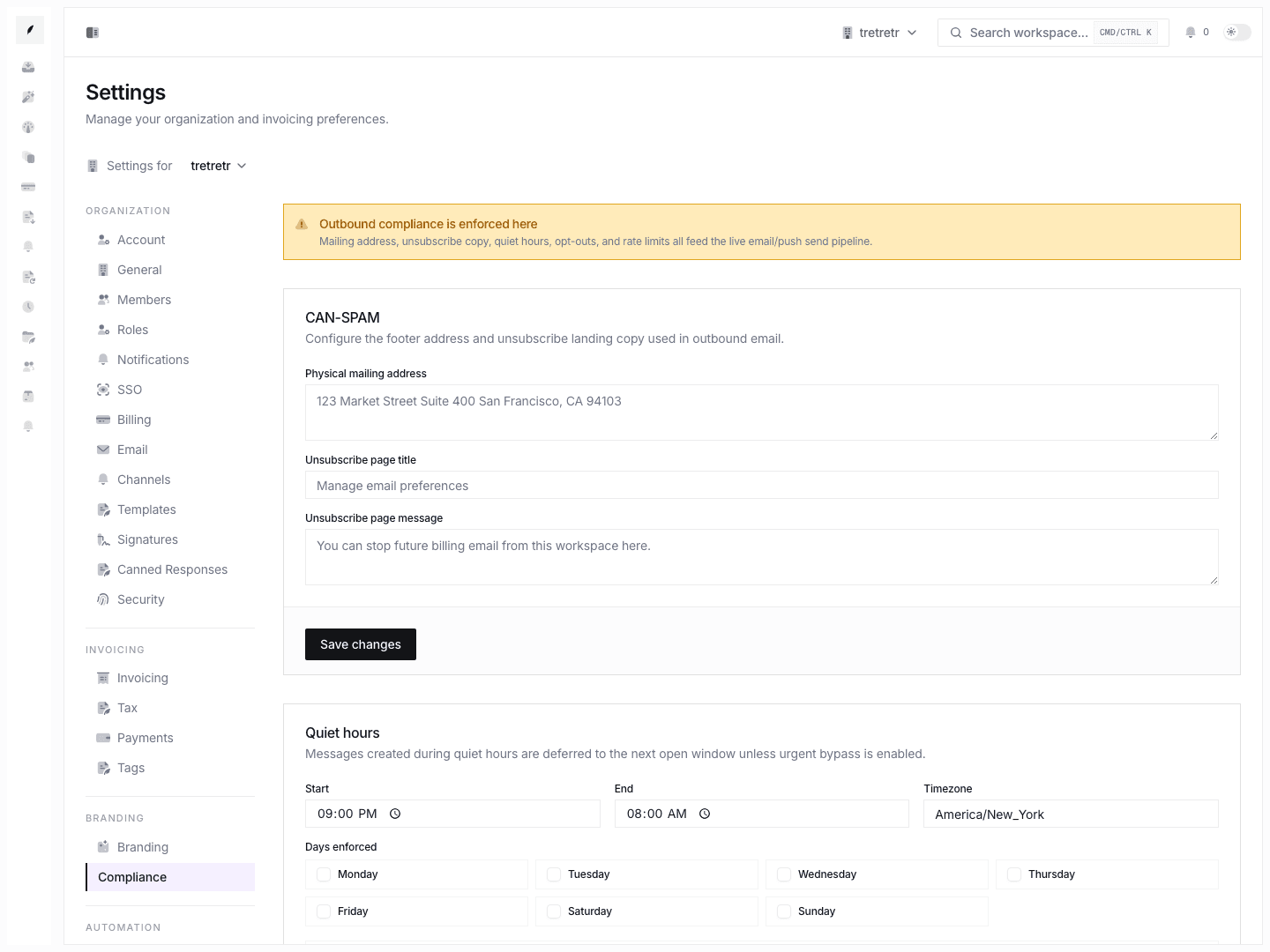
Settings → Compliance is where workspace admins maintain compliance-related metadata and sending controls.
What You Can Configure
- physical mailing address
- unsubscribe page title and message
- quiet-hours start, end, timezone, and days
- urgent bypass
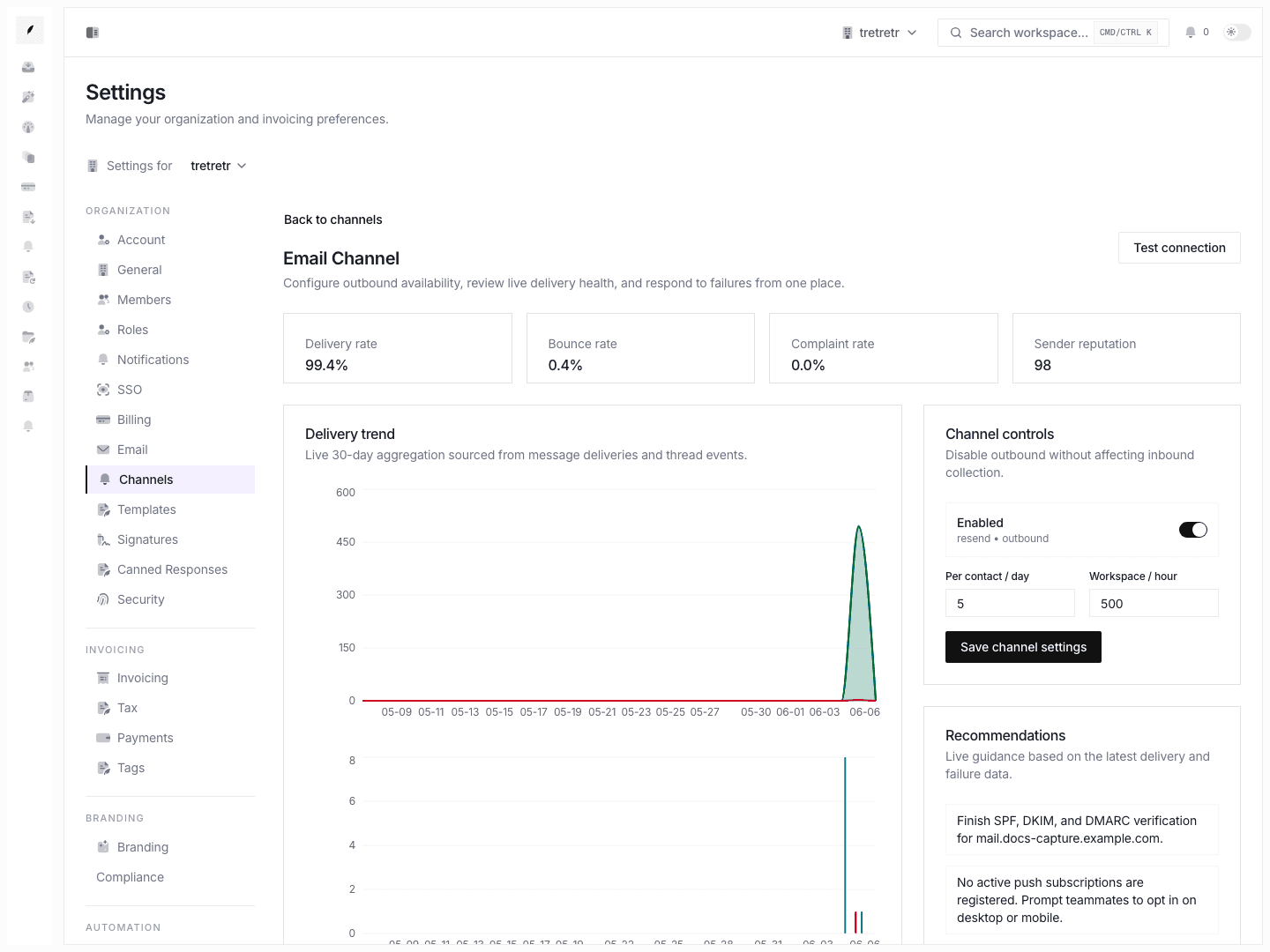
- email per-contact daily limit
- email hourly limit
- push per-contact daily limit
- push hourly limit
- registration number
- DUNS number
- LEI
- manual suppression entries
CAN-SPAM Fields
Use the CAN-SPAM card to set the physical mailing address and unsubscribe landing-page copy for outbound email. Keep the address complete and current.
Because legal penalty maximums can change, this page intentionally avoids publishing a fixed dollar amount. Confirm current CAN-SPAM guidance directly with the FTC or counsel.
Quiet Hours
Quiet hours prevent routine outbound communication from sending during configured off-hours.
- Set the start and end times.
- Set the timezone.
- Select the days when quiet-hours logic applies.
- Decide whether urgent messages may bypass the quiet-hours window.
- Save.
Rate Limits
Rate limits cap outbound communication volume.
| Field | What It Controls |
|---|---|
| Email per contact per day | Maximum email messages to one contact in a day. |
| Email per hour | Workspace email send volume per hour. |
| Push per contact per day | Maximum push messages to one contact in a day. |
| Push per hour | Workspace push send volume per hour. |
Use the saved values in this form as the active policy.
Legal Identifiers
The legal-identifiers card stores registration number, DUNS number, and LEI values. These fields are organization metadata used by billing or procurement workflows that need legal-entity context.
Suppression List
The suppression list tracks addresses that should not receive outbound communication.
- Enter an address.
- Choose the channel.
- Add a reason.
- Save the suppression.
Remove a suppression only when the recipient has re-consented or the address issue has been corrected.
Opt-Out Review
The opt-outs card lists recipients who opted out through an unsubscribe flow. Use it to understand why a contact is no longer receiving customer-facing communication.
Troubleshooting
Emails are not sending even though the workflow is active
Check whether the recipient is suppressed, opted out, blocked by quiet hours, or blocked by a rate limit.
Rate-limited messages never arrived
Review whether the message was still relevant when the rate-limit window reopened. Some downstream flows may cancel reminders after the invoice state changes.