Inbox Browse & Tasks
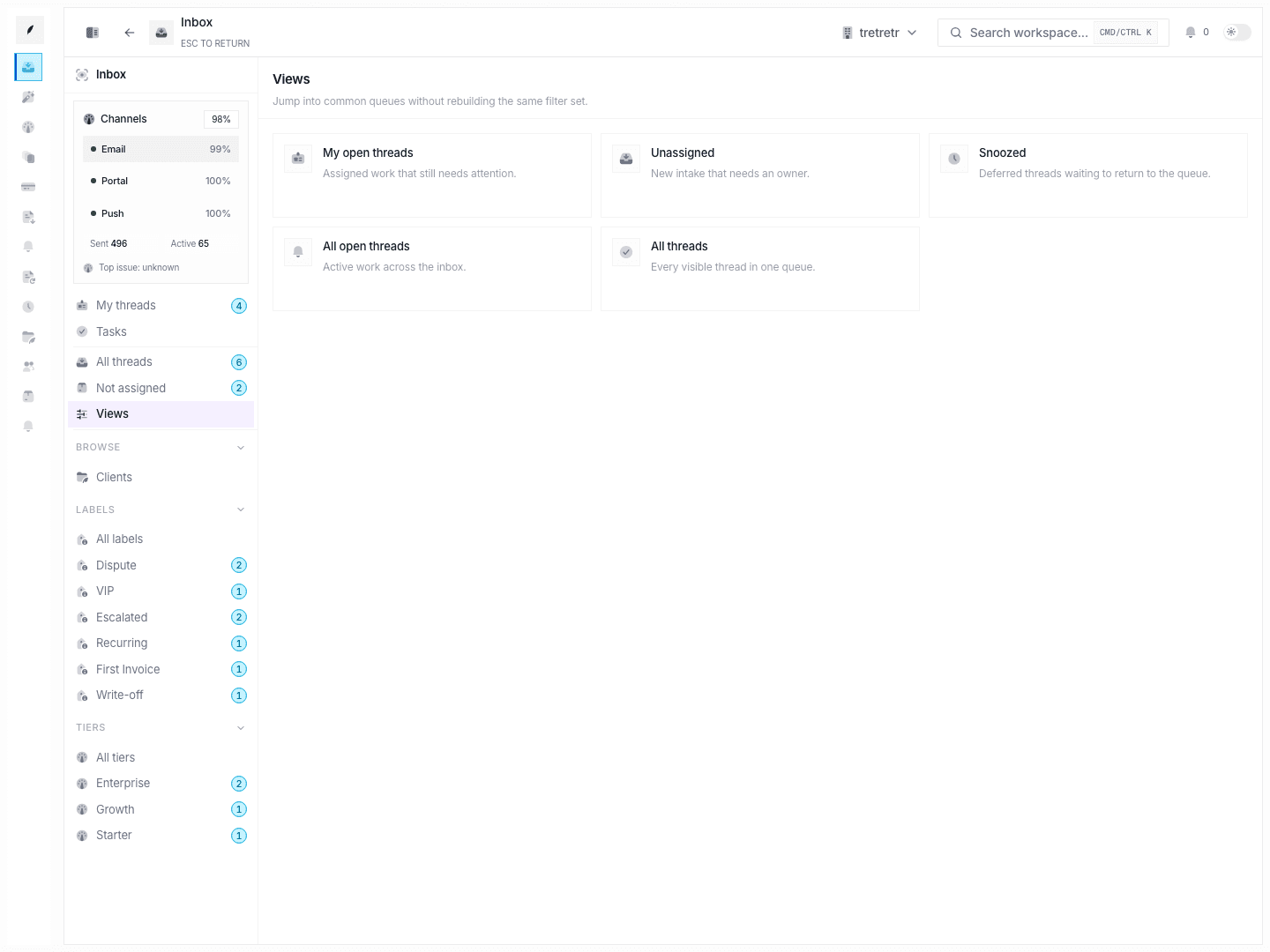
Use browse-by-client, browse-by-label, browse-by-tier, and the task board to regroup inbox work without losing thread context.
Browse views and tasks are the inbox’s secondary organization tools. They help teams answer questions that a flat queue cannot answer well, such as “show me everything for this client,” “which escalations are piling up,” or “what internal work is still open.”
Related Pages
Typical Workflow
- Start from the left inbox navigation.
- Choose the dimension you want to regroup by: client, label, tier, or task status.
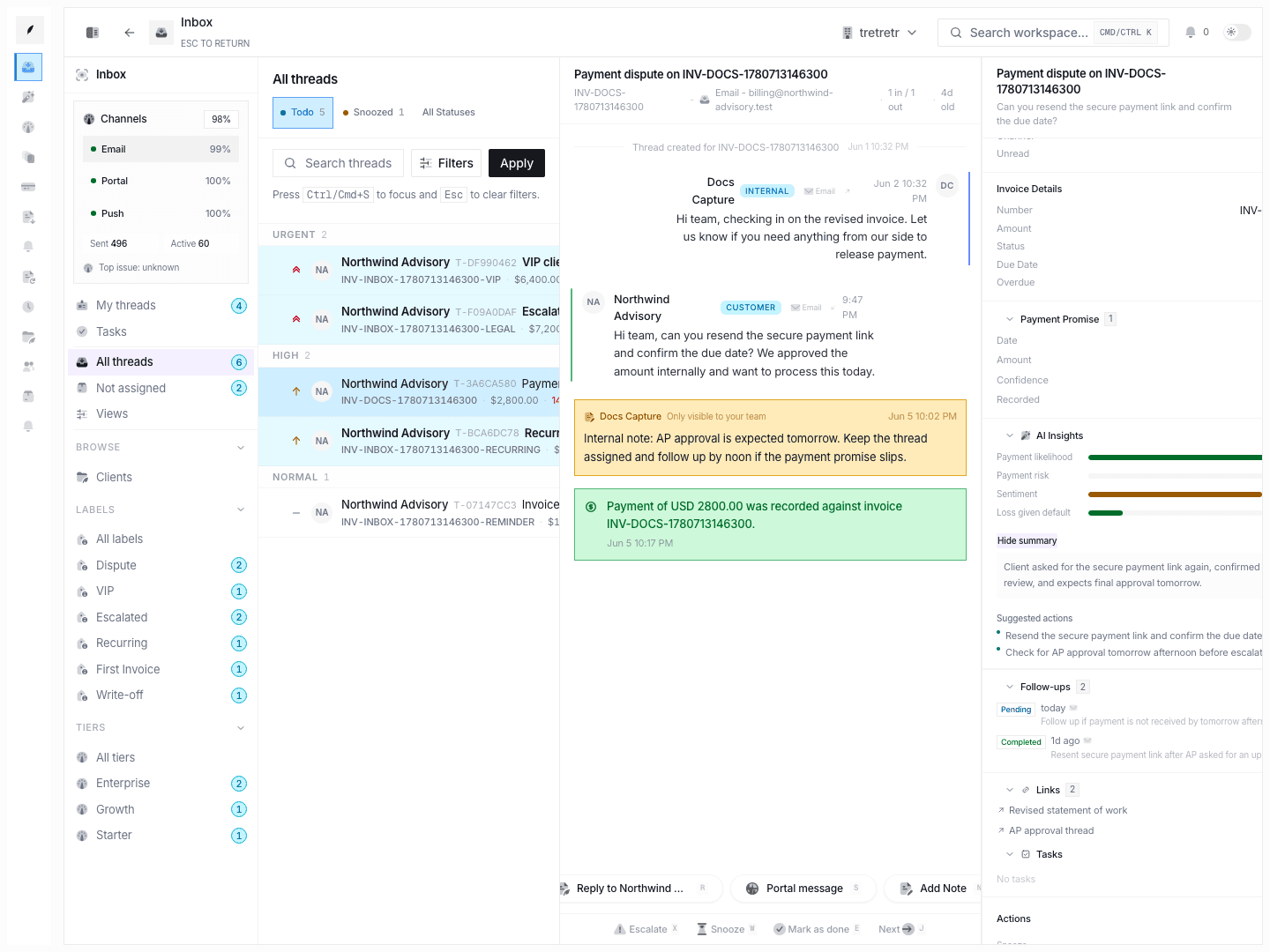
- Open the filtered thread or task directly from that grouped view.
These views let you inspect a focused segment of billing work without rebuilding the same filters by hand.
Browse by client
Use Inbox → Browse → Clients when you want account-first navigation.
The page shows:
- company rows
- client email when present
- total invoiced amount
Selecting a company opens the thread list filtered to that client.
Browse by label
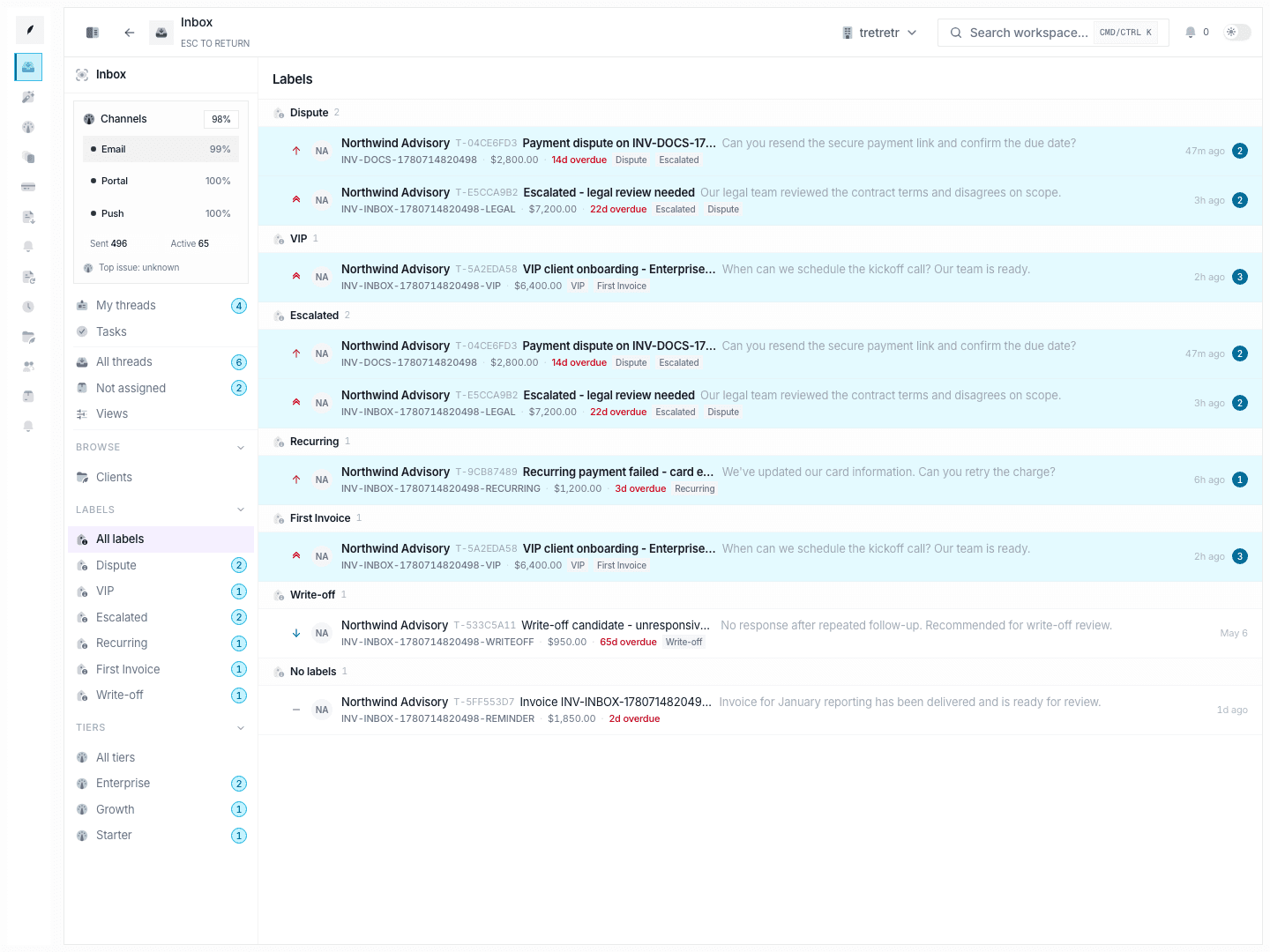
Use Inbox → Browse → Labels to group work by workflow tags such as disputes, escalations, VIP routing, or custom workflow buckets.
The page supports:
All labels- direct
?label=filtering - unlabeled-thread grouping
Browse by tier
Use Inbox → Browse → Tiers when the team segments work by service tier or urgency band beyond the raw priority field.
The page supports:
All tiers- direct
?tier=filtering - an explicit
No tierbucket
Tasks
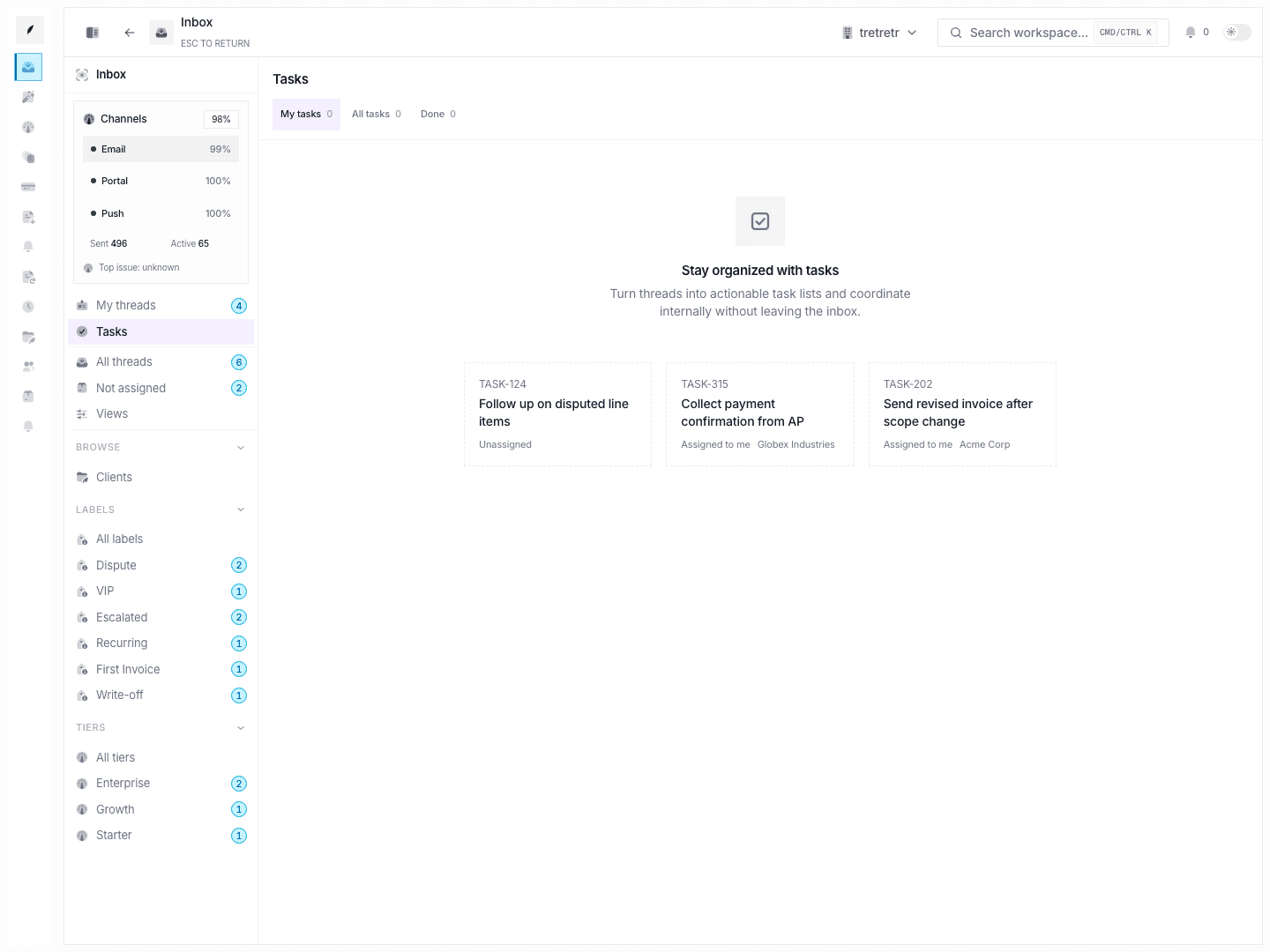
Use Inbox → Tasks when the next action should be tracked as a discrete internal task instead of only living inside a reply thread.
The task board includes:
My tasksAll tasksDone
Each task remains connected to its underlying inbox context.
Permission and state behavior
- browse views regroup visible threads; they do not bypass the underlying thread visibility model
- label and tier browse pages only show what exists on the thread records and related mappings
- tasks separate open work from completed work, but they still depend on the underlying thread and assignment context
Troubleshooting
A client exists, but no threads show up in browse-by-client
The client may not have any linked inbox threads yet, or the visible queue scope may still be limited by ownership.
A label exists in navigation but the browse page is empty
That usually means the label type exists, but no currently visible threads use it.
A thread has a note but not a task
Notes preserve context. Tasks are only for work that needs explicit assignee and completion tracking.