Invoices Overview
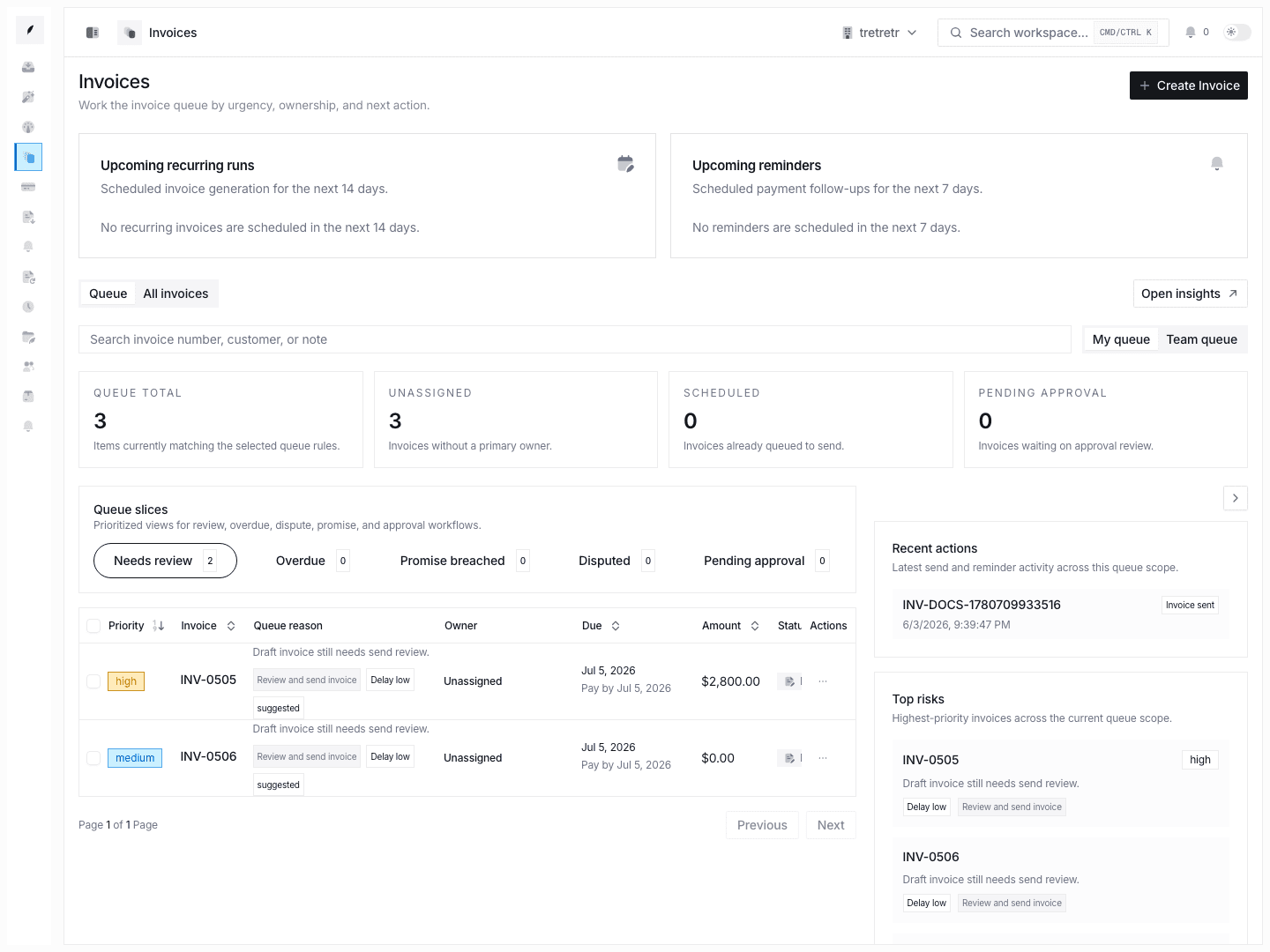
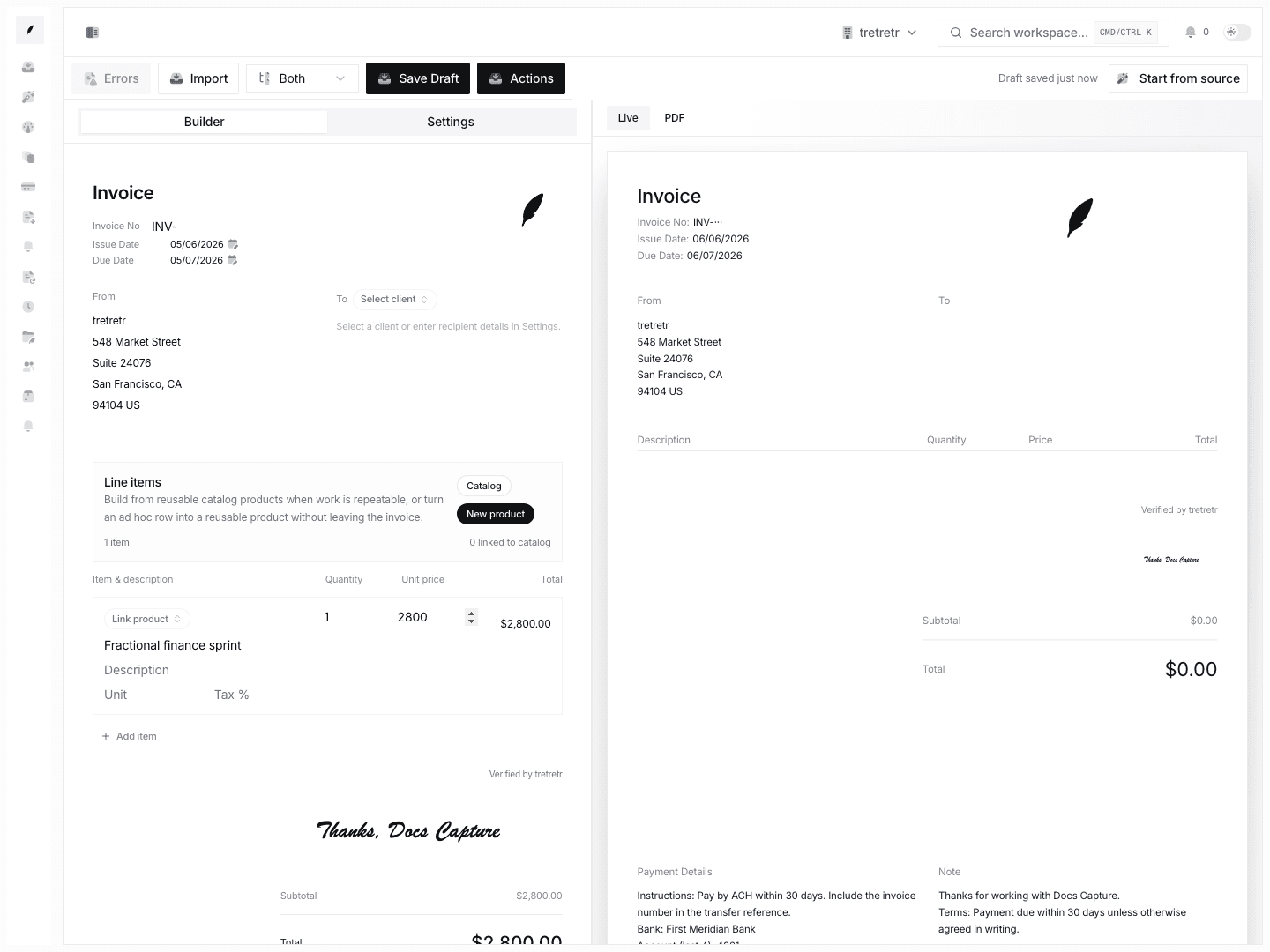
Review saved invoices, confirm status and due dates, and move from draft creation into live billing operations.
Use Invoices to review the invoice records that have already been created and saved.
Typical Workflow
- Open Invoices.
- Review amount, customer, due date, and status.
- Open the invoice that needs the next action.
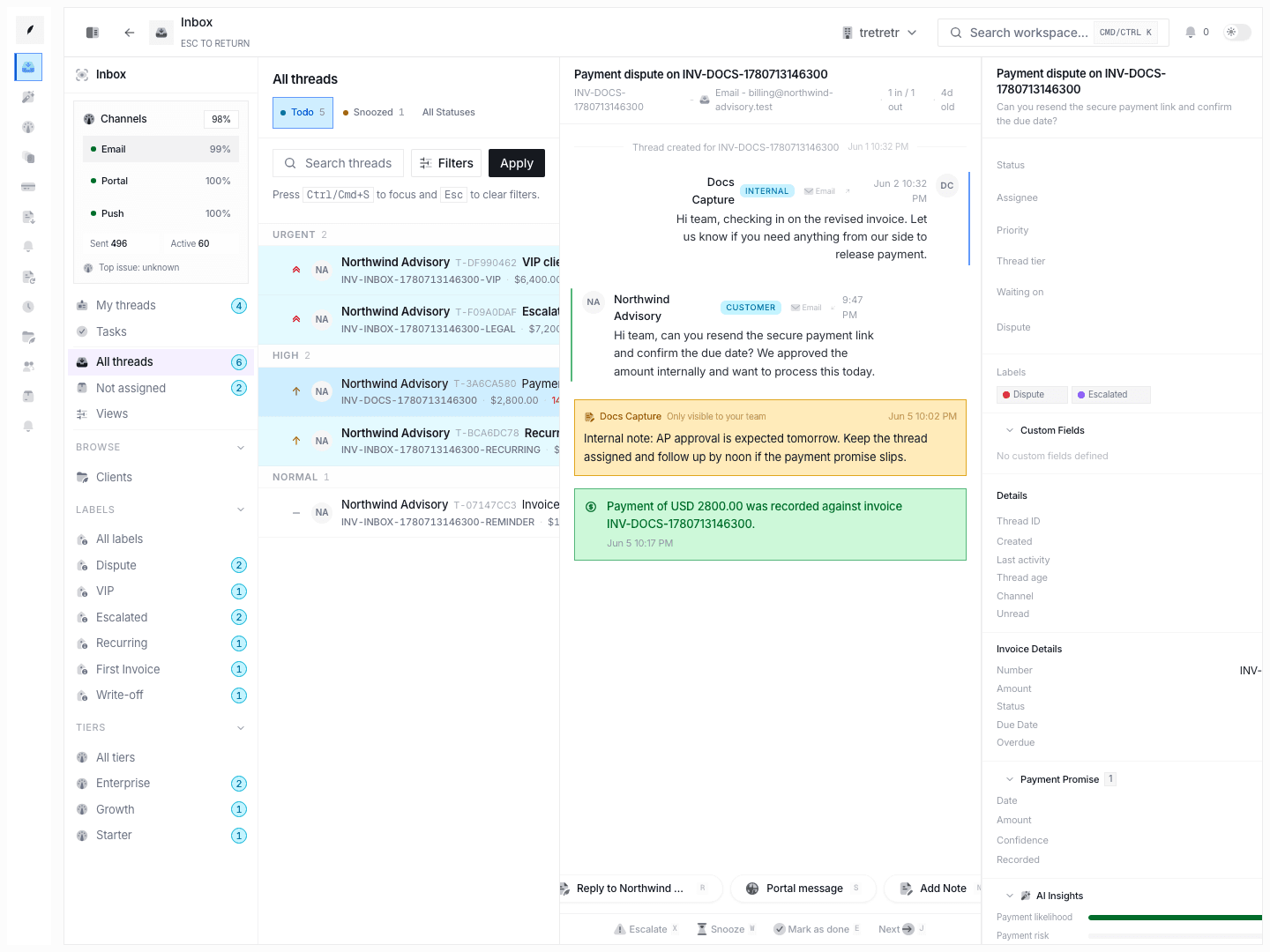
- Move into inbox, payment, or detail work as needed.
This view helps you quickly identify which invoices are pending, overdue, or ready for the next step.
What This View Is For
- checking what has already been created
- confirming invoice state after save
- reviewing due dates and exposure
- deciding which invoice needs follow-up next
State and permission behavior
- this view reflects saved invoice records, not draft-only work
- downstream workflow still depends on the connected client, inbox, and payment context
Troubleshooting
I created an invoice, but I cannot find it here
Check whether the create flow completed successfully and whether you are looking in the correct workspace context.
I can see the invoice, but not the conversation around it
Move into the inbox workflow when the invoice already has customer communication attached to it.