Settings: Organization & Admin Controls
Manage identity, members, roles, notifications, SSO, billing, and workspace email from the settings workspace.
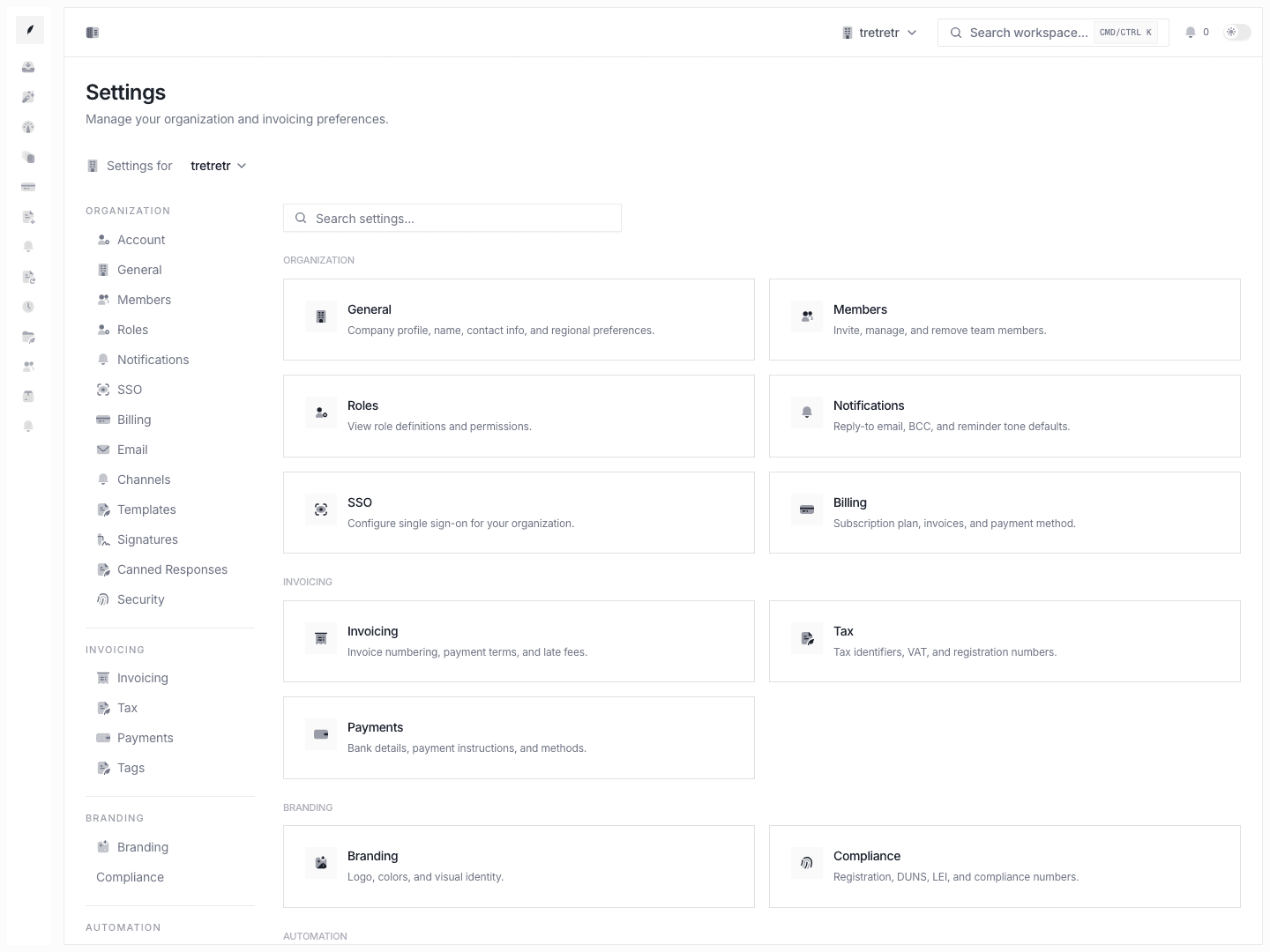
This page covers the organization and admin half of Settings: company identity, member lifecycle, role controls, outbound communication routing, enterprise access, billing, and workspace email.
Related Settings Pages
- Settings General
- Settings Members
- Settings Roles
- Settings Notifications
- Settings SSO
- Settings Billing
- Settings Email
Typical Workflow
- Start from the settings overview or sidebar.
- Make one organization-level change at a time.
- Save and verify the part of the product that depends on the setting.
Used together, these settings keep the workspace identity, access model, and communication configuration aligned.
General
Use Settings → General for:
- company logo URL
- organization name, public name, internal name
- domain, legal name, trade name, website
- billing email, phone, country, timezone, default currency
- address fields
- destructive organization deletion with impact summary
Use this page when the company identity itself changed or when invoice defaults are wrong because the organization profile is outdated.
Members
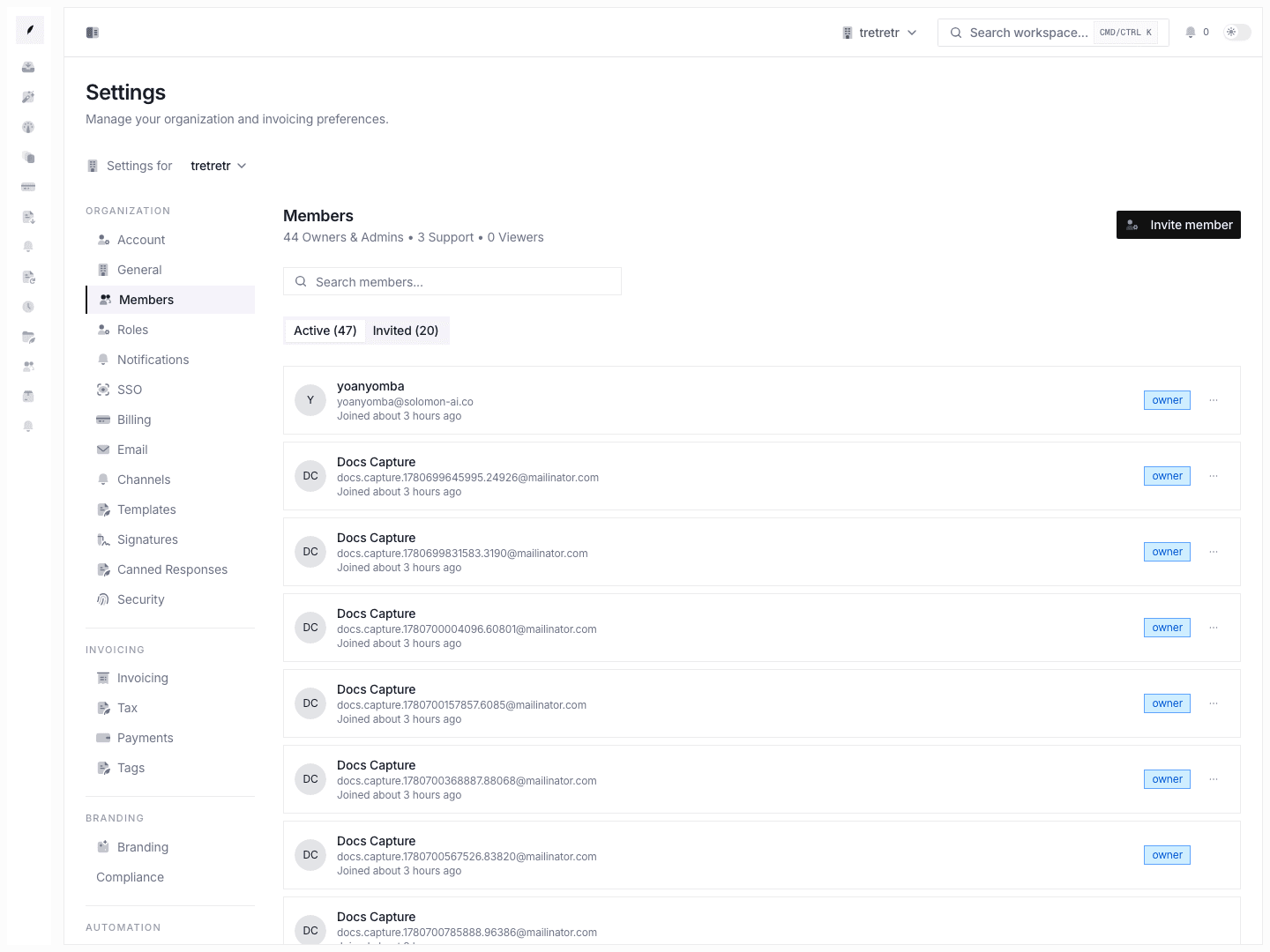
Use Settings → Members to:
- invite members
- search active members and invitations
- update non-owner roles
- transfer ownership explicitly
- remove members with ownership-impact review
- review pending, accepted, revoked, and expired invite history
Roles
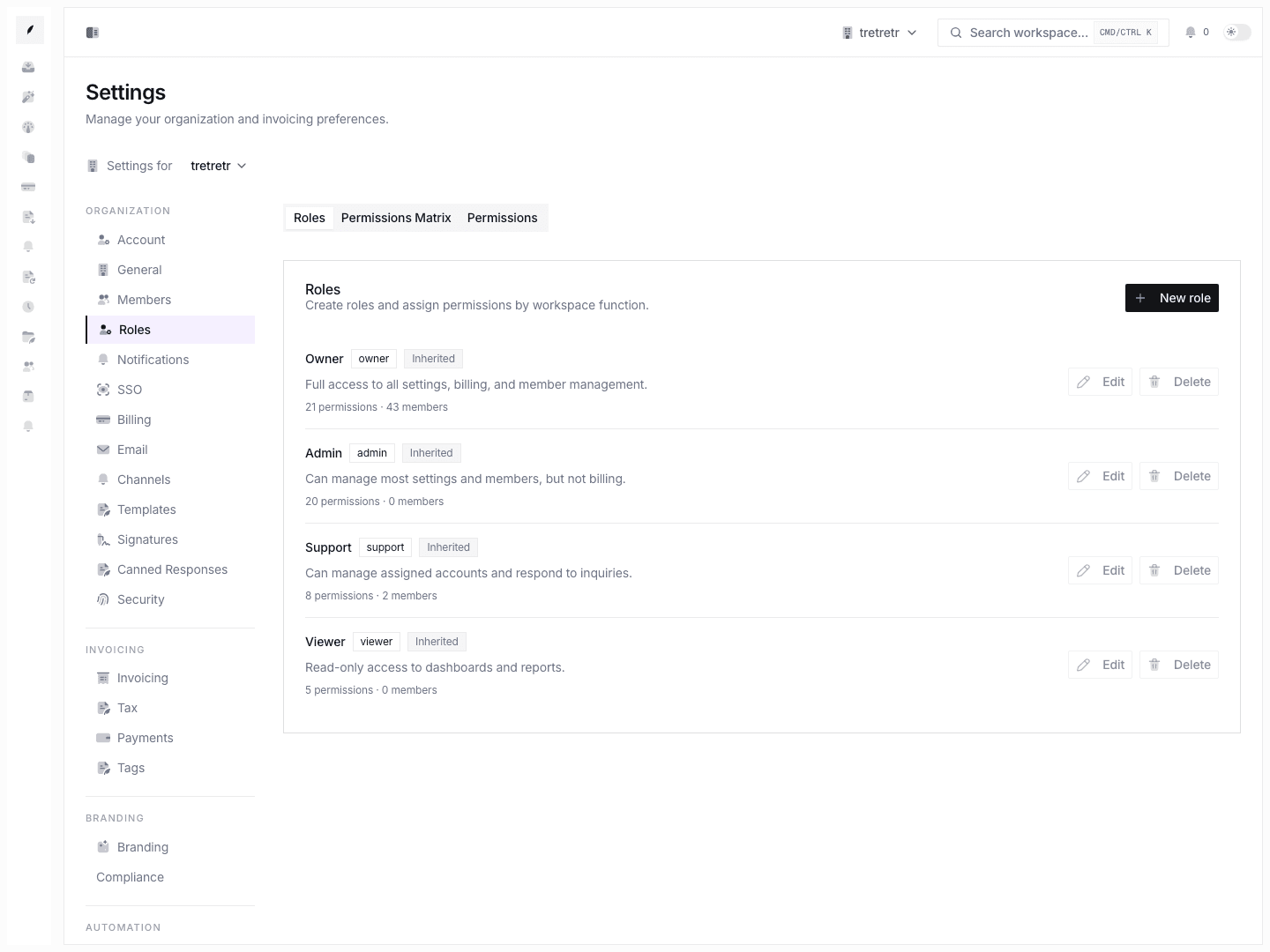
Use Settings → Roles to:
- create roles
- edit role definitions
- review built-in versus custom roles
- create or delete non-built-in permissions
This is the RBAC authoring page for the workspace.
Notifications
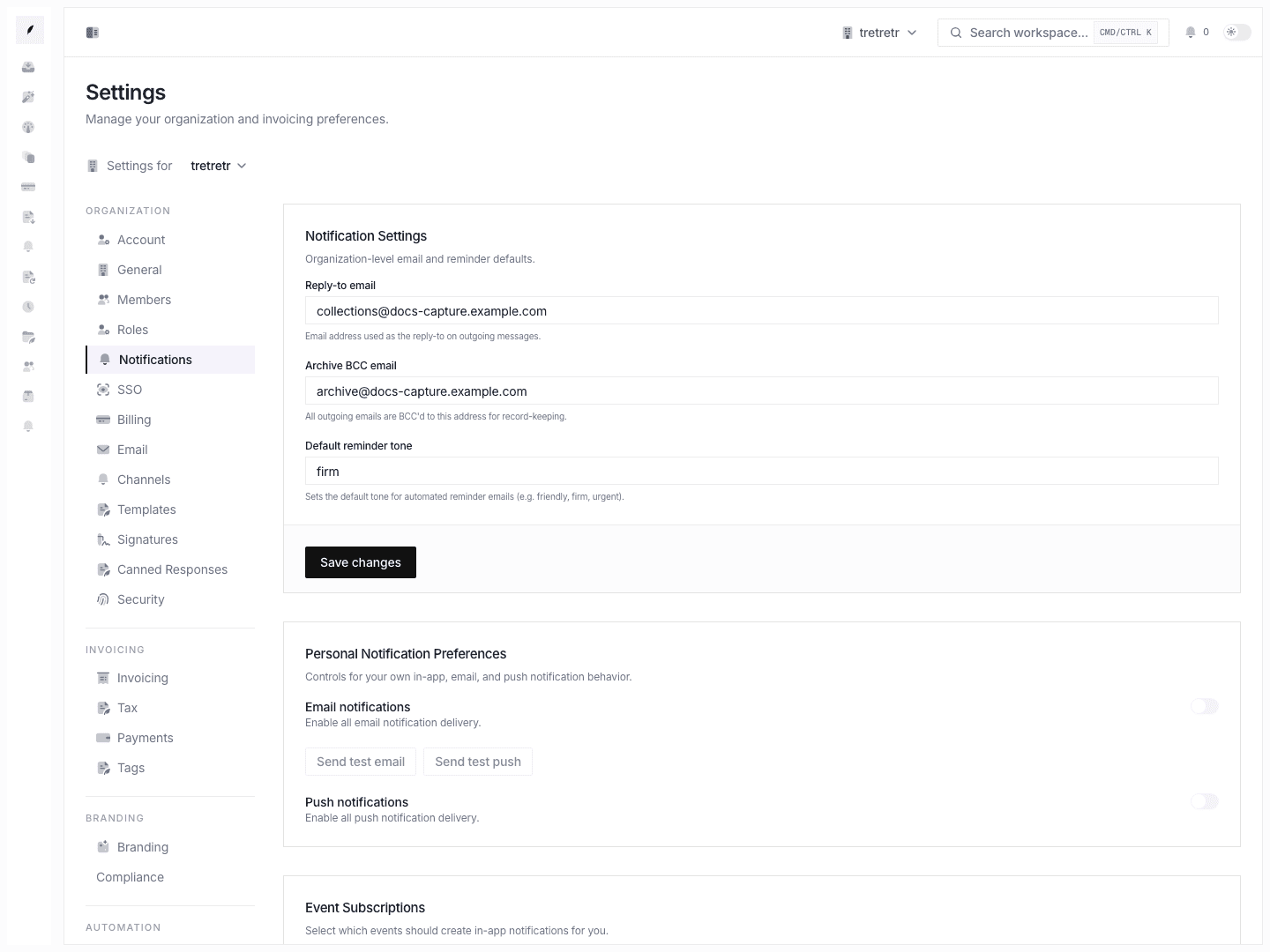
Use Settings → Notifications to manage:
- reply-to email
- archive BCC email
- default reminder tone
- user-notification preferences exposed from workspace settings
Use this page when team-level email routing or shared notification defaults need adjustment.
SSO
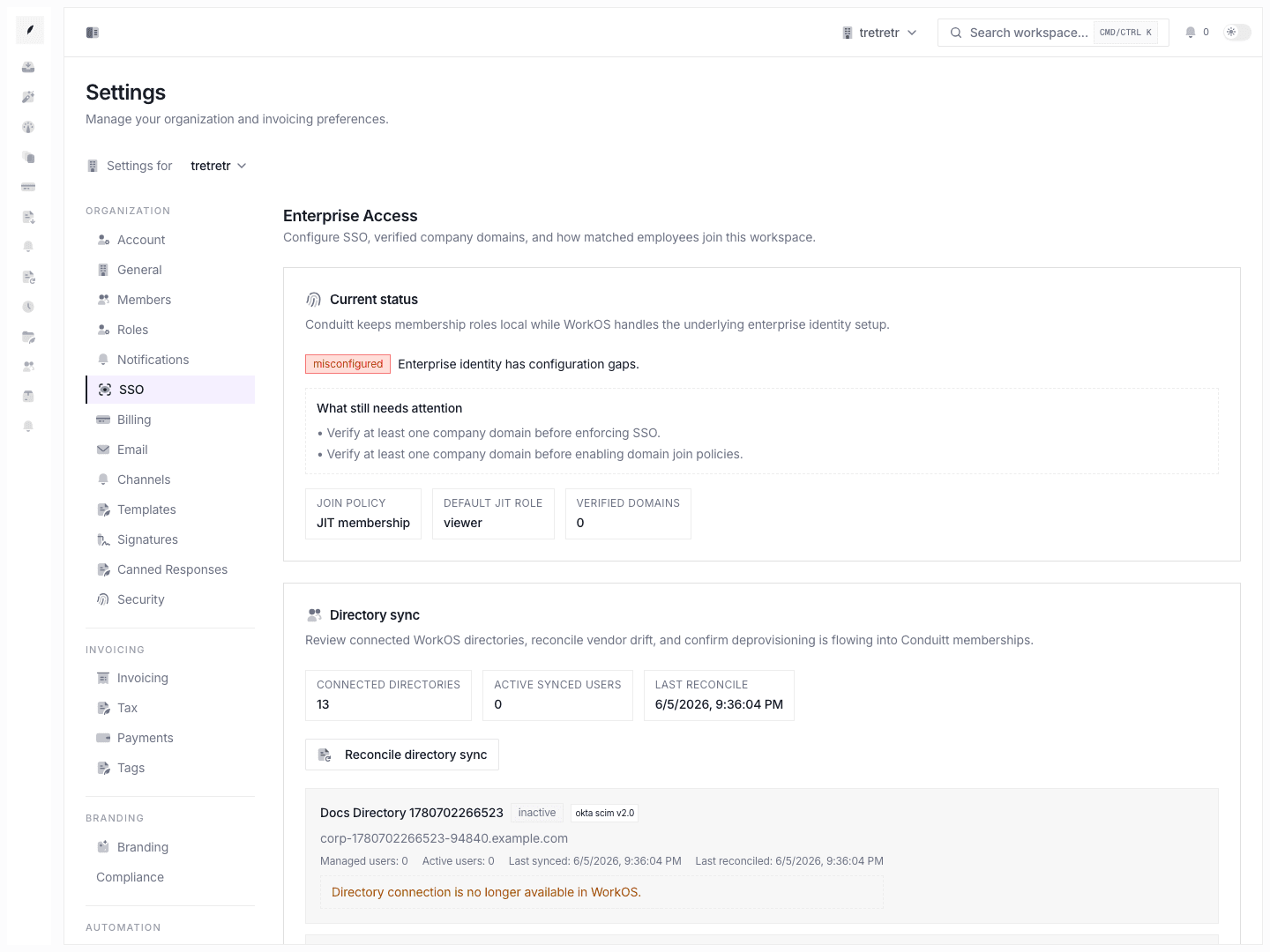
Use Settings → SSO for:
Require SSO- domain join policy
- default JIT role
- opening the SSO setup portal
- adding, verifying, and removing approved company domains
- directory sync review and reconcile
This page should be treated as owner-only infrastructure work.
Billing
Use Settings → Billing to review:
- current plan
- plan status
- cancel-at-period-end state
- current-period end date
- billing portal access through Stripe
If the workspace is still on a free plan, the billing portal can be unavailable until subscription state exists.
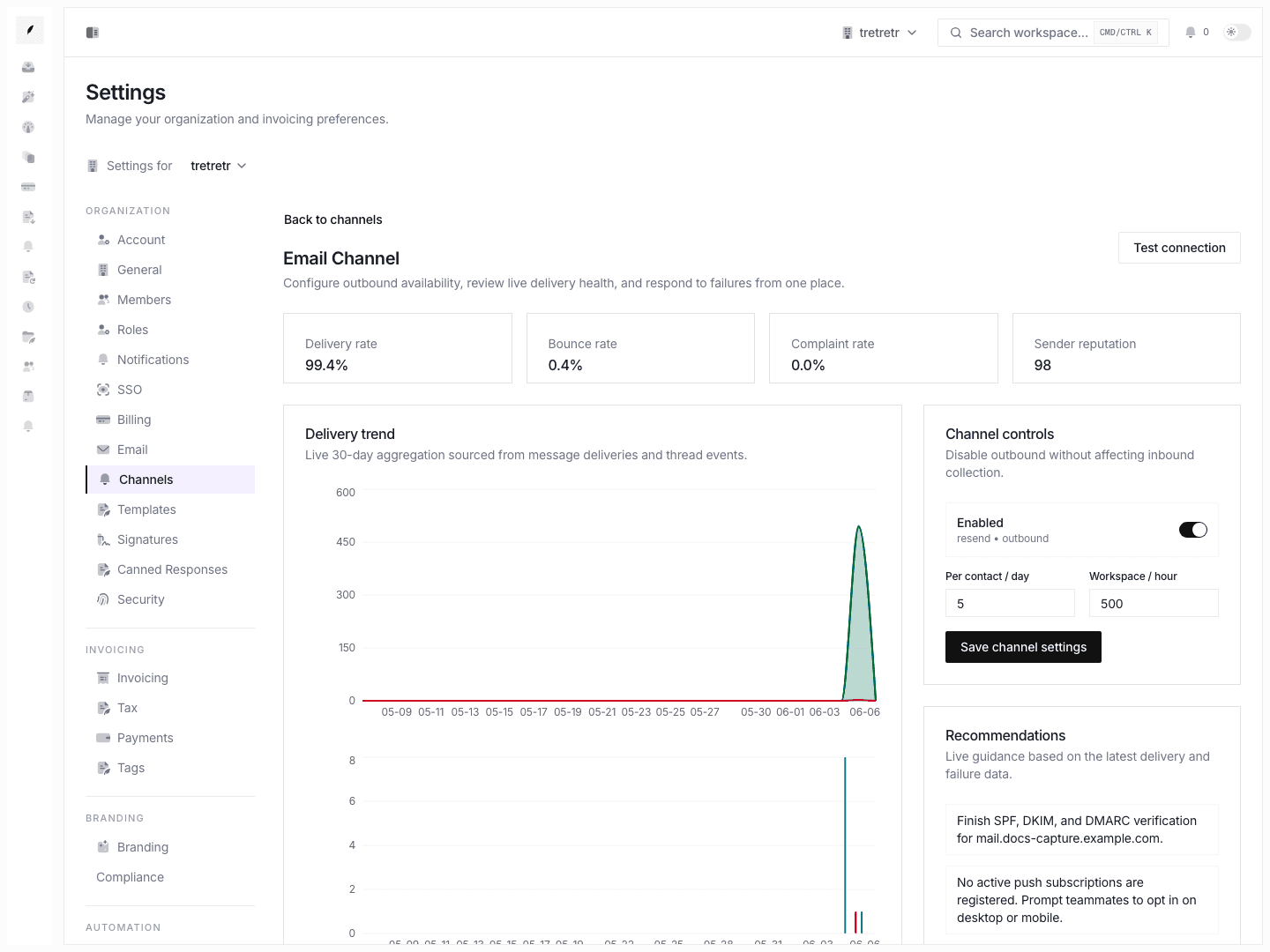
Use Settings → Email to manage:
- workspace email enablement
- inbound forwarding address
- customer service email and sender name
- sending domain
- DNS verification records
- alternate send-as or reply-capable addresses
- archive addresses
These email settings affect customer-facing routing immediately and should be verified from a real send path after changes.
Permissions and state behavior
SSOmanagement is owner-gated- ownership transfer is a dedicated member action, not a normal role edit
- invite delivery can fail even when the invite record exists, so check delivery state before assuming the invite was received
- email settings can appear saved while DNS or sending-domain verification is still incomplete
- organization deletion is a destructive workspace-wide action and should be treated separately from member removal
Troubleshooting
A teammate was invited but never received access
Check invite history and delivery state in Members. Email failed and Pending send are distinct from Accepted.
A user can sign in but is not joining the right workspace
Review SSO join policy and approved domains. Domain match behavior is configurable and can be intentionally conservative.
Reply routing still looks wrong after changing workspace email
Check Notifications and Email together. Reply-to, sending domain, aliases, and archive BCC solve different pieces of the outbound path.
The billing portal button is unavailable
Review plan state. Free-plan workspaces may not have a billing portal session to open yet.