Settings Notifications
Manage reply routing, archive BCC, reminder tone, and personal notification preferences.
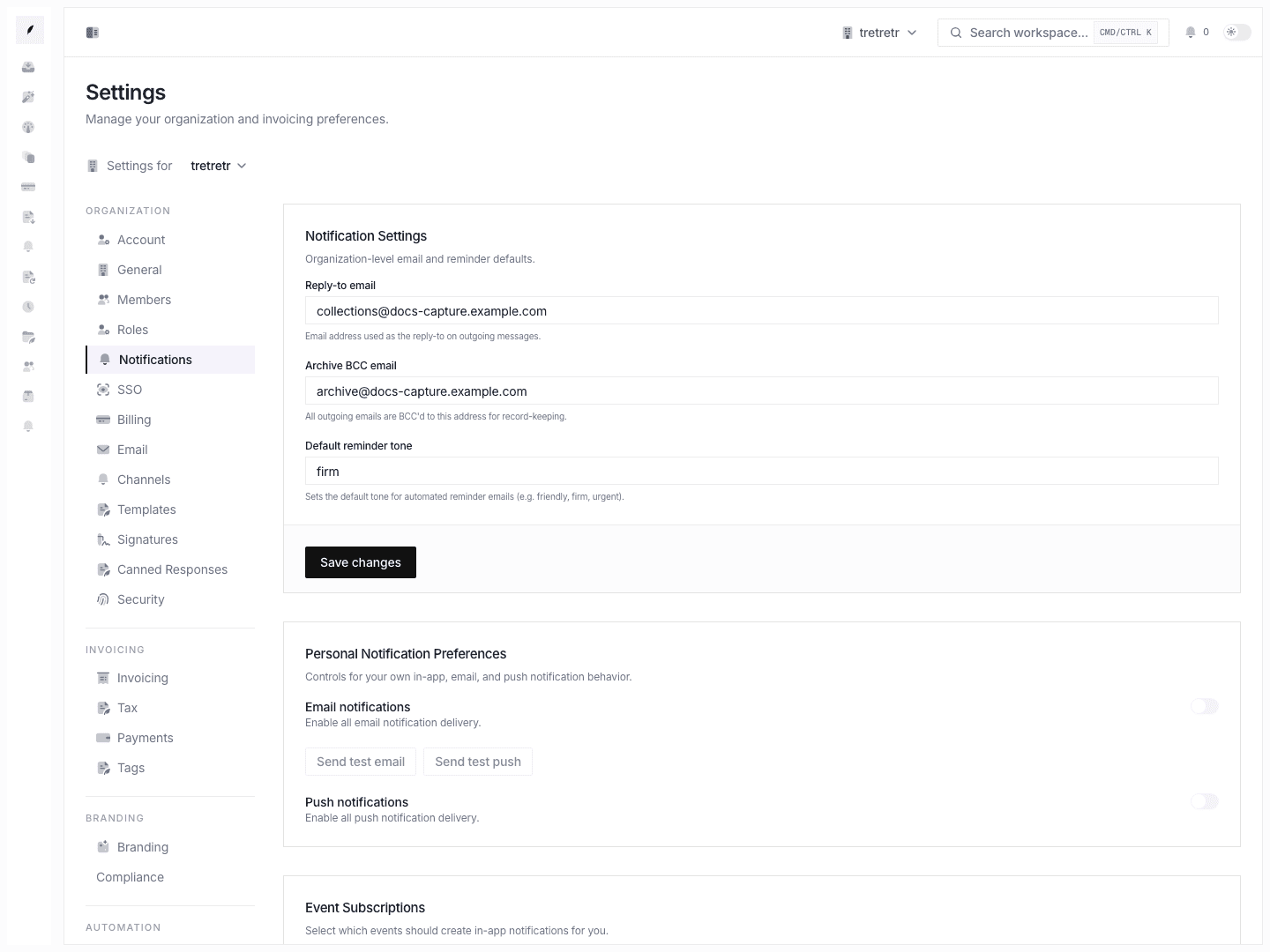
Settings → Notifications combines organization-level email defaults with the personal notification controls exposed in workspace settings.
Organization Defaults
Workspace-level notification settings include:
| Field | Purpose |
|---|---|
| Reply-to email | Address used as the reply-to on outgoing messages. |
| Archive BCC email | Address BCC'd on outgoing emails for record keeping. |
| Default reminder tone | Default tone used for automated reminder email copy. |
Personal Notification Preferences
The personal preferences section controls your own in-app, email, and push notification behavior.
You can:
- enable or disable email notifications
- send a test email notification
- enable or disable push notifications
- send a test push notification
- subscribe or unsubscribe from available in-app notification events
Available event subscriptions include invoice, reminder, client, portal comment, inbox, and report events exposed by the current notification service.
Email Delivery Rules
Email delivery rules currently include:
- invoice paid
- invoice overdue
- reminder sent
- new client
- weekly report
- monthly report
Push Delivery Rules
Push delivery rules currently include:
- invoice paid
- invoice overdue
- reminder sent
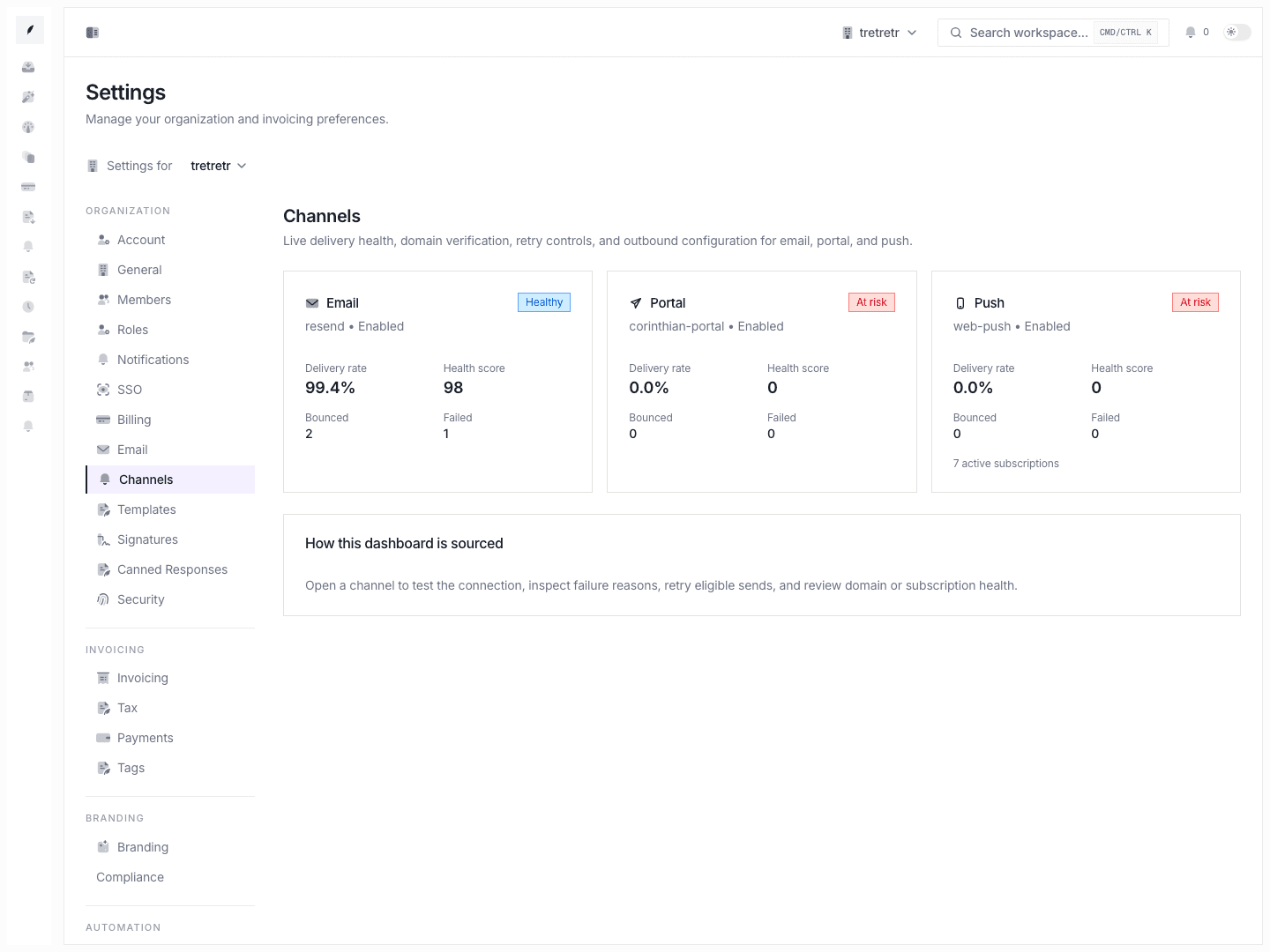
Push delivery also requires a browser push subscription and browser/OS permission.
What Is Not Included
The current Settings Notifications page does not document a full per-event channel matrix, Slack routing, digest frequency controls, or SLA-specific notification routing.
Troubleshooting
Outgoing replies use the wrong reply-to address
Update the reply-to email in organization notification settings and save.
Archive copies are missing
Confirm the archive BCC email is valid and that the outbound message path uses organization notification defaults.
Push tests fail
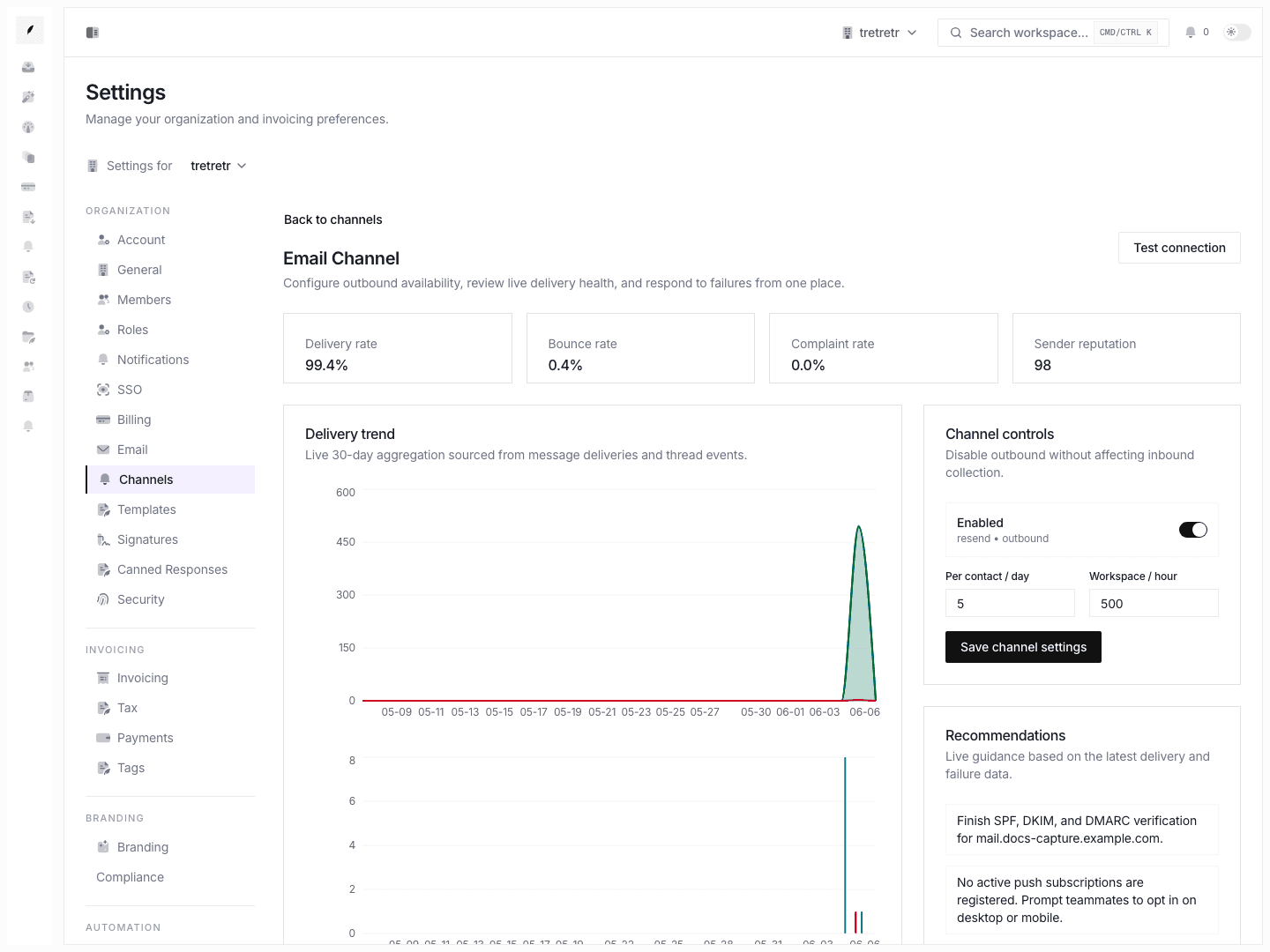
Confirm push notifications are enabled and the browser has an active push subscription.