Account Email Signature
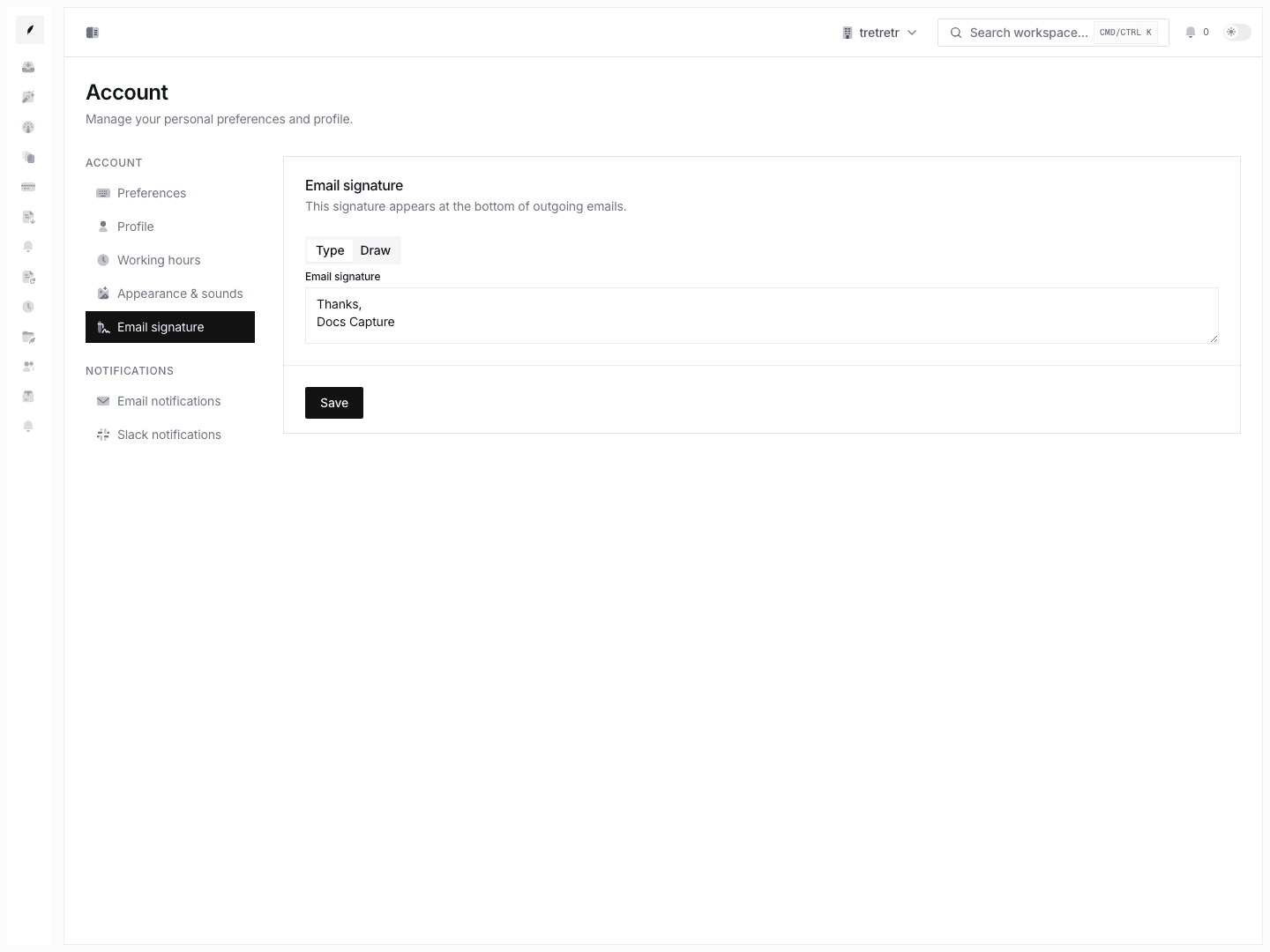
Save a personal text or drawn signature for customer-facing communication.
Account → Email Signature is where you maintain the personal signature data tied to your account.

What You Can Configure
| Signature Type | What It Stores |
|---|---|
| Text | Plain text signature content. |
| Drawn | A drawn signature image captured from the signature pad. |
Signature changes are personal. They do not change organization logo, brand color, workspace sender identity, or anyone else's signature.
Create a Text Signature
- Open Account → Email Signature.
- Choose the text signature type.
- Enter the signature text.
- Save.
Keep text signatures concise so customer-facing messages remain readable.
Create a Drawn Signature
- Open Account → Email Signature.
- Choose the drawn signature type.
- Draw the signature in the capture area.
- Save, or clear and redraw if needed.
What Is Not Included
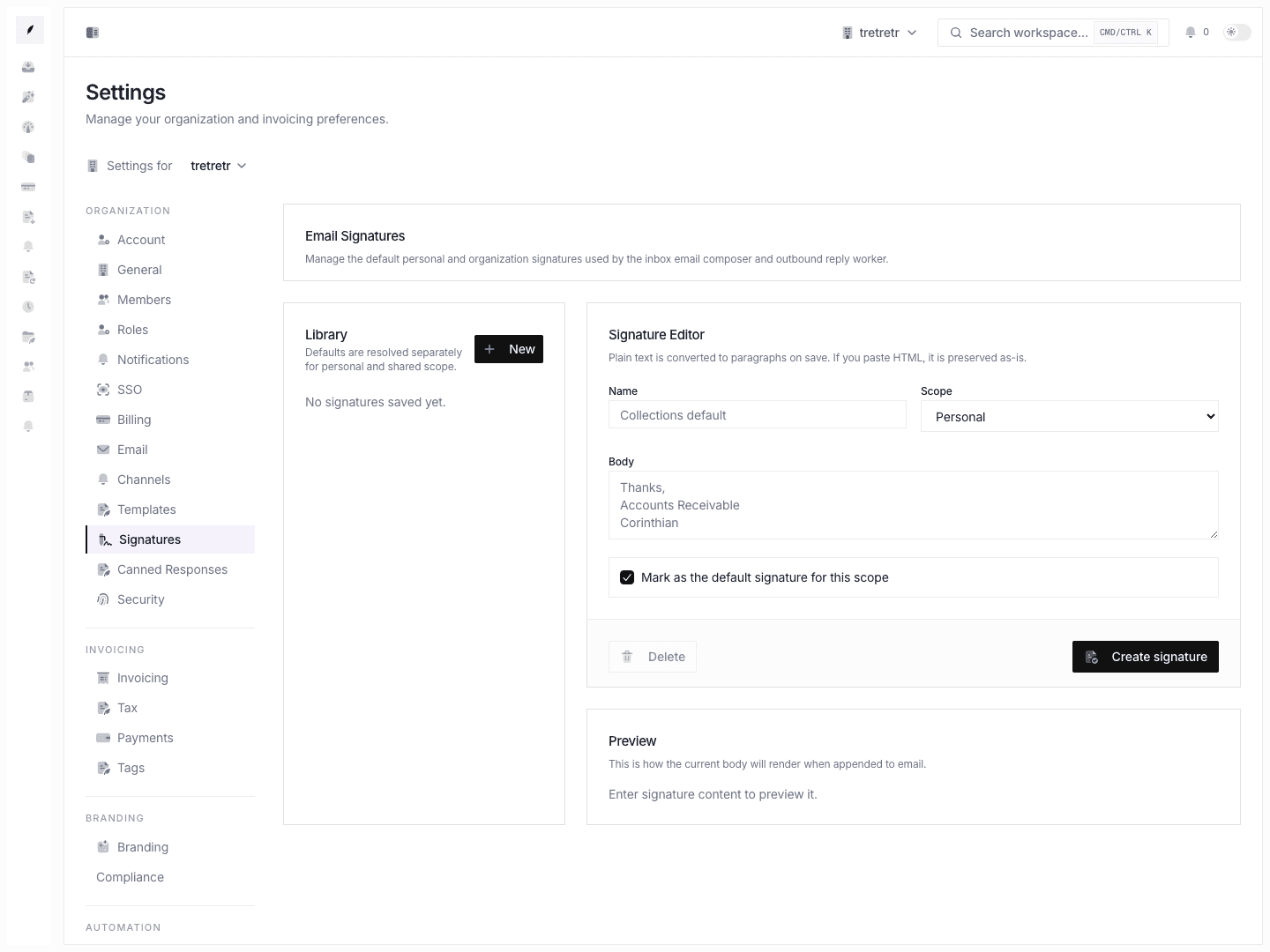
The current signature page does not document formatted signature editing, markup-based signatures, dynamic signature tokens, per-channel signature tabs, default-signature selection, or a dedicated preview flow.
Troubleshooting
I changed my signature, but the company branding did not change
That is expected. Organization logo and color live in Settings Branding.
My drawn signature is not accepted
Use the built-in drawing area and save a valid signature image. If the browser blocks the drawing interaction, refresh and try again.